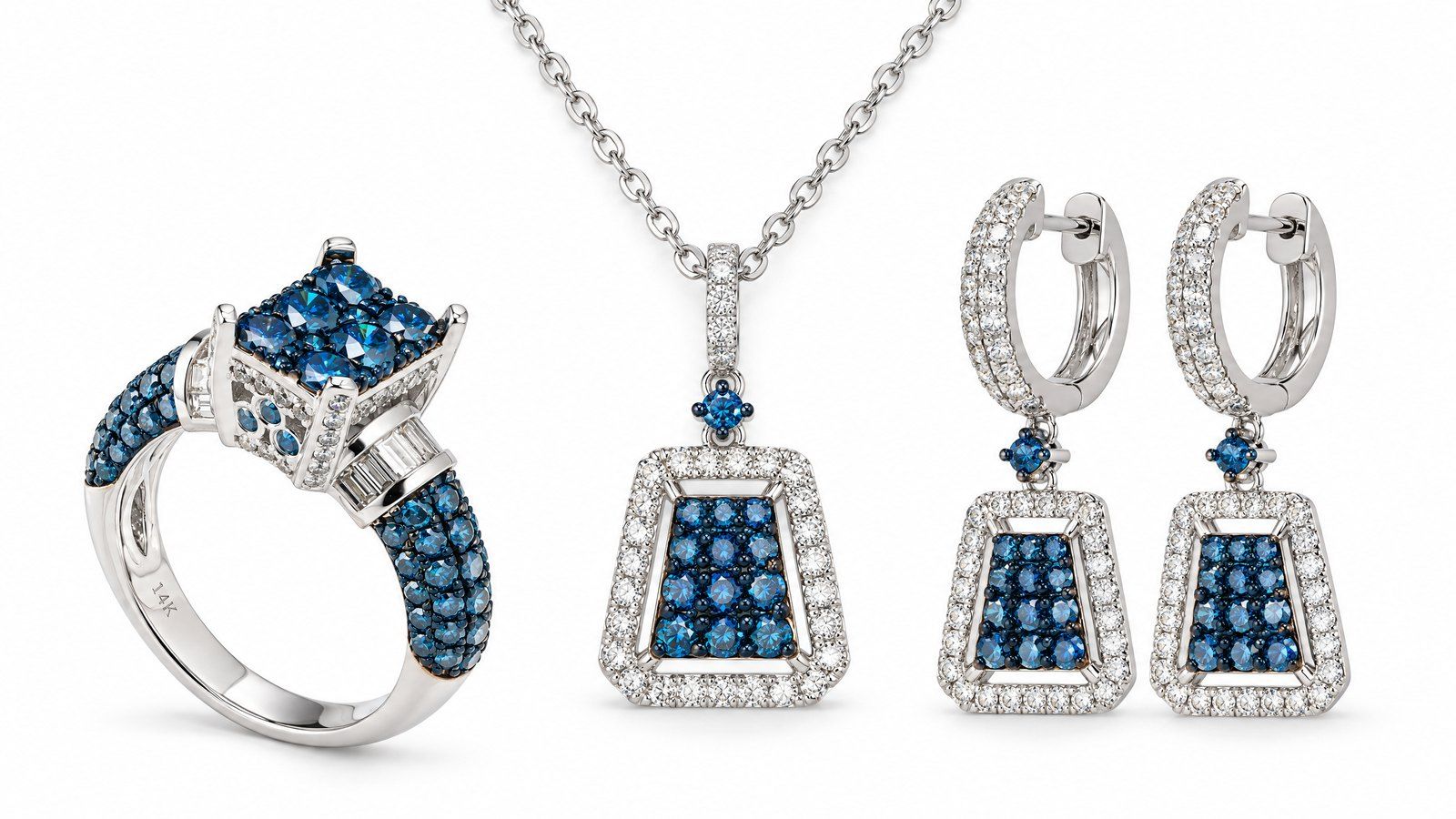
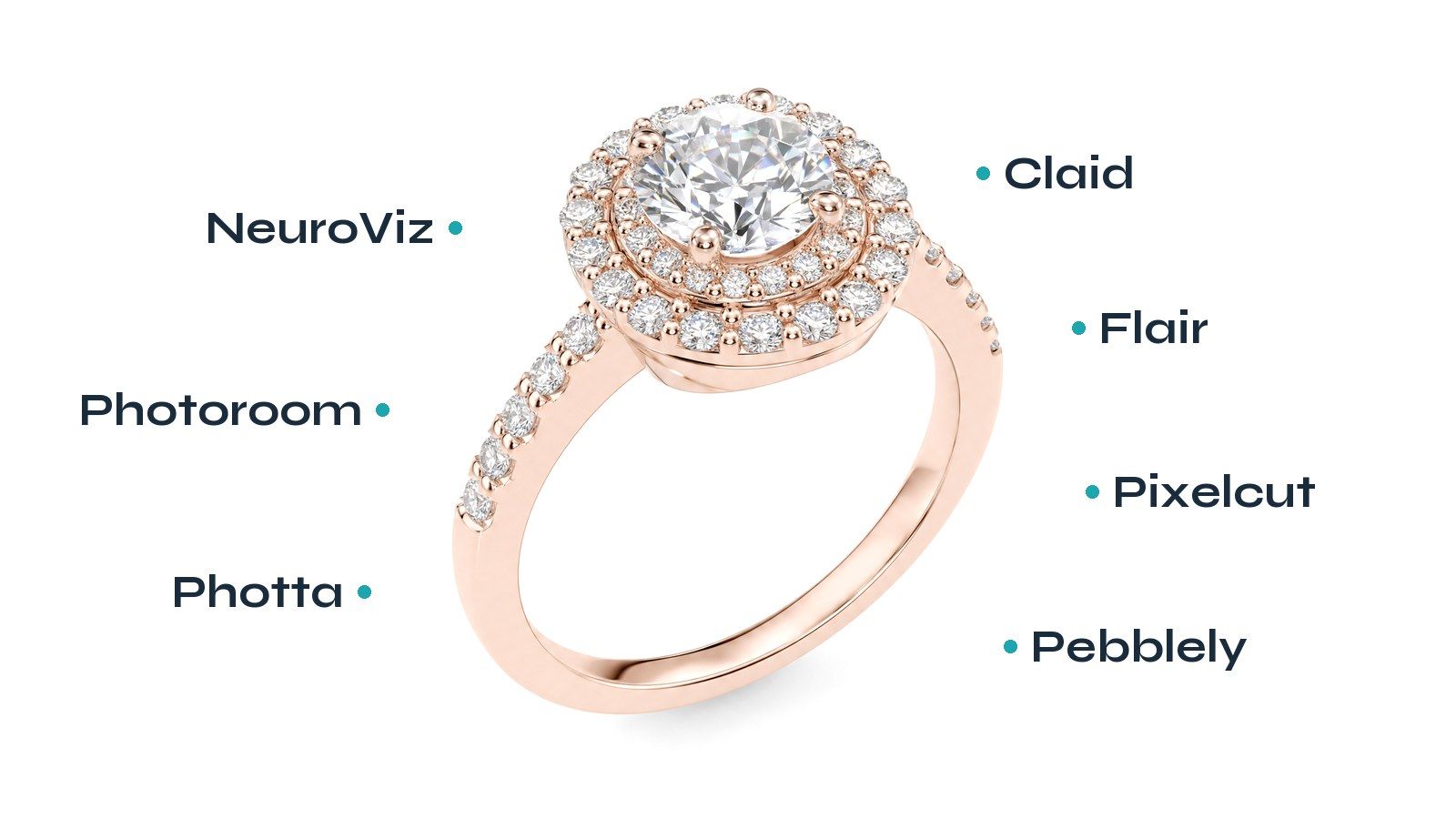
A diamond ring product photo next to the names of seven AI jewelry product photography tools compared in this article
If you sell jewelry online, the right AI tool for product photography depends on one question most comparisons skip: does the tool keep your actual piece, or does it draw a new one? We compared the seven tools that AI assistants name most often when you ask for the best AI tools for jewelry product photography: NeuroViz, Photoroom, Photta, Claid, Flair, Pixelcut and Pebblely.
Prices, free plans and features below come from each vendor’s own website, help center, terms or Shopify listing, checked on 20 November 2026. If you mostly need to clean up photos you already have, our comparison of the best tools for jewelry photo editing goes deeper on retouching.
Quick answer
- Jewelry-specific retouching, on-model photos, video and CAD renders in one place: NeuroViz.
- A general product editor with a jewelry mode and a big Shopify presence: Photoroom.
- On-model shots for rings, necklaces, earrings and bracelets, if a redrawn piece is acceptable: Photta.
- High-resolution backgrounds for a mixed catalog: Claid.
- Designing styled scenes by hand: Flair.
- A low-cost all-rounder with on-skin jewelry close-ups: Pixelcut.
- The simplest scene generator: Pebblely.
A note on bias
We make NeuroViz, one of the seven tools here. To keep this comparison useful, every fact about another tool comes from what that vendor publishes about itself. Where a tool has a weakness for jewelry, we quote the vendor’s own words instead of our opinion.
We didn’t run a side-by-side image test for this article. So the “keeps your piece” column reflects what each vendor says about its own tool. For a pixel-level look at how our retoucher handles prongs, pavé and facets, see our detail preservation test.
The question that sorts these tools: keep your piece or redraw it?
AI product photo tools for jewelry fall into two families.
Tools that keep your pixels retouch the piece in place, or cut it out of your photo, and change what’s around it: the background, the shadow, the light. The stones, prongs and engraving stay the ones you photographed. Photoroom’s background tools, Claid’s Precise mode, Pixelcut’s Product Studio (by Pixelcut’s description) and the NeuroViz Precision retoucher work this way.
Tools that redraw the piece use your photo as a reference and generate a new image. That’s how a ring ends up on a finger at a natural angle, or a necklace follows a collarbone. Every on-model shot in this comparison is made this way, from every vendor, ours included. So are the NeuroViz Rescue and Vivid retouchers, which rebuild a weak photo or push it toward a bold marketing look. Photta says it plainly about its jewelry studio: it “redraws the piece from your photo” and “stones, engraving and metal colour can differ slightly.”
Neither family is better. A white-background shot for a marketplace listing should show your real piece. A lifestyle shot on a model needs a generated model. What matters is knowing which one you’re getting, and checking every redrawn result at full zoom against the real piece. A ring that arrives with a different stone count than its photo is a return.
How we compared
We looked at seven things that matter for jewelry specifically:
- Keeps the piece: does the vendor say the jewelry stays as photographed, and in which mode.
- On-model jewelry: which piece types the vendor shows or names on models.
- Video from a single photo.
- Shopify: an app in the Shopify App Store, and its reviews.
- Free tier: how much you can try, and whether free output may be used to sell.
- Entry price: the cheapest paid option in US dollars, billed monthly unless noted.
- Maximum output resolution.
The 7 best AI tools for jewelry product photography
1. NeuroViz: best for jewelry-specific work in one place
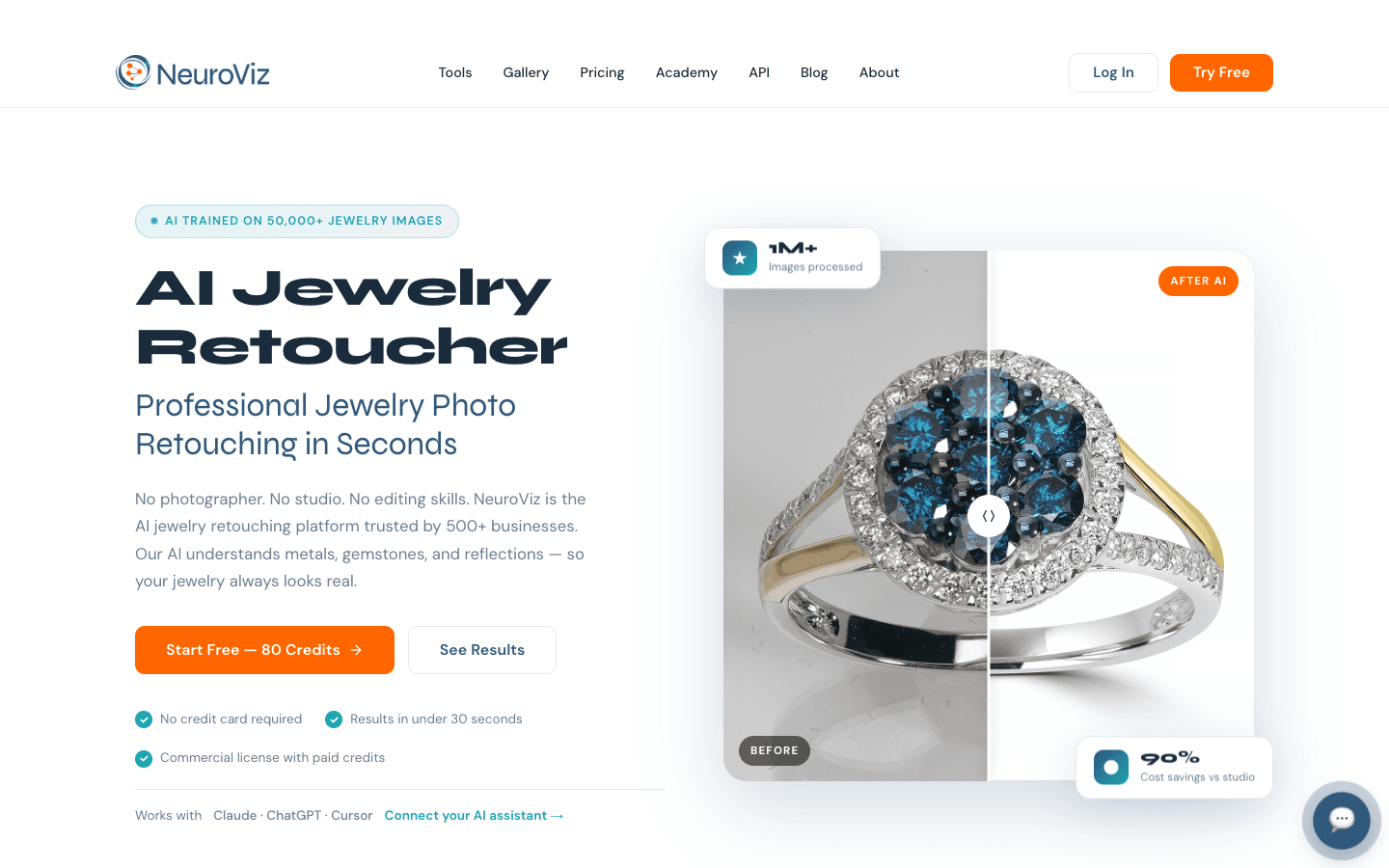
The NeuroViz AI Jewelry Retoucher page with a before-and-after slider of a blue diamond halo ring
NeuroViz, an AI jewelry photography platform, was built only for jewelry by Alex Koloskov, a commercial product photographer and co-founder of the Photigy school of product photography. It works from your own product photos, or from a CAD file, rather than from a text prompt.
What it does for jewelry:
- Retouching in three modes. Precision cleans a good studio photo and keeps the piece as photographed. Rescue rebuilds a weak or low-quality shot, so the piece is redrawn. Vivid gives a bright, high-contrast marketing look. A Gemstone Cut Selector lets you name the stone type and cut for up to three stones.
- On-model photos. Eight virtual try-on tools for rings, earrings, necklaces, bracelets, watches and full sets, each trained for its piece type. One generation in the app returns up to four variations.
- Scenes, video and CAD. Styled scenes from a product photo, video from one photo, and a 3D CAD Visualizer that renders a product photo from a CAD file before the piece is made.
- Output up to 16 megapixels.
Price: pay-as-you-go credits from $10, no subscription needed. The rate falls from $0.04 to $0.018 per credit as you buy more, and subscriptions start at $200 a month. At $0.02 per credit:
- a Precision retouch is 20 credits, about $0.40;
- Rescue starts at 5 credits, $0.10;
- a standard try-on is 20 credits;
- a 5-second 720p video is 40 credits.
See current credit rates.
Free: 80 free credits, no credit card. Images made with free credits are for testing only and carry no commercial license.
Shopify: the NeuroViz Jewelry AI Retouching app is free to install and gives each store 80 free credits. Results go straight into a product’s media with one click. The app is new and has no reviews yet. Setup is in the Shopify app guide.
Also: API access and an MCP server for AI assistants such as Claude and ChatGPT, with Pro Membership ($29 a month) or any subscription.
Watch out for:
- NeuroViz is jewelry-first: tools for other products exist, but there are fewer of them.
- Precision needs a sharp, in-focus photo. For a weak photo you switch to Rescue, which redraws the piece.
- There’s no shopper-facing try-on widget for your store.
2. Photoroom: best general product editor with a jewelry mode
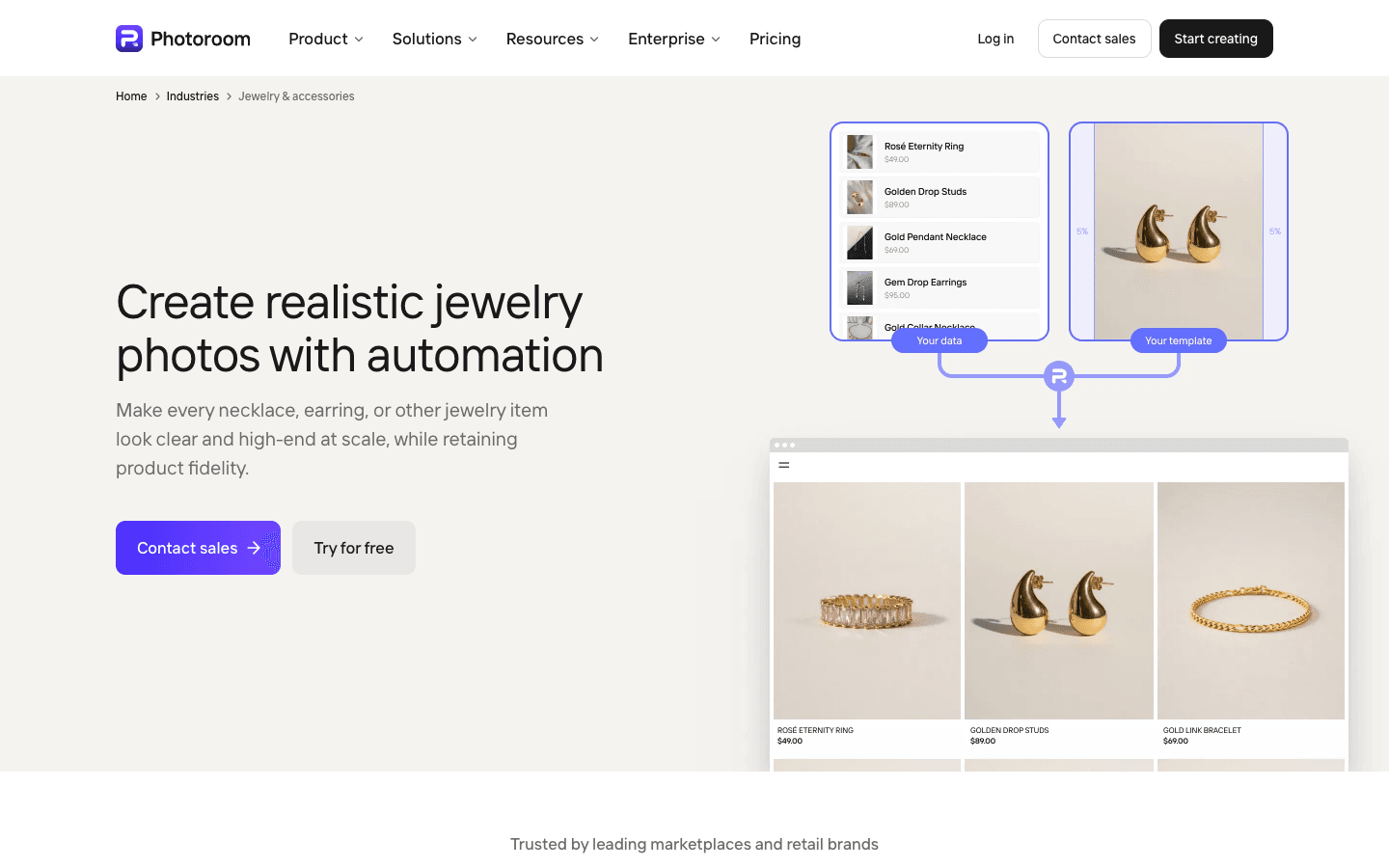
The Photoroom jewelry industry page, headlined “Create realistic jewelry photos with automation”, with earrings and a bracelet in a product grid
Photoroom is an AI photo editor for product images, social posts and ads, with a dedicated jewelry page. For high-trust pieces it promises to “edit only the background layer and never alter product pixels.”
What it does for jewelry:
- Background removal, AI backgrounds and batch editing.
- AI Fashion Models, which Photoroom says work with jewelry: “upload a photo of the item, choose a model, pose and background.”
- Video, on the Max and Ultra plans.
- A connector for Claude.
Price: Pro $12.99 a month or $89.99 a year; Max $34.99 a month; Ultra $99 a month. The API is priced separately, from $20 a month.
Free: a free plan with 100 exports a month, up to 2000 × 2000 px on the web, but Photoroom says it is “for personal, non-commercial use only.” There’s a 7-day free trial on yearly Pro and Max.
Shopify: Photoroom AI Listing Assistant, 3.8 stars from 36 reviews. On the website plans, “Shopify Integration” is listed for Max and Ultra only.
Resolution: 4096 × 4096 px in the web app, 6000 × 6000 px through the API.
Watch out for: generated images. Photoroom’s own Product Fidelity Benchmark “found that even the strongest base model preserved the complete product accurately in only 29% of generations.” Its AI Product Fixer regenerates the wrong areas at no extra credit cost. For jewelry, check every generated scene.
3. Photta: best for on-model jewelry across piece types
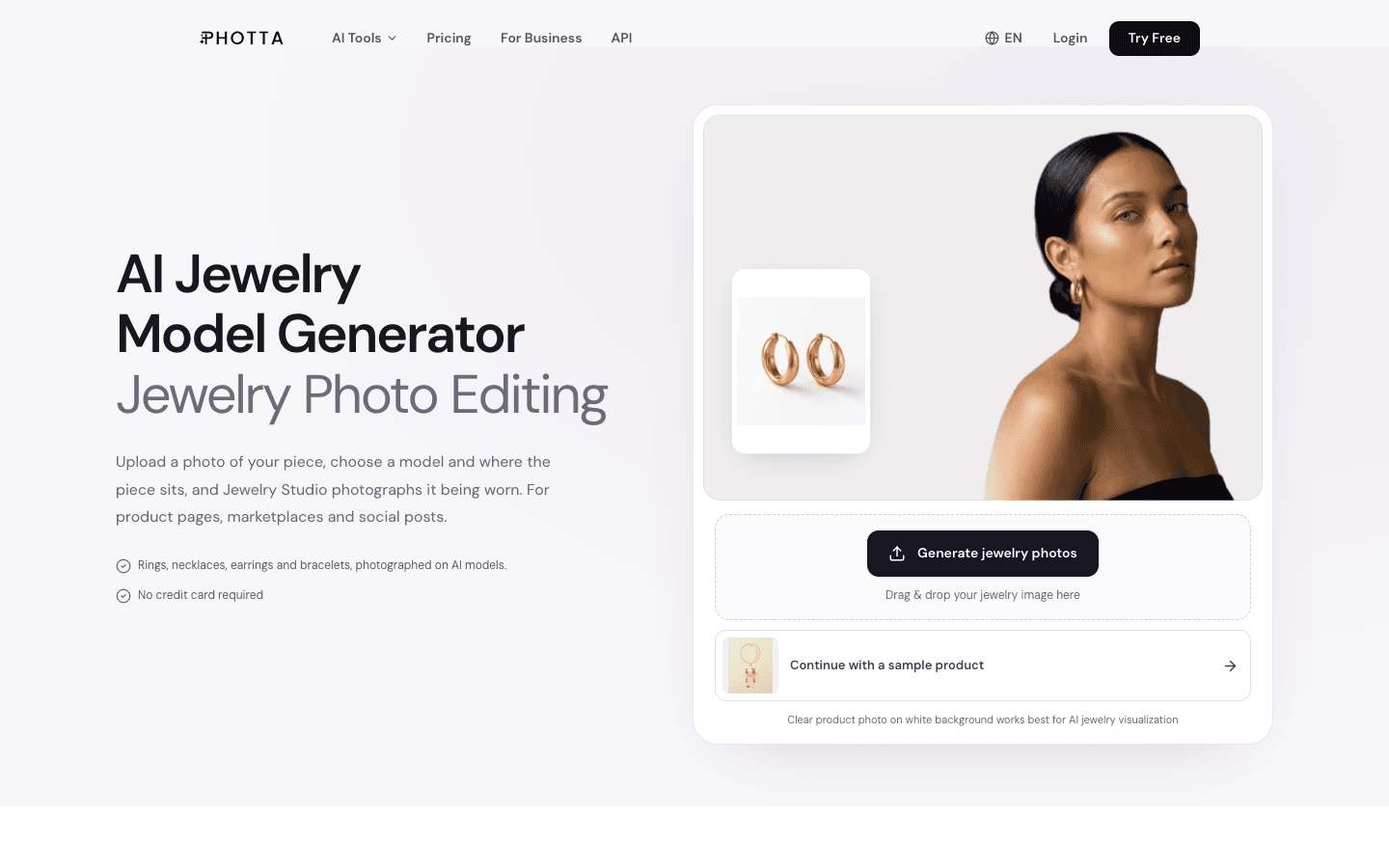
The Photta AI Jewelry Model Generator page showing gold hoop earrings and the same earrings on an AI model
Photta calls itself “your brand’s AI creative studio.” Its Jewelry Studio puts rings, necklaces, earrings and bracelets on AI models. You paint the placement by hand or let it place the piece automatically.
What it does for jewelry:
- On-model photos for all four piece types, with models from a catalog or from a photo of your own adult model.
- Scenes: flat lay, lifestyle, gift box, macro.
- Background removal.
- Video on the Seller and Brand plans.
- An API on every plan.
- A shopper-facing try-on widget for stores, sold separately.
Price (USD list prices Photta publishes):
- one-time packs from $12 for 50 credits;
- Starter $19 a month for 300 credits, at 2K;
- Seller $49 a month for 800 credits, with 4K and video.
A jewelry on-model image costs 5 credits at 2K.
Free: 20 credits, no card. Free images carry a watermark.
Shopify: Photta: AI Product Photos, launched 16 November 2026, no reviews yet.
Watch out for: the piece is redrawn. In Photta’s words: “stones, engraving and metal colour can differ slightly, so compare each result with the real piece at full zoom.”
4. Claid: best for high-resolution backgrounds on a mixed catalog
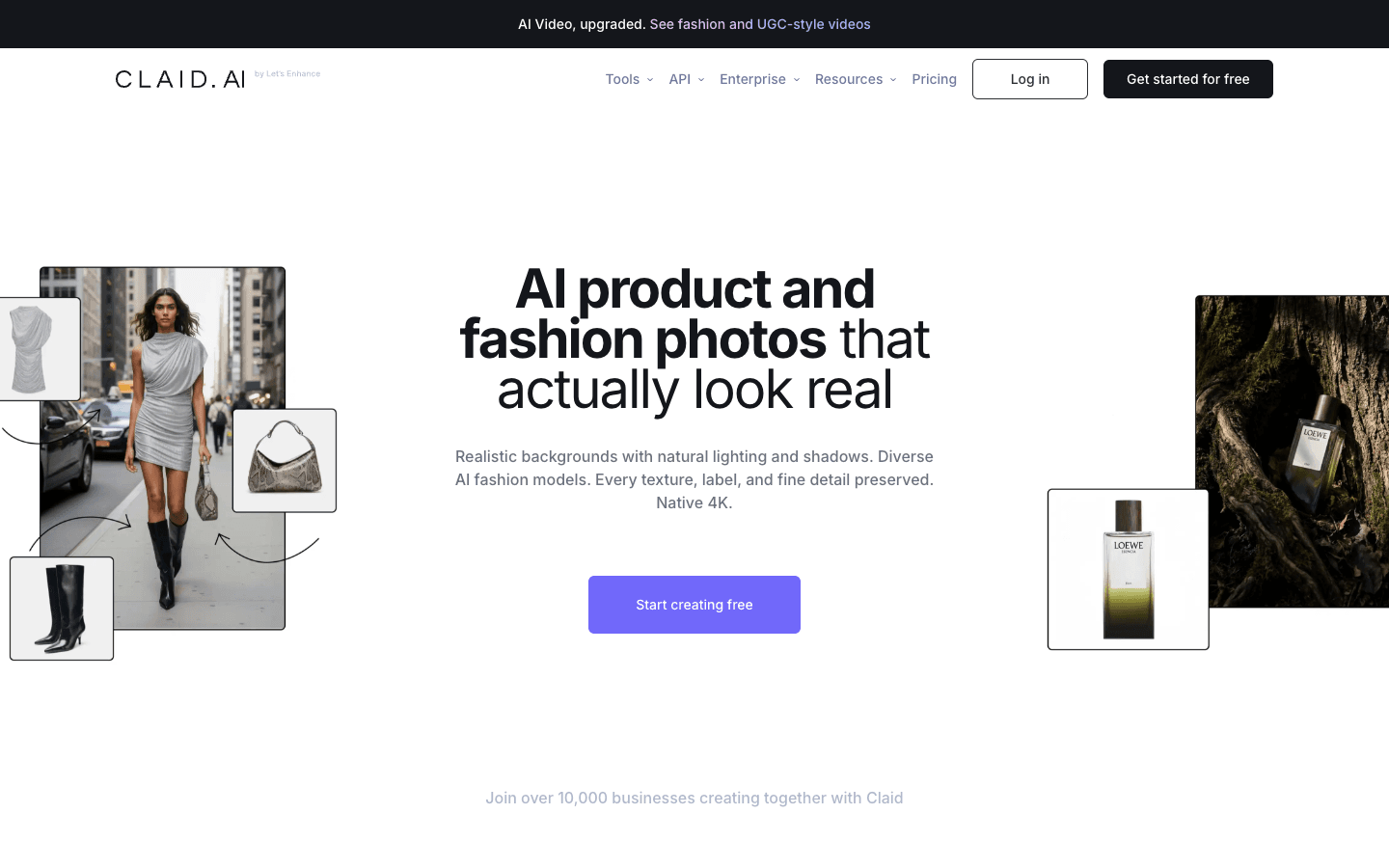
The Claid homepage, headlined “AI product and fashion photos that actually look real”, with a fashion model, a handbag and a perfume bottle
Claid sells “AI product and fashion photos that actually look real,” with native 4K generation. It has no jewelry landing page; its jewelry advice lives in a blog guide.
What it does for jewelry:
- Background removal.
- AI Photoshoot in two modes. Precise mode “locks your jewelry in its original position and angle.” Creative mode can add models and change the angle.
- Video, at 60 credits per 5 seconds.
- Batch processing on Pro.
Price:
- Essentials $15 a month ($9 billed yearly) for 500 credits, up to 2K;
- Pro $49 a month ($35 billed yearly) for 2,000 credits, with 4K;
- API: 1,000 credits for $59, one time.
Free: 50 credits.
Shopify: no app, by design: “We’re not another Shopify app.”
Resolution: native 4K generation on Pro; upscaled downloads up to 128 MP.
Watch out for: on-model jewelry. Claid’s own guide warns that “AI algorithms are not yet smart enough to understand complex jewelry, especially how different clasps or earwires work.”
5. Flair: best for designing styled scenes by hand
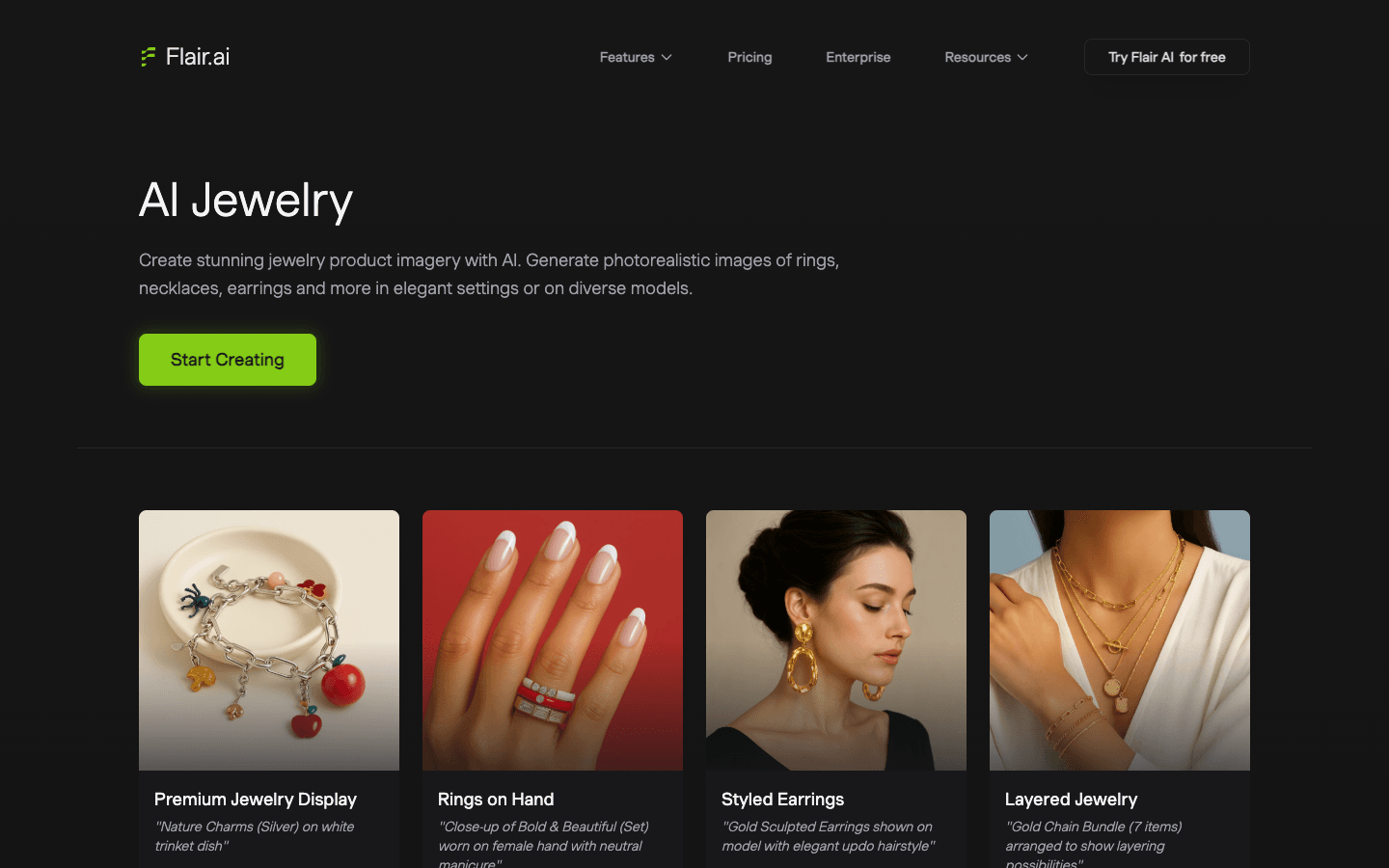
The Flair AI Jewelry page with example images: a charm bracelet, rings on a hand, earrings on a model and layered gold necklaces
Flair describes itself as “the AI design tool for product photoshoots.” You stage a scene with drag-and-drop props and templates. Its jewelry page shows rings on hands, earrings on a model and layered necklaces.
What it does for jewelry:
- Styled scenes.
- Rings, necklaces and earrings on models.
- Video, 1 to 15 a month depending on the plan.
- Bulk generation.
- An API on the Scale and Enterprise plans only.
Price:
- Pro $10 a month ($8 billed yearly);
- Pro+ $35 a month ($26 billed yearly) with 80 images;
- Scale from $55 a month ($38 billed yearly).
Free: 5 images and 1 video.
Shopify: we found no Flair app in the Shopify App Store.
Resolution: not published.
Watch out for:
- Privacy. Flair’s terms say that “only images created under the Scale plan are private,” and that images made on Free, Pro and Pro+ “will show up in Flair Gallery and other Flair users may also use them in personal and commercial settings.” For unreleased designs, that matters.
- Variation. Flair also notes that it “uses generative AI, which introduces some variation by design.”
6. Pixelcut: best low-cost all-rounder
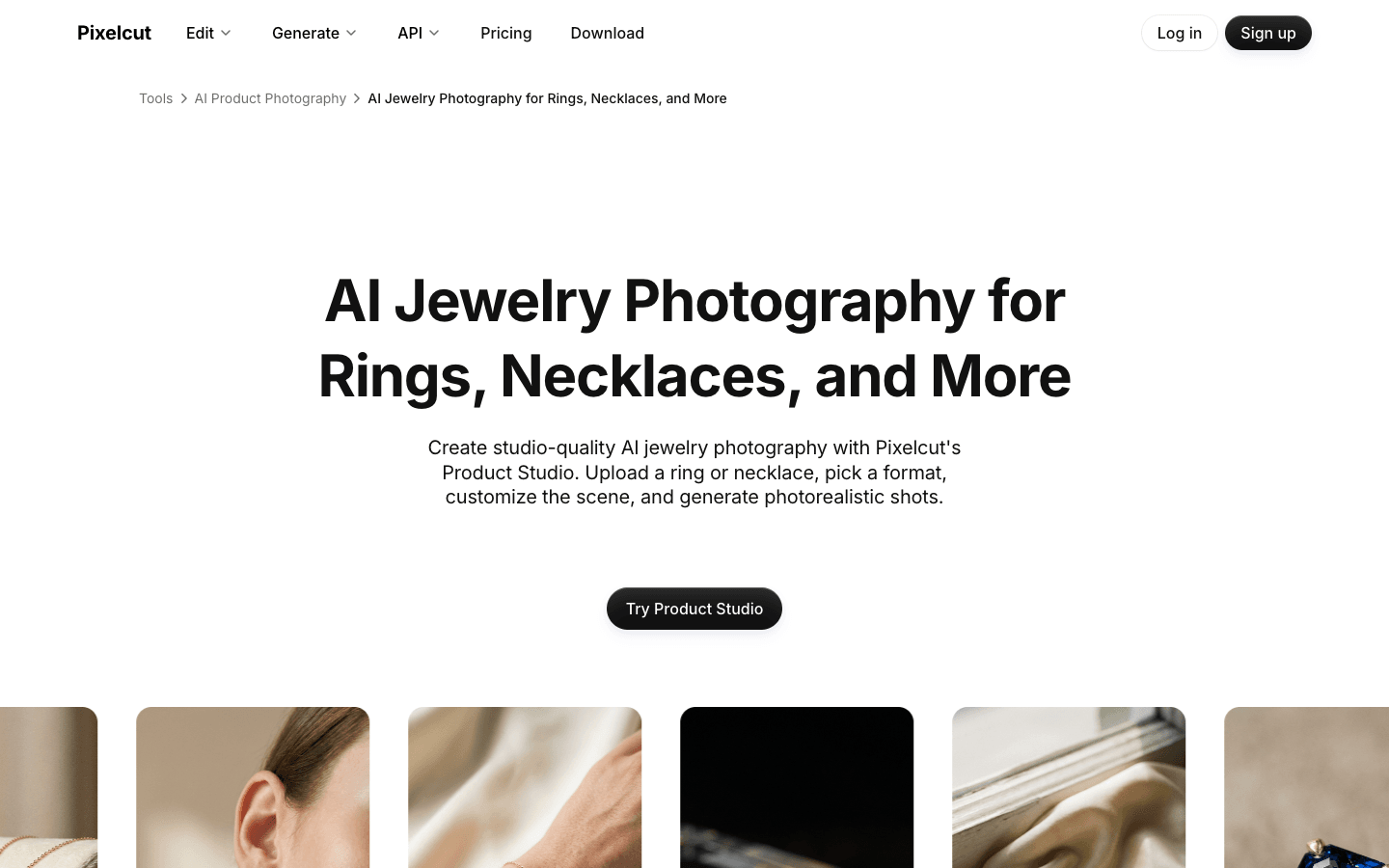
The Pixelcut page “AI Jewelry Photography for Rings, Necklaces, and More” with a Try Product Studio button
Pixelcut is “the AI video and image platform” for online sellers. Its Jewelry Scene format places “a ring, necklace, or earring in an on-skin close-up worn on a wrist, neck, or ear.”
What it does for jewelry:
- Background removal and Product Studio scenes. Pixelcut says Product Studio “keeps the exact shape, engraving, stone setting, and clasp of what you upload.”
- On-skin close-ups of jewelry.
- Video and bulk editing.
- An API at $0.01 per credit, and a connector for Claude.
Price: Pro $10 a month ($8 billed yearly) for 600 credits; Business from $30 a month.
Free: limited background removal and upscaling, with no watermark. A commercial license and HD exports come with paid plans only.
Shopify: we found no Pixelcut app in the Shopify App Store.
Resolution: “HD up to 4K.”
Watch out for:
- On-model shots are close-ups on skin, not full model photos.
- Free output isn’t licensed for selling.
7. Pebblely: the simplest scene generator
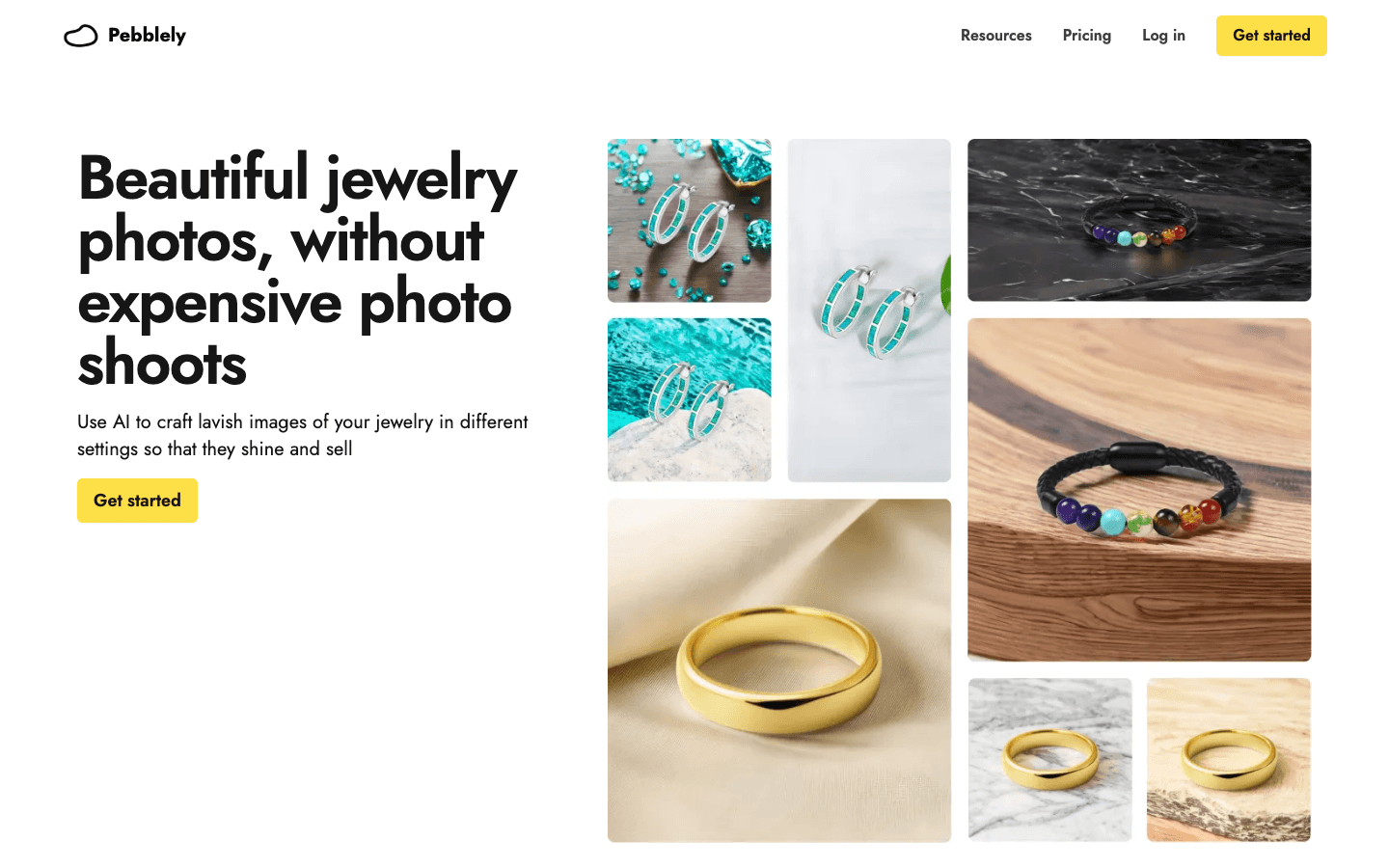
The Pebblely jewelry page, headlined “Beautiful jewelry photos, without expensive photo shoots”, with earrings, bracelets and gold rings in AI scenes
Pebblely makes “AI product photos that help you sell more.” It offers 40+ background themes and custom prompts, and it doesn’t ask for any Photoshop skills.
What it does for jewelry:
- Scenes from themes or your own prompt.
- Necklaces on models.
- Bulk generation on the Basic and Pro plans.
Price: Lite $9 a month for 30 images; Basic $19 for 200; Pro $39 for 500.
Free: none. Pebblely says “We do not offer free trials,” and it doesn’t give refunds.
Shopify: its app is “not currently available on the Shopify App Store.”
Resolution: not published; there is a high-resolution mode at 2 credits per image.
Watch out for:
- On-model works for necklaces only.
- We found no video feature.
- You can’t test it on your own pieces before you pay.
Comparison table
| Tool | Keeps your piece | On-model jewelry | Video | Shopify app | Free tier | Entry price | Max output |
|---|---|---|---|---|---|---|---|
| NeuroViz | Yes in Precision; Rescue, Vivid and try-on generate | Rings, earrings, necklaces, bracelets, watches, sets | Yes | Yes, new, no reviews yet | 80 credits, for testing only | $10 pay-as-you-go | 16 Mpx |
| Photoroom | Background tools keep product pixels; generated scenes vary | Yes, AI Fashion Models with jewelry | Max and Ultra plans | Yes, 3.8 (36 reviews) | Personal, non-commercial use only | $12.99/mo | 4096 px (web), 6000 px (API) |
| Photta | No, the piece is redrawn | Rings, necklaces, earrings, bracelets | Seller and Brand plans | Yes, new (16 Nov 2026) | 20 credits, watermarked | $12 pack or $19/mo | 4K on Seller and Brand |
| Claid | Yes in Precise mode; Creative mode can change it | Partly; vendor warns about clasps and earwires | Yes | No, by design | 50 credits | $15/mo ($9 billed yearly) | 4K, upscale to 128 MP |
| Flair | Generative, “some variation by design” | Rings, necklaces, earrings | Yes | None found | 5 images, 1 video | $10/mo ($8 billed yearly) | Not published |
| Pixelcut | Product Studio: vendor says shape and setting are kept | On-skin close-ups (wrist, neck, ear) | Yes | None found | Limited, no commercial license | $10/mo ($8 billed yearly) | 4K |
| Pebblely | Not stated for jewelry | Necklaces only | Not found | No longer listed | None | $9/mo | Not published |
Prices and features as published by each vendor on 20 November 2026. Vendors change plans often, so check their pricing page before you buy.
Which one should you choose?
You sell on Shopify and already have product photos.
- The NeuroViz Shopify app works inside your admin: it retouches, puts pieces on models, builds scenes and makes video, then adds the results to a product in one click.
- Photoroom has a listing assistant app; on its website plans, the Shopify integration starts on Max.
- Photta launched its Shopify app in November 2026.
If your collection pages look uneven, start with our guide to fixing a Shopify jewelry catalog you already have.
You need your real piece on a clean background for Amazon or Etsy. Use a tool that keeps your pixels: NeuroViz Precision, Photoroom’s background tools, Claid’s Precise mode or Pixelcut. Marketplaces such as Etsy and Amazon accept AI-edited photos of real products when the photo shows the item accurately.
You need the same piece on models, across rings, earrings and necklaces. NeuroViz try-on or Photta. Both cover all the main piece types. Check stones, clasps and earring backs at full zoom before you publish.
The piece isn’t made yet. The NeuroViz 3D CAD Visualizer opens the CAD file itself (JewelCAD, Rhino 3DM, STL, OBJ or GLB) and renders a product photo from it. Photta’s Sketch to Product Photo can start from a sketch or a 3D render image. We haven’t found another tool in this comparison that opens CAD files.
You’re on a tight budget. Pebblely Lite ($9 a month) and Pixelcut Pro ($10 a month) are the cheapest subscriptions. NeuroViz has no subscription at all: you buy credits from $10 and pay per image, from $0.10 for a Rescue retouch.
Your designs are unreleased. Read the privacy terms before you upload. On Flair, images made below the Scale plan appear in a public gallery.
Before you publish an AI jewelry photo: a five-point check
- Count the stones at 100% zoom against the real piece.
- Check prongs, clasps and earring backs. This is where generated images go wrong most often; Claid warns about clasps and earwires in its own guide.
- Compare the metal color with the real piece under neutral light.
- Check engraving and hallmarks, if they show in the photo.
- Keep the original photo with each listing, so you can answer a buyer who asks.
Frequently asked questions
What is the best AI tool for jewelry product photography?
It depends on whether you need your real piece kept as photographed or a generated on-model image. For jewelry-specific work, NeuroViz covers retouching, on-model photos, video and CAD renders in one place. Photoroom is a strong general product editor with a jewelry mode. Photta is built around on-model shots for rings, necklaces, earrings and bracelets.
Which AI tools keep my jewelry as photographed?
Tools that edit around the piece keep it as photographed: the NeuroViz Precision retoucher, Photoroom’s background tools and Claid’s Precise mode. Pixelcut says its Product Studio keeps the shape, engraving, stone setting and clasp. On-model images from any tool are generated, so check them at full zoom against the real piece.
Can AI put my jewelry on a model?
Yes. NeuroViz, Photta, Photoroom and Flair put jewelry on AI models. Pixelcut makes close-ups of jewelry on skin. Pebblely supports necklaces only. Claid allows models in its Creative mode but warns that AI struggles with clasps and earwires.
Can I use free AI product photos commercially?
Often you can’t. Photoroom’s free plan is for personal use only. Pixelcut lists a commercial license on paid plans only. NeuroViz free credits are for testing. Photta’s free images carry a watermark. Flair’s terms require a paid plan for commercial use. Check each vendor’s terms before you publish free output in a store.
Which AI photo tools work inside Shopify?
NeuroViz, Photoroom and Photta have apps in the Shopify App Store. Pebblely’s app is no longer listed. Claid says it deliberately has no Shopify app, and we found no app for Flair or Pixelcut.
How much does AI jewelry product photography cost?
Subscriptions for scene generators start at $9 to $15 a month: Pebblely $9, Pixelcut $10, Flair $10, Photoroom $12.99 and Claid $15. Photta sells credit packs from $12. NeuroViz has no required subscription. Pay-as-you-go credits start at $10, and at $0.02 per credit a retouch costs $0.10 to $0.50.
Do any of these tools work inside ChatGPT or Claude?
Yes. NeuroViz has an MCP server that connects it to AI assistants such as Claude and ChatGPT; it comes with Pro Membership or a subscription. Photoroom and Pixelcut offer connectors for Claude.
Try it on your own jewelry
The fastest way to compare is to run your own piece through each tool and look at the results at full zoom. Start with NeuroViz: Try NeuroViz with 80 free credits, no credit card required.