Free demo · No sign-up

Your jewelry photo, store-ready in a minute

Upload one photo of something you sell. The Wizard picks the right tool, does the job and shows you the result.
  • 5 free tries
  • No sign-up, no card
  • Photos stay private
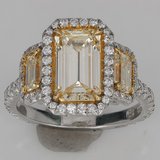
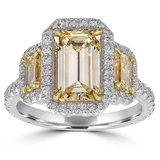
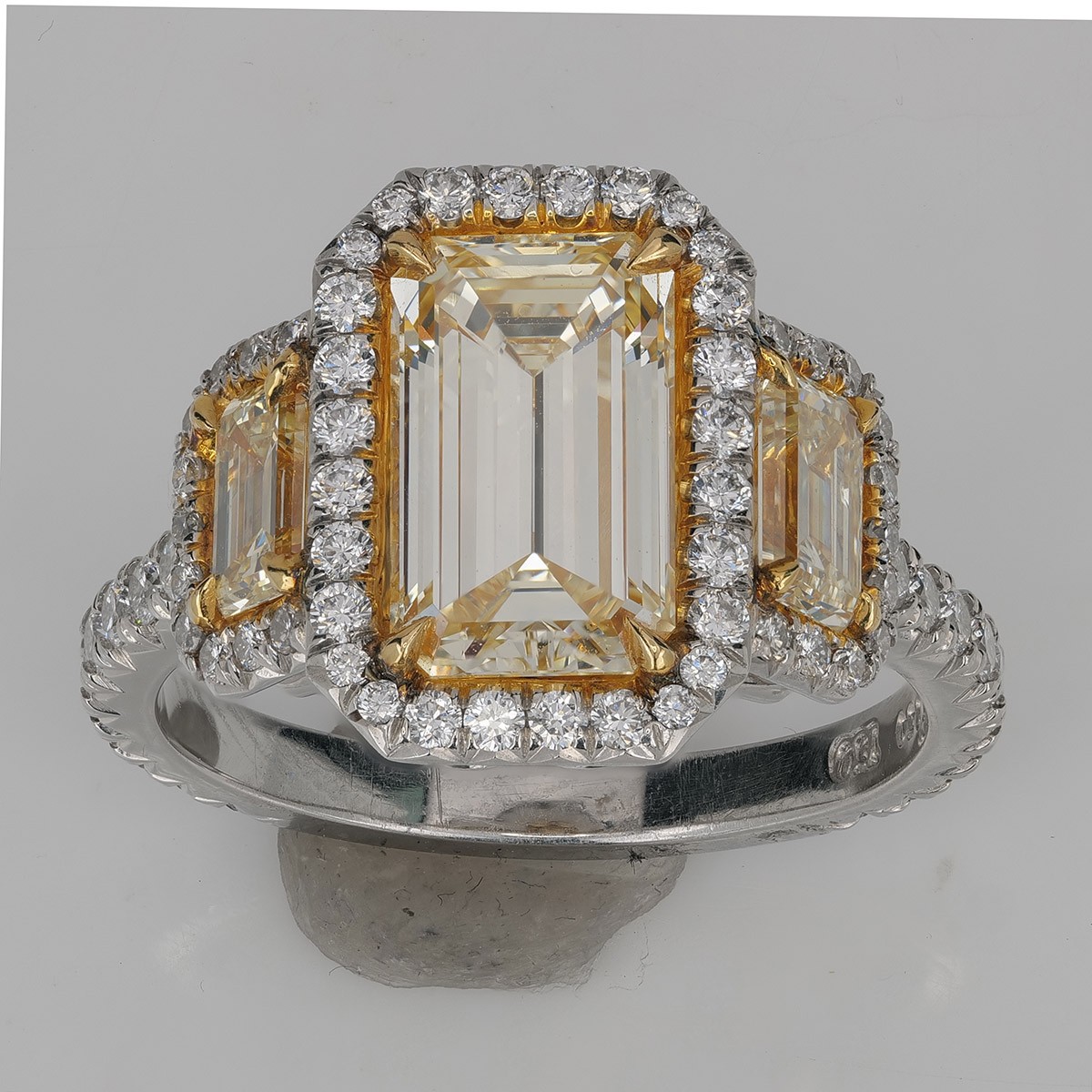
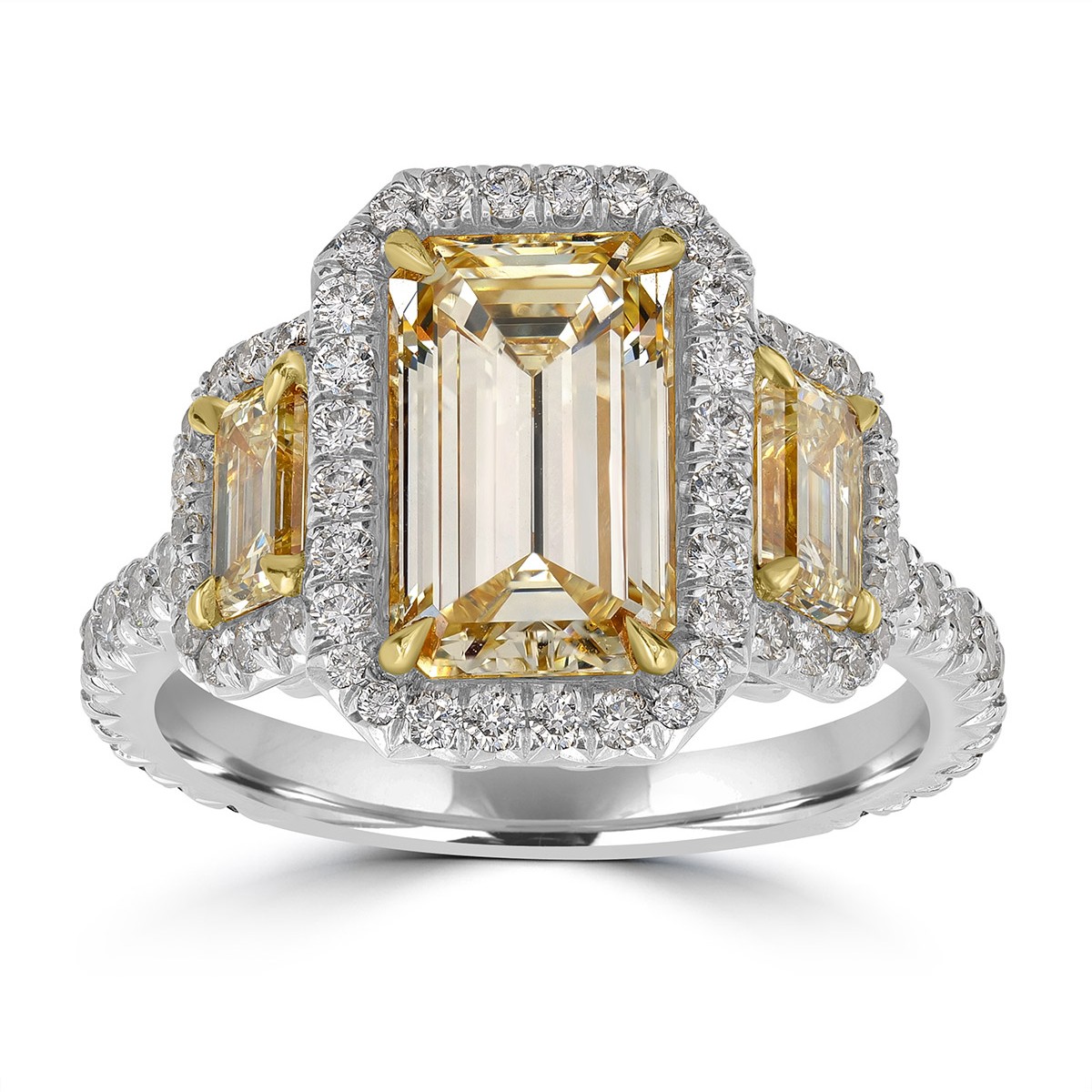
Straight-from-camera photo of a yellow emerald-cut diamond halo ring on a gray backdrop, mounting putty under the bandThe same ring after NeuroViz: clean white background, polished metal, putty gone, every stone as photographedYour photoNeuroViz

One upload, one click. Drag to compare.

Loading…
4.9/5
Customer rating
500+
Jewelry businesses
1M+
Images processed

What the Wizard can do with your photo

Show it one photo. It looks at the piece, suggests what fits and runs it for you.

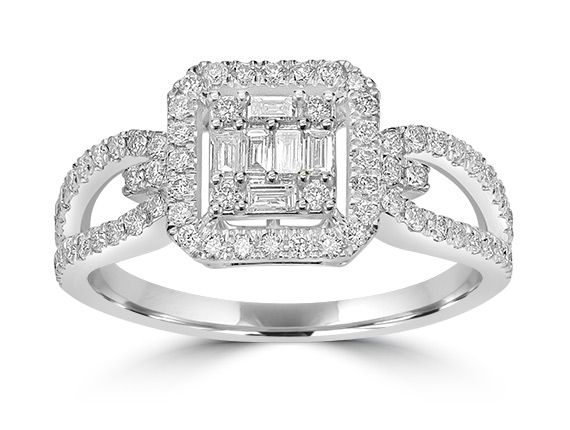
Baguette and round diamond halo ring retouched on a clean white backgroundAfter
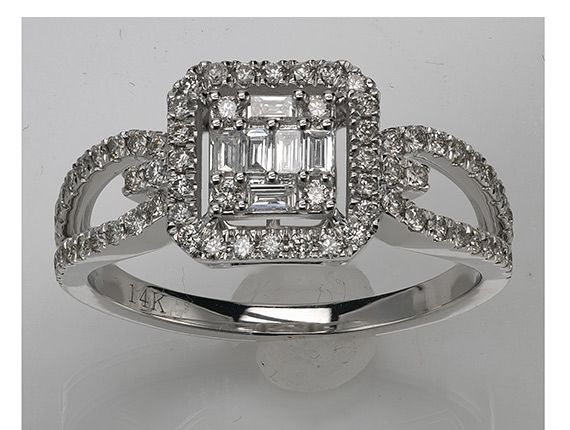
The same ring in the original photo, on a gray backdropBefore

Clean Up & Retouch

Dust, scratches and a gray backdrop gone. Metal and stones shine on a clean background, ready for Etsy, Amazon or Shopify.
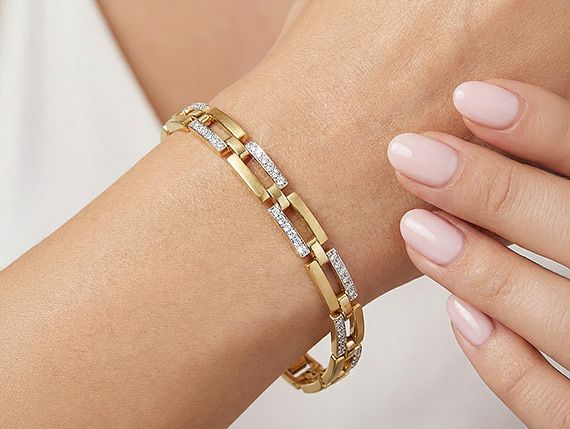
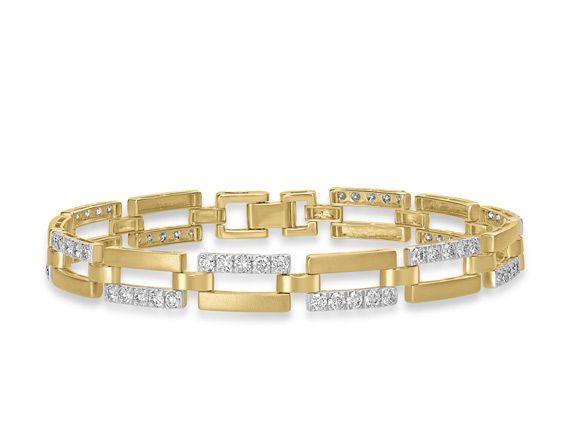
Gold link bracelet worn on a model's wristAfter
The same bracelet in a product photo on whiteBefore

Put on a model

Your ring, necklace, earrings, bracelet or watch, worn by a model. Clothing and accessories too.
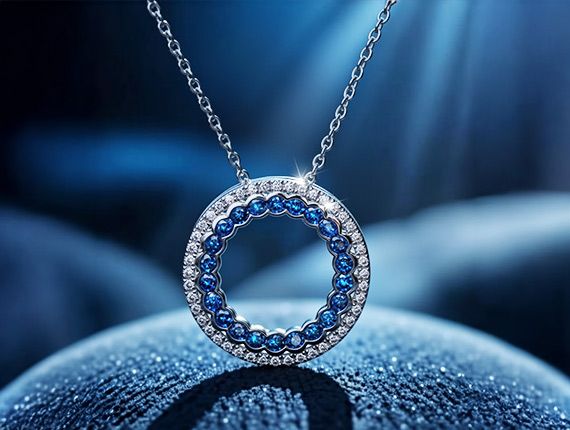
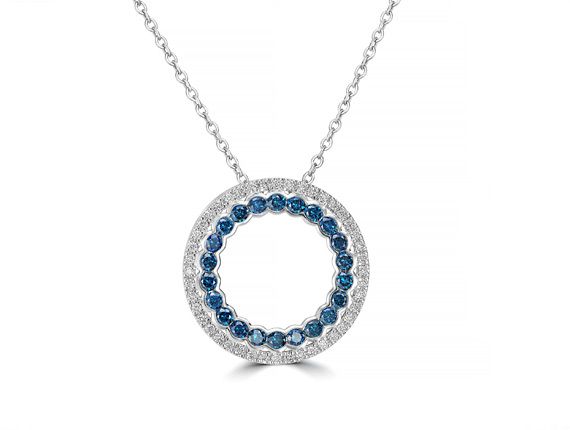
Sapphire and diamond circle pendant in a styled blue sceneAfter
The same pendant in a product photo on whiteBefore

Creative Photo

The piece in a styled scene for ads, social posts and your store.
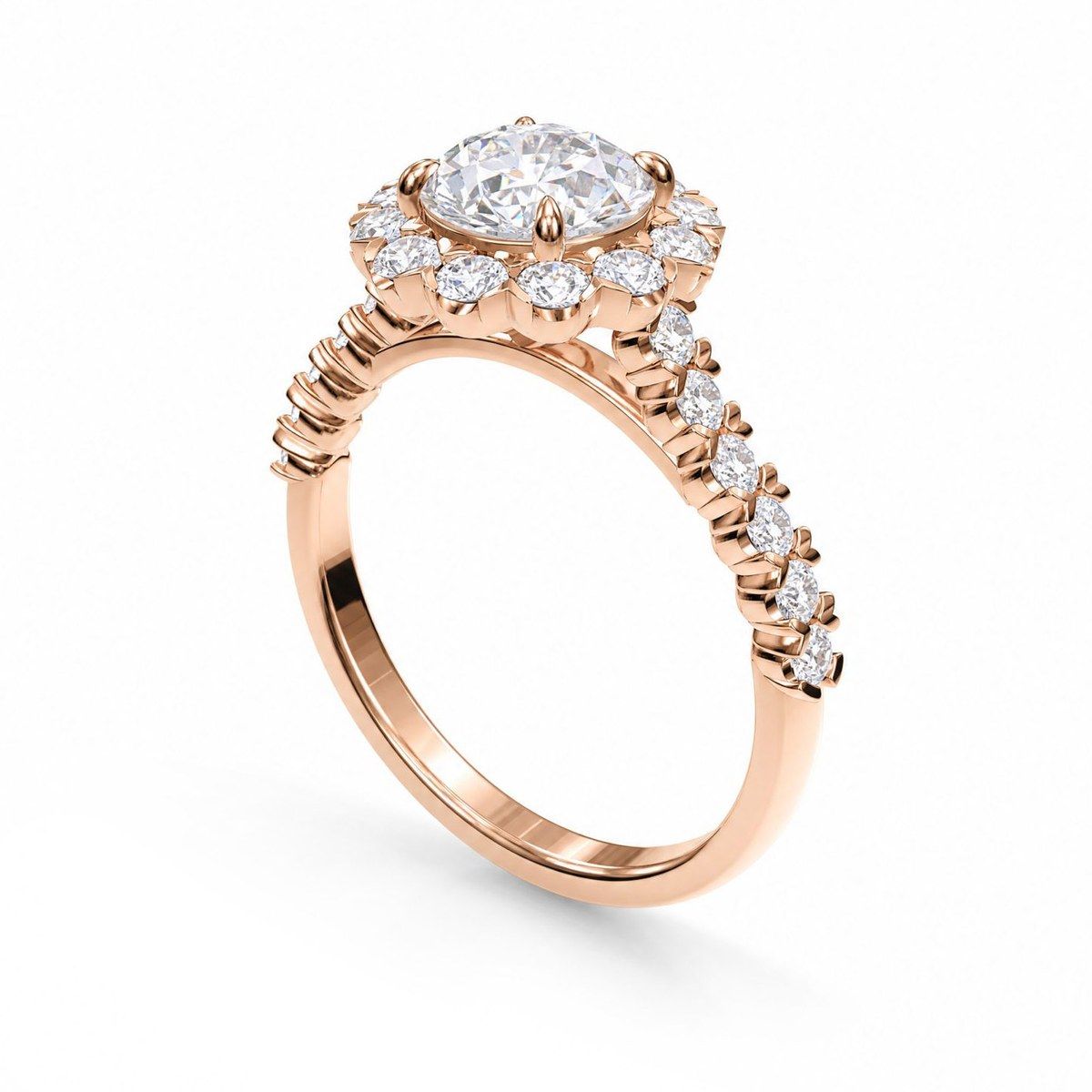
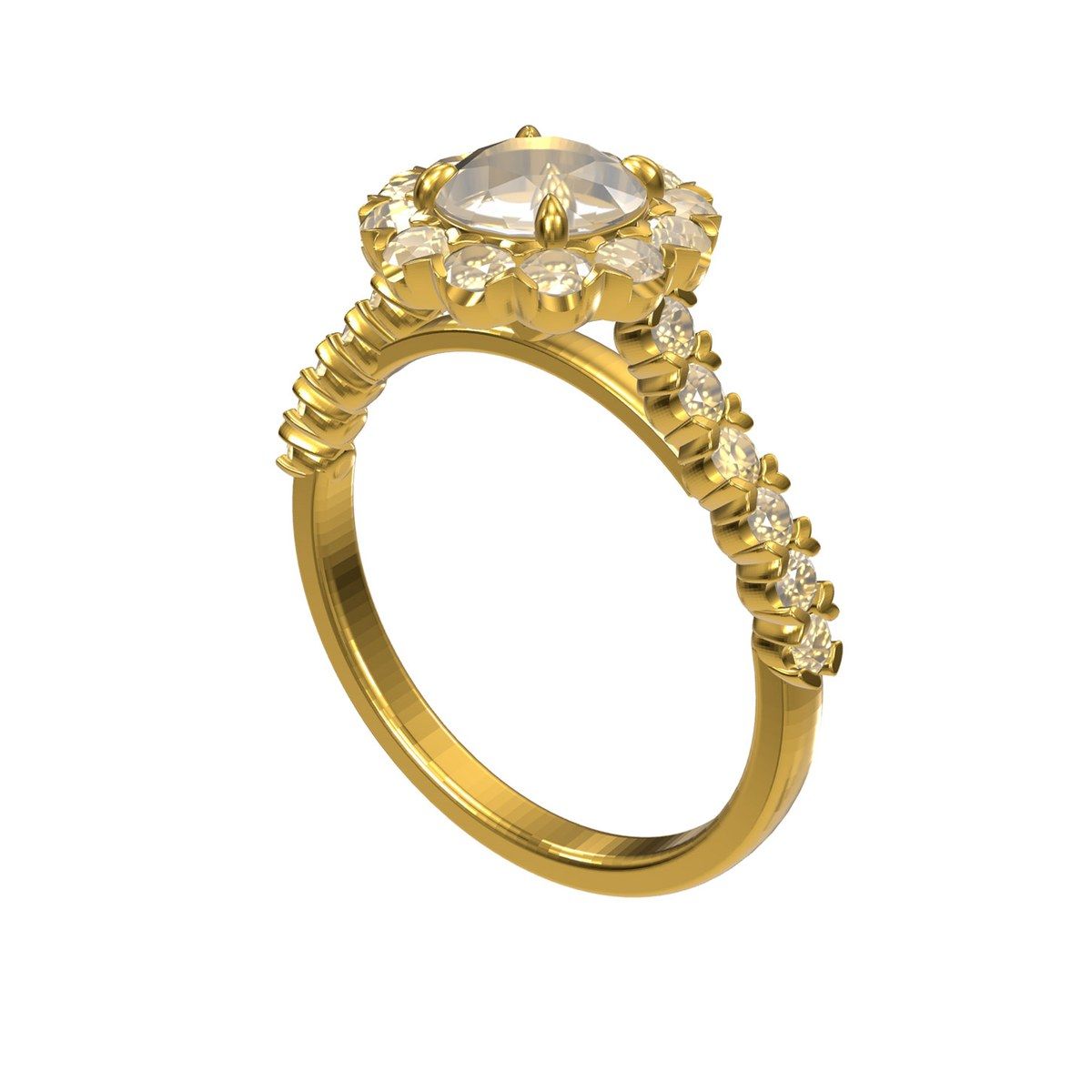
Halo engagement ring rendered from a CAD file as a rose gold product photoAfter
The same ring as a CAD model in the 3D viewerBefore

CAD to photo

A screenshot of your CAD model turned into a realistic product photo, before the piece is even made.

Good enough for a professional jewelry studio

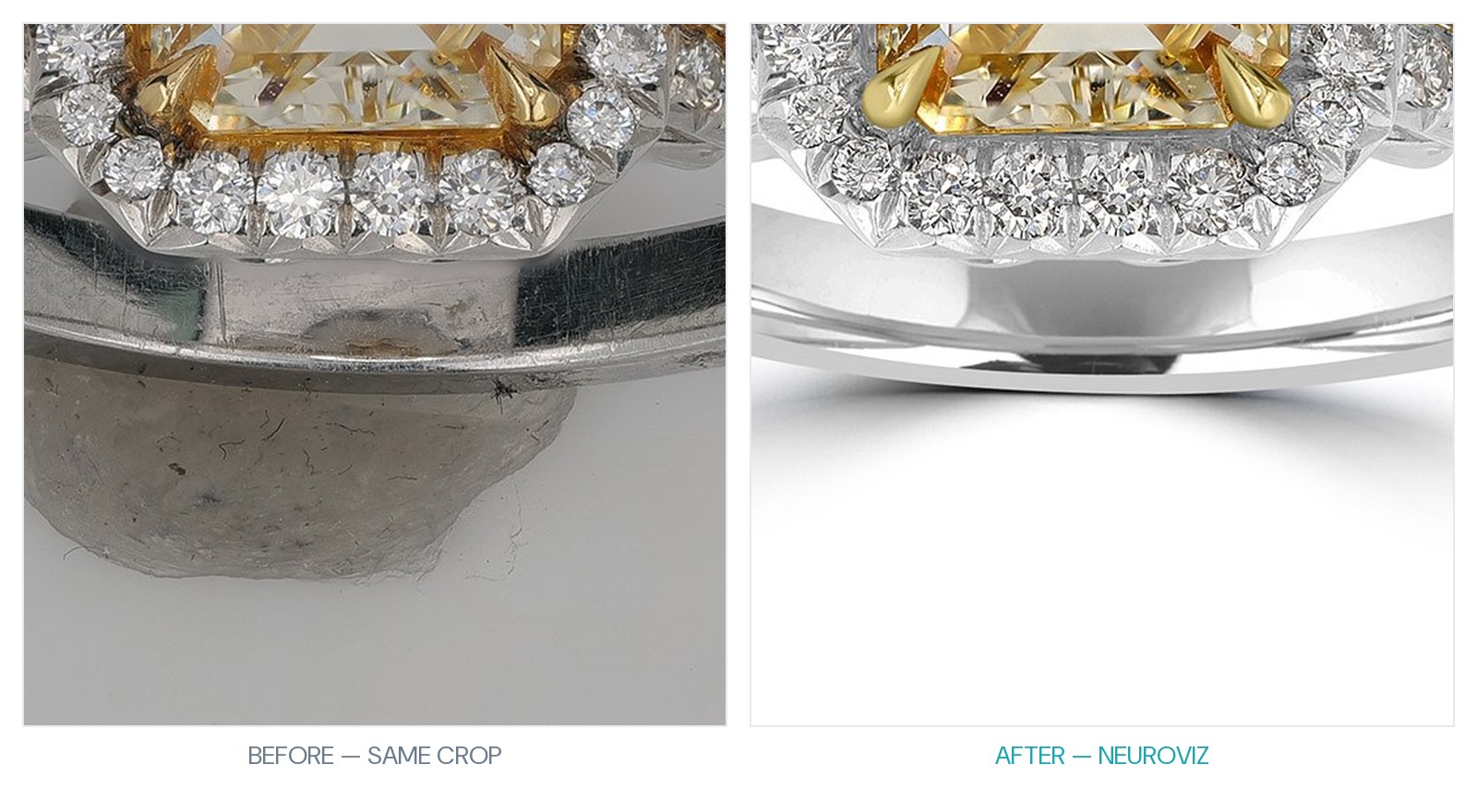
A US jewelry photography studio with an archive of over 100,000 jewelry photos ran NeuroViz on real client files for seven months, side by side with its own retouchers. It rated the metal finish above its best hand editors and still runs production on NeuroViz today.
7 monthson real client files
100,000+photos in the studio's archive
Still in usein production today
Close-up of the ring's band and halo: the original with putty, dust and scratches on the left, the NeuroViz result with clean polished metal on the right
The same crop, before and after: the metal finish the studio rated above its own retouchers.

Questions before you try

Is it really free?
Yes. You get 5 tries with no account and no card. Creating an account is free too: it lets you download your results and adds 80 free credits.
What happens to my photos?
Your photos stay private and are never used to train AI. Photos tried here without an account are deleted after 30 days. If you create an account, your results move into it.
What kind of photo works best?
One piece per photo, in focus, with the whole item in the frame. A gray or uneven background is fine: cleaning it up is part of the job. JPG, PNG, WEBP or HEIC, up to 40 MB.
Does it work for products other than jewelry?
Yes. Watches, clothing and other products you sell work too. NeuroViz started with jewelry and also has tools for fashion and general e-commerce photos.
What happens after the 5 free tries?
Create a free account to keep going: you get 80 free credits and every NeuroViz tool. When you need more, buy pay-as-you-go credits from $10. No subscription needed.

Try it on your own photo

One photo, about a minute, no account needed. See what NeuroViz does with the piece you are selling right now.

5 free tries · No sign-up · No card

Upload your photo · free