AI Trained on 50,000+ Jewelry Images

Jewelry Virtual Try-On AI Model Photos Without a Photoshoot

Upload your jewelry, pick a model, and get a photorealistic try-on image in under a minute — eight AI tools fine-tuned per jewelry type, so necklaces drape, rings sit, earrings hang, and watches wrap exactly the way they would in a real photoshoot.

  • No credit card required
  • First image in under 60 seconds
  • Commercial license included
Works with Claude · ChatGPT · Cursor Connect your AI assistant →
500+
Jewelry businesses
8
Specialized AI models
$0.40
Per try-on image
4.9/5
Customer rating
60s
Avg. generation time

What Is NeuroViz Jewelry Virtual Try-On?

NeuroViz generates on-model jewelry photography from a product shot. This is not a shopper-facing AR widget — it is production imagery you own and publish. Eight specialized models cover necklaces, earrings, rings, watches, bracelets, and full sets, each trained for that piece type rather than adapted from generic fashion AI. Every image costs $0.40 (20 credits), returns in about 60 seconds, and carries a full commercial license. There is no subscription: you buy pay-as-you-go credits and spend them across every NeuroViz tool.

How Our Jewelry Virtual Try-On Software Works
(3 Steps, Under a Minute)

A full jewelry photoshoot costs $1,000+ and takes weeks to schedule, shoot, and edit. With NeuroViz, AI jewelry try-on happens in three clicks — no photographer, no model booking, no studio rental.

1

Upload Your Jewelry Photo

Drop in any product photo: studio shot, phone snap, even a screenshot from your supplier. The AI auto-removes the background and isolates your piece. Minimum 500×500 pixels.

2

Pick or Generate a Model

Choose a model from our built-in library, upload your own reference, or let the AI generate one matching your customer profile. Set framing, pose, and skin tone — all optional.

3

Download the Try-On Image

Your model wearing your jewelry is ready in 30–60 seconds at up to 4K resolution, with a full commercial license. Use it on Etsy, Amazon, Shopify, Instagram, or your printed lookbook.

Eight AI Jewelry Try-On Tools — One for Every Piece You Sell

Generic AI try-on tools treat all jewelry the same. NeuroViz built eight specialized AI models — one for each major jewelry category — so your earrings hang on the ear right, your rings sit on the finger right, and your necklace drapes the collarbone right.

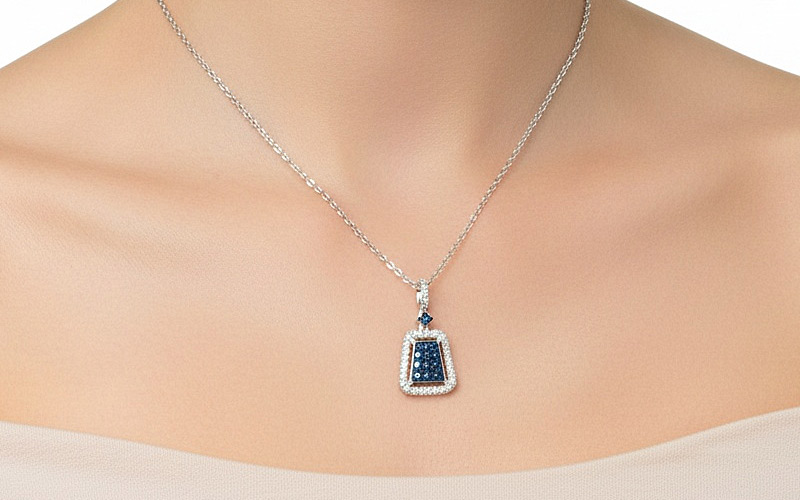
Necklace Try-On Studio example — model wearing a fine sapphire pendant with realistic chain draping
Premium

Necklace Try-On Studio

Photoreal necklace placement, every time.

Trained exclusively on neck jewelry — natural draping and accurate chain positioning.

What makes Studio different: manual size control and precision positioning. Place your piece on a reference model before generation for accurate scale — and for necklaces, adjust chain length even when the full chain isn't visible in the source.

Best for: Hero product shots, ad creative, premium catalog photos for fine jewelry brands.

20 credits per image · ~$0.40

Try Necklace Studio Free →
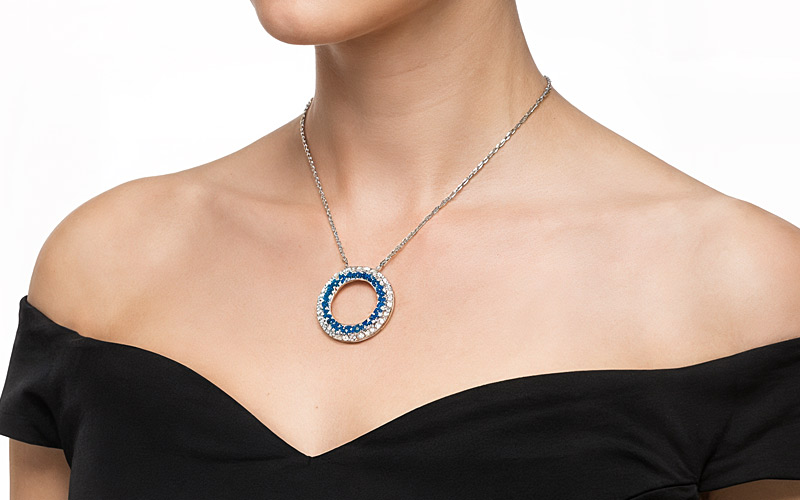
Necklace Try-On Standard example — circular sapphire pendant on a model in a black off-shoulder dress
Daily Use

Necklace Try-On

Standard necklace try-on for everyday catalog work.

Trained exclusively on neck jewelry — natural draping and accurate chain positioning.

Best for: Etsy listings, Amazon photos, regular Shopify catalog updates, day-to-day social content.

20 credits per image · ~$0.40

Try Necklace Standard Free →
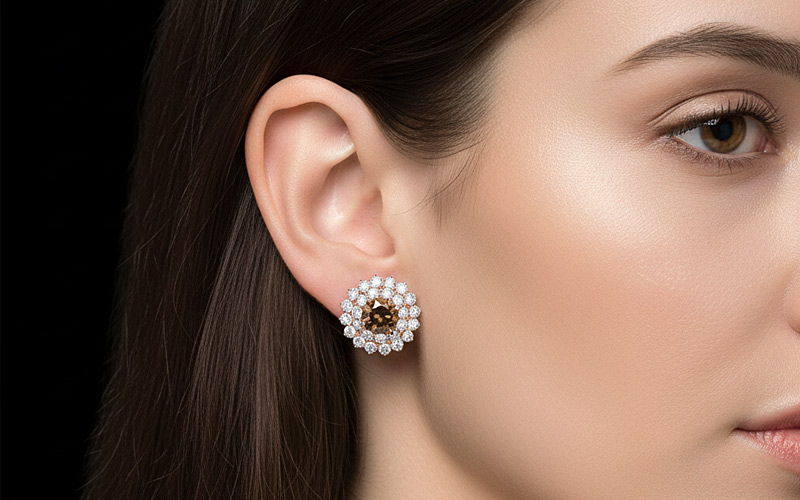
Earrings Try-On Studio example — earrings placed accurately on AI model ear in studio lighting
Premium

Earrings Try-On Studio

Studs, drops, hoops, chandeliers — placed exactly right.

Trained exclusively on ear anatomy for correct placement and scale. Handles all earring types — studs, hoops, drops, dangles, chandeliers, climbers, threaders, teardrops, clusters, and buttons.

What makes Studio different: manual size control and precision positioning — place your piece on a reference model before generation for accurate scale.

Best for: Earring sellers and jewelry makers who need professional model shots without hiring photographers.

20 credits per image · ~$0.40

Try Earrings Studio Free →
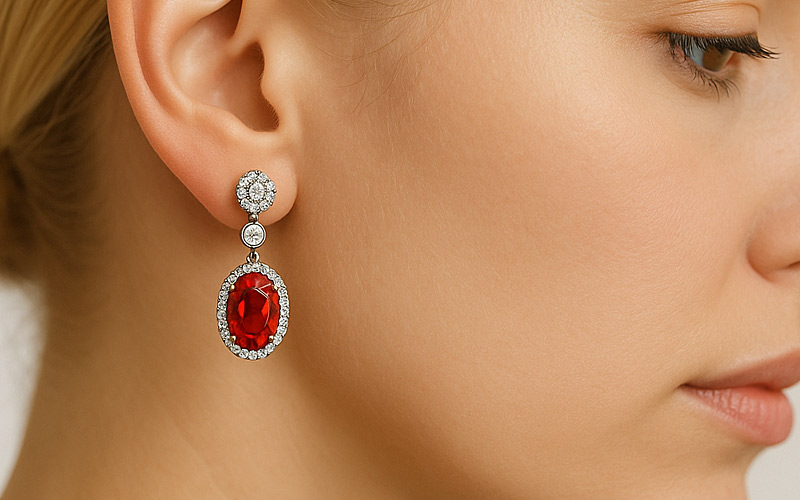
Earrings Virtual Try-On example — earring placement on AI model in lifestyle setting
Daily Use

Earrings Virtual Try-On

Bring any earring photo. AI handles the rest.

Trained exclusively on ear anatomy for correct placement and scale.

Best for: High-volume earring sellers who need quick, reliable model photos across many product styles.

20 credits per image · ~$0.40

Try Earrings Standard Free →
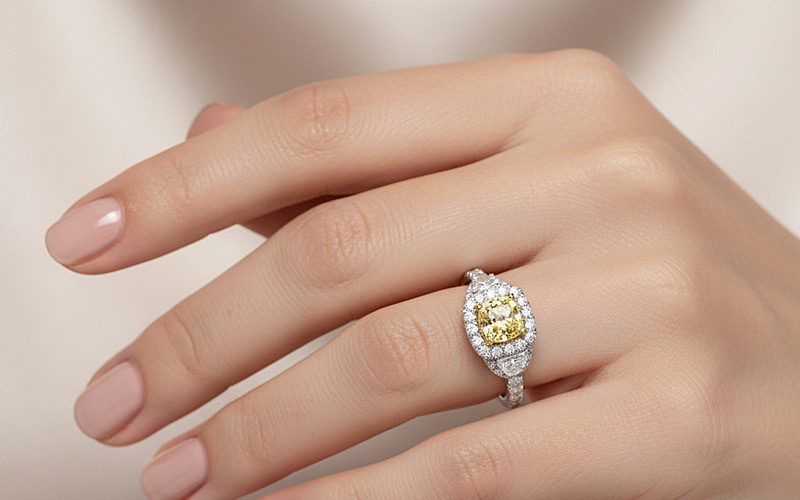
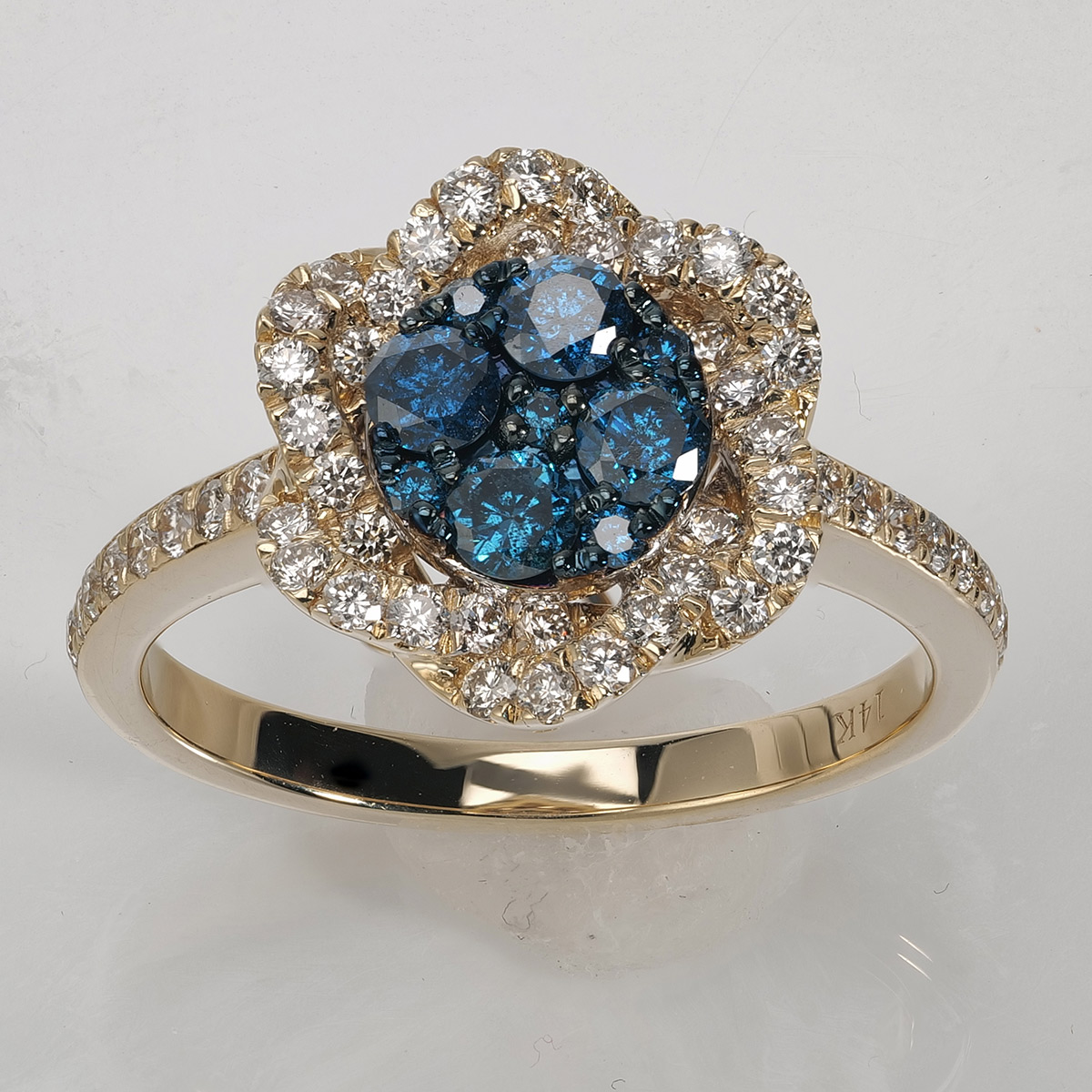
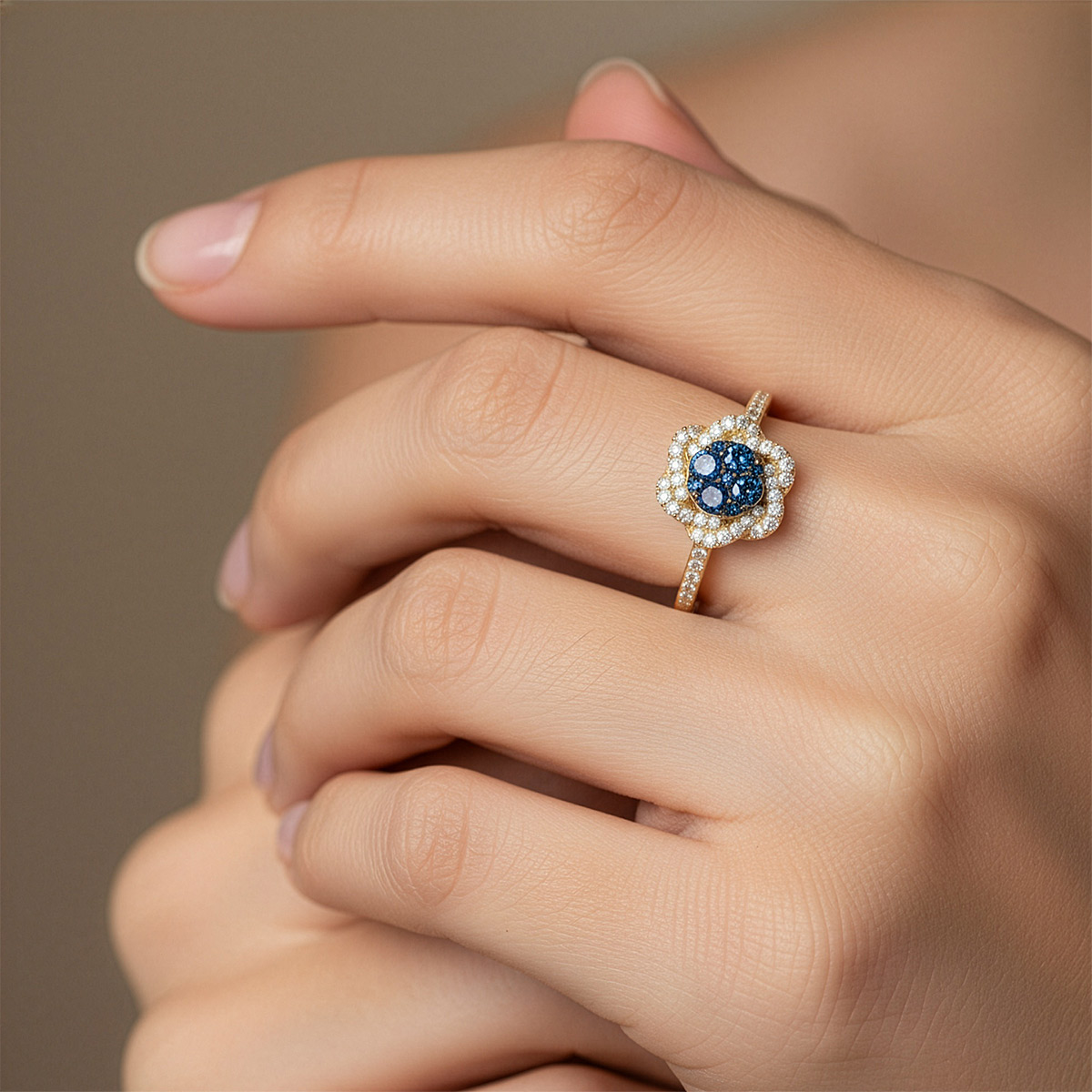
Rings Virtual Try-On example — ring on AI model hand with realistic finger sizing
Hands

Rings Virtual Try-On

Engagement rings to statement rings — on real-looking hands.

Reads finger and hand geometry for realistic proportions. Placement controls: finger, hand, and ring size.

Best for: Engagement ring retailers, fine jewelry brands, custom ring makers.

20 credits per image · ~$0.40

Try Rings Free →
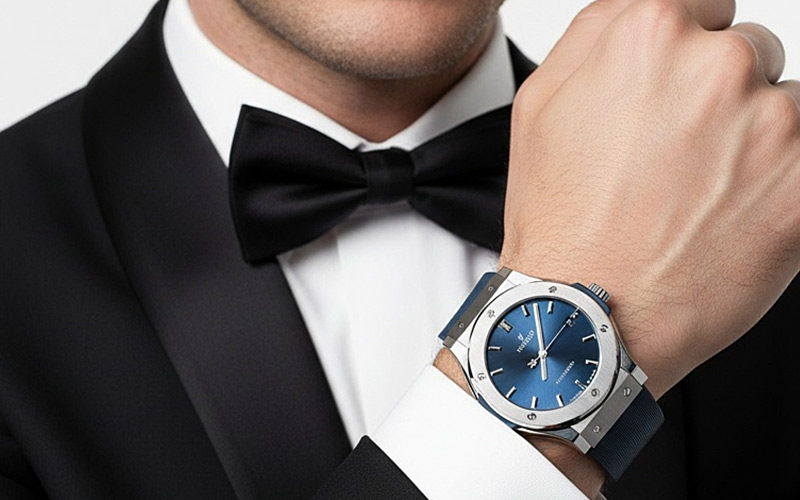
Watch Virtual Try-On example — luxury watch on AI model wrist with realistic strap fit
Wrist

Watch Virtual Try-On

Wrist placement that looks like a studio shot.

Trained exclusively on wrist anatomy and watch positioning. Generate the exact wrist you want from a plain-text description.

Best for: Watch retailers, collectors, watch e-commerce stores, secondary-market sellers.

20 credits per image · ~$0.40

Try Watch Free →
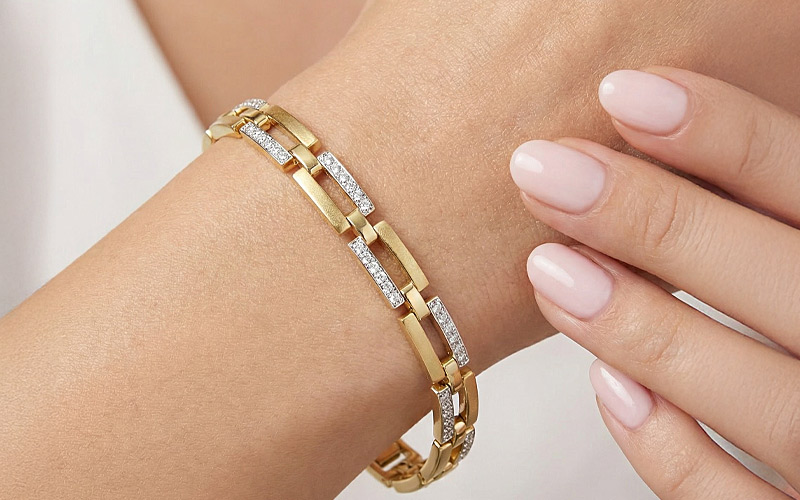
Bracelet Virtual Try-On example — bracelet on AI model wrist with realistic positioning
Wrist

Bracelet Virtual Try-On

Bracelets, bangles, cuffs, tennis bracelets — on natural wrists.

Trained on wrist anatomy and bracelet physics — natural curvature and fit.

Best for: Bracelet sellers, bangle designers, tennis bracelet brands, stack-styling retailers.

20 credits per image · ~$0.40

Try Bracelet Free →
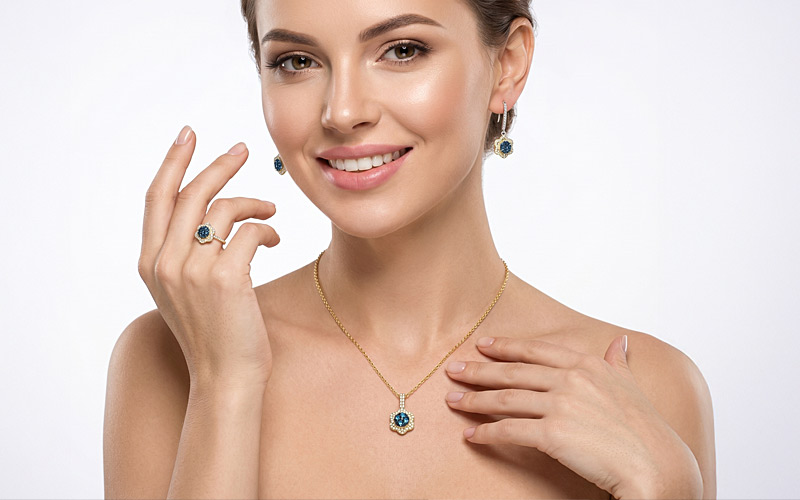
Combo Virtual Try-On example — coordinated jewelry set on a single AI model
Full Sets

Combo Virtual Try-On — Full Sets

Up to 3 coordinated pieces — earrings + necklace + ring — on the same model. One generation.

Places up to 3 jewelry pieces on one AI model with realistic layering, so you can showcase coordinated sets in a single image.

Best for: Jewelry brands selling coordinated sets, bridal collections, curated capsules.

20 credits per image · ~$0.40

Try Combo Free →

What You Can Build With Jewelry Virtual Try-On

Jewelry virtual try-on isn't just a photoshoot replacement. It unlocks visual content categories that used to be impossible — or just too expensive to produce regularly.

  • Etsy listings. Add a model photo to every listing without booking models — upload product, pick model, add to listing in 60 seconds.
  • Amazon product images. Fill the lifestyle-image slot without a photoshoot. A/B test 5 model variations in the time it takes to brew coffee.
  • Instagram & Pinterest content. Generate dozens of styled lifestyle images per week — multiple skin tones, multiple poses, multiple environments.
  • Website hero images. Refresh-the-hero used to be a quarterly project. Now it's a 5-minute task.
  • Lookbooks & catalogs. Build a 40-page seasonal lookbook in an afternoon — diverse models, consistent styling, full commercial license.
  • Custom pieces & bespoke. Show clients a try-on of their personalized piece before it ships — a powerful close-the-sale touchpoint.

Virtual Try-On vs. Traditional Photoshoot — Cost, Time, Variety

Most jewelry brands can't afford monthly photoshoots. Even brands that can, can't shoot fast enough to keep up with content demand. Here's how virtual try-on changes the math.

NeuroViz Jewelry Virtual Try-On Traditional Photoshoot
Cost per image ~$0.40 $50–$200
Cost per session ~$0.40 × N images $1,000–$5,000+
Turnaround 60 seconds 2–4 weeks
Model variety 10+ different models per hour One model, paid hourly
Skin-tone diversity Pick any Limited by who's booked
Re-shoot a piece 60 seconds Reschedule + re-pay
Travel / logistics None Photographer, model, studio, MUA
Commercial license Included Separate buyout fee
Scale to 100+ products Trivial Multi-month project

Jewelry Virtual Try-On Pricing — 20 Credits Per Image

Every NeuroViz virtual try-on tool costs 20 credits per generation — that's roughly $0.40 per image at volume pricing. No subscription required.

All Try-On Tools

ToolCreditsCost
Necklace Try-On Studio / Standard20$0.40
Earrings Try-On Studio / Standard20$0.40
Rings / Watch / Bracelet20$0.40
Combo (full sets)20$0.40

Pay-as-you-go Credits

PackPrice~Try-Ons
Trial+$10~12
Starter$50~75
Business$200~400
Pro Membership$29/mo+ API access
Start Free — 80 Credits, No Credit Card

Or see full pricing →

Frequently Asked Questions

What jewelry types can I use jewelry virtual try-on for?
All major categories — necklaces, pendants, earrings (studs, hoops, drops, dangles, chandeliers, climbers, threaders, teardrops, clusters, buttons), rings (solitaires, eternity bands, statement), bracelets, bangles, cuffs, tennis bracelets, watches (dress, sport, luxury), and full coordinated sets via Combo Try-On. NeuroViz built a dedicated AI model for each category, so each one handles the correct anatomy and physics.
Can I choose specific model demographics (age, skin tone, body type)?
Yes. You can either upload your own model reference photo, or describe your preferences in plain English (any language) — for example, "Latin woman, 30s, warm skin, soft natural light, urban background". The AI builds a model matching your description. You can also select directly from our built-in model library.
Will the model look realistic on my product?
For 99% of pieces, yes. The AI is trained on 50,000+ jewelry images and handles correct sizing, natural lighting, accurate metal tones, and proper draping/positioning automatically. Common issues come from rough source photos — if your product image has bad lighting, harsh reflections, or low resolution, run it through AI Retoucher first to clean it up, then use the result for try-on.
How is jewelry virtual try-on different from a traditional photoshoot?
Virtual try-on costs about 99% less (~$0.40 per image vs $50–$200), takes 60 seconds vs 2–4 weeks, and lets you generate variations on demand — different models, different poses, different environments — without rebooking. Photoshoots still produce category-defining brand imagery; virtual try-on is for the day-to-day high-volume work that photoshoots can't keep up with.
Can I use the images commercially on Etsy, Amazon, Shopify, ads?
Yes. Every image generated by NeuroViz includes a full commercial license. Use them on Etsy, Amazon, Shopify, your website, paid ads (Meta, Google, TikTok), social posts, printed catalogs, and lookbooks — without paying additional licensing fees. Your photos are processed in isolation and never used to train AI models. Zero data exposure.
Can I batch-process multiple jewelry pieces at once?
Batch processing exists, but it's currently in private access only — not available on the standard plans. If you have a high-volume catalog and want to use batch try-on, email us at support@neuroviz.ai with a short note about your use case and we'll get back to you. See how batch processing works →
Can I try on a full jewelry set — earrings, necklace and ring together?
Yes. The Combo Virtual Try-On places up to 3 jewelry pieces on the same AI model at once — for example earrings, a necklace and a ring — with realistic layering, so you can showcase coordinated sets in a single image instead of compositing separate shots.

More answers in the Help Center

Start Putting Jewelry on Models Today

Photoshoots used to be the only way to show your jewelry on a person. Now it's 60 seconds and $0.40 per image. 500+ jewelry businesses already made the switch — try it on your worst photo and see.

No credit card. No subscription. First try-on in under a minute.

Start Free — 80 Credits