What does jewelry photo retouching include?
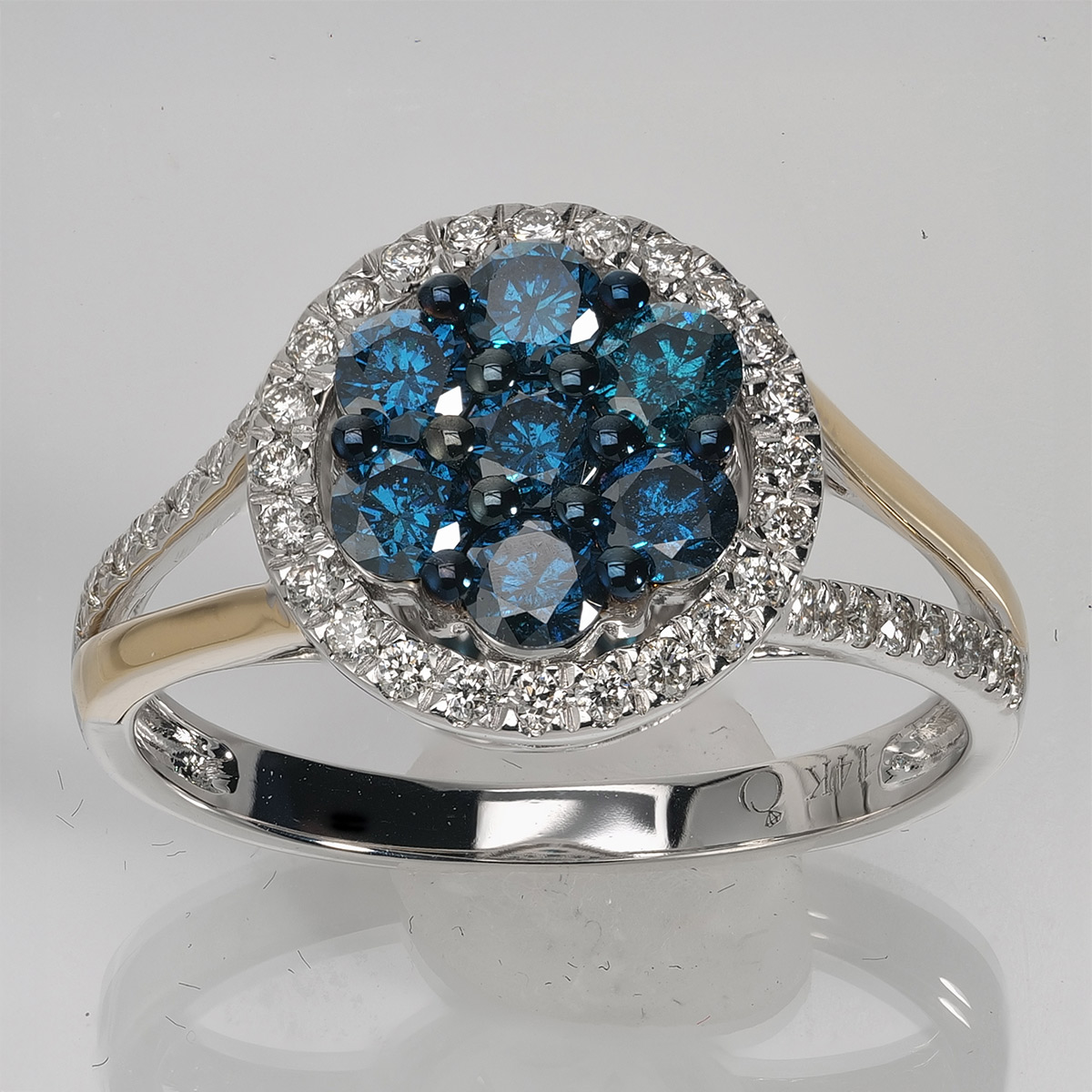
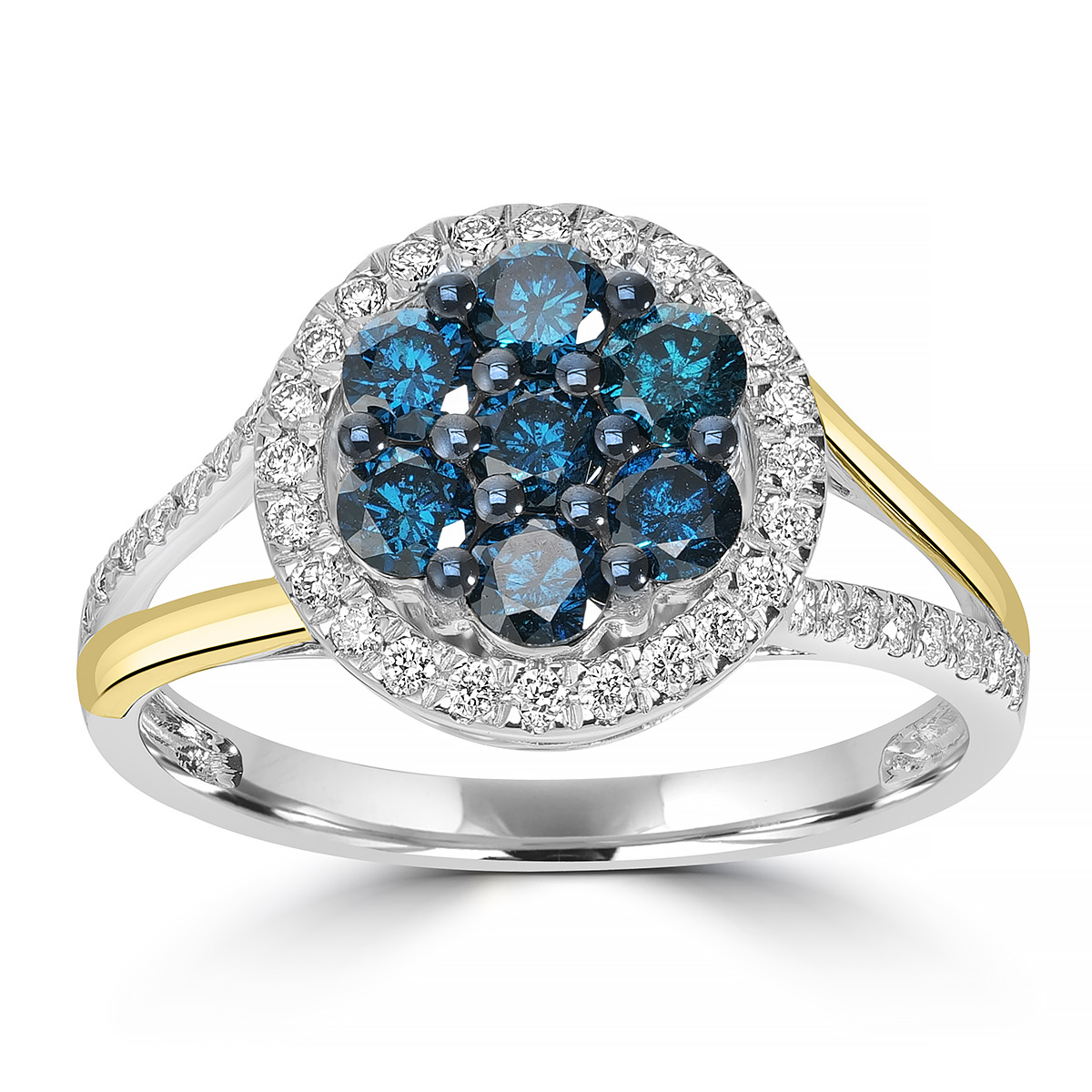
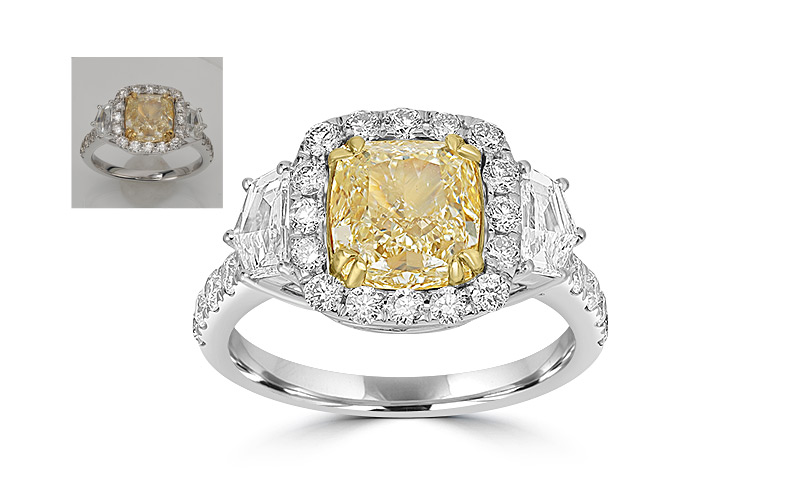
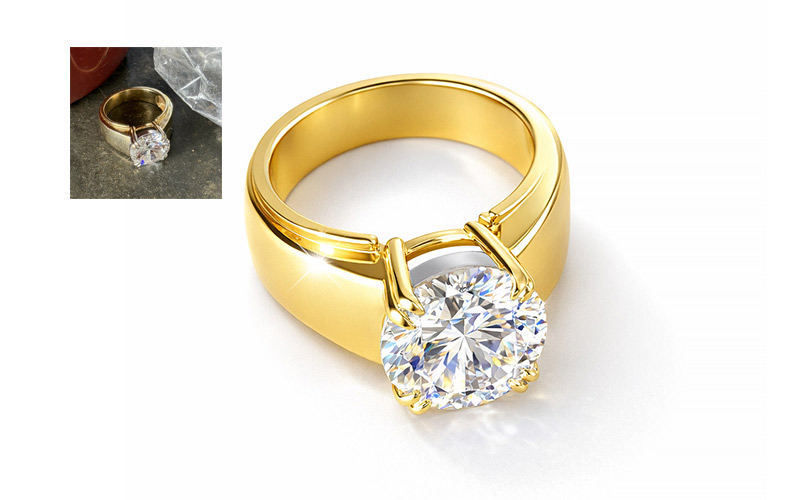
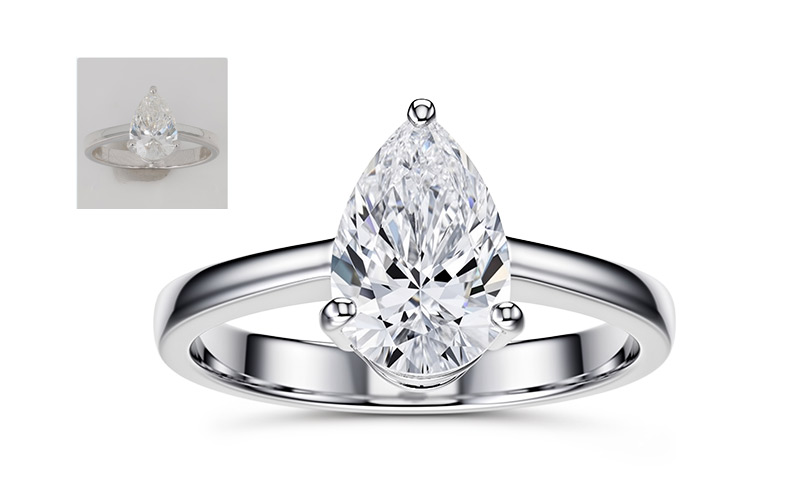
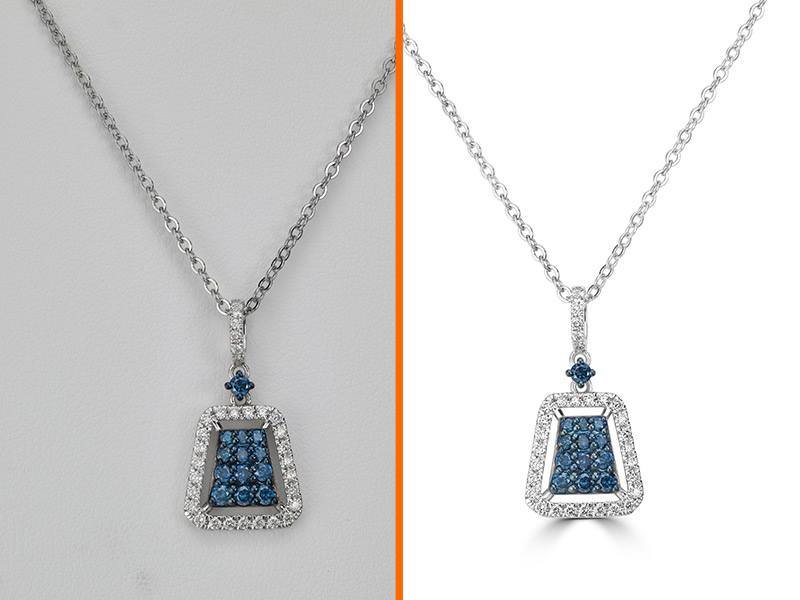
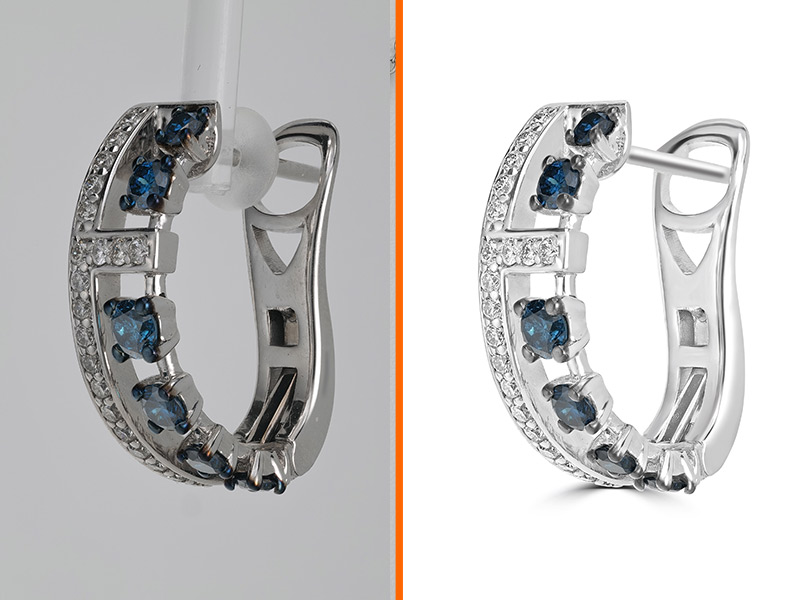
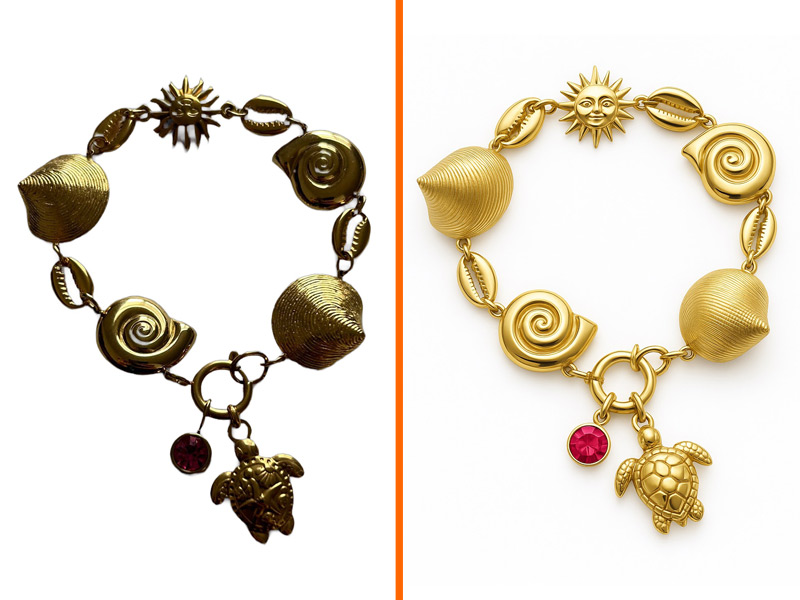
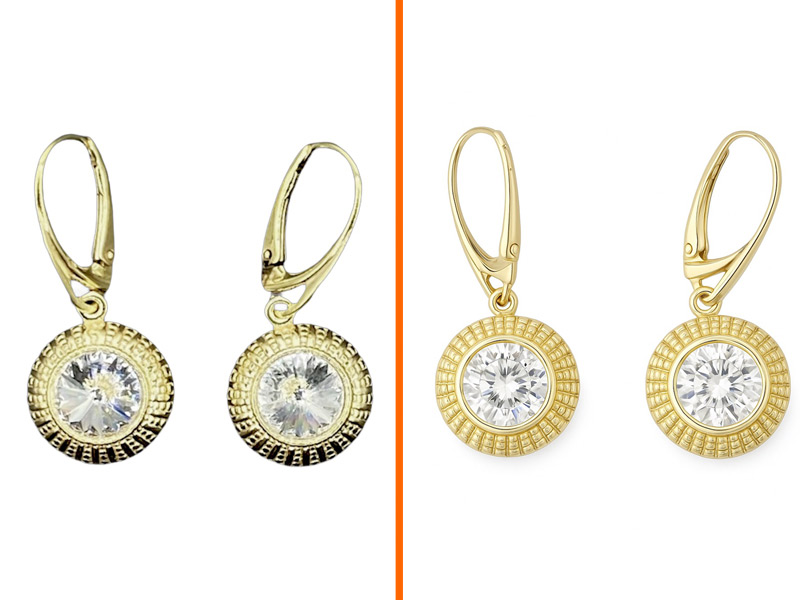
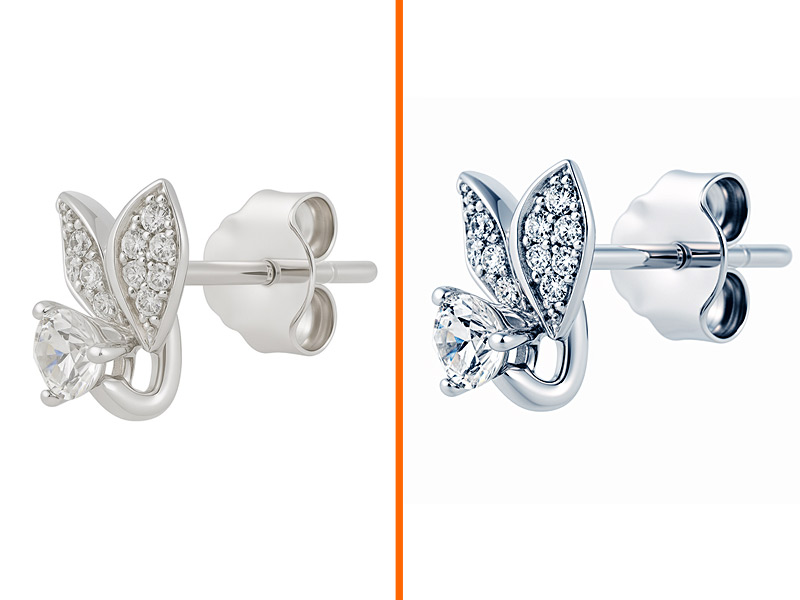
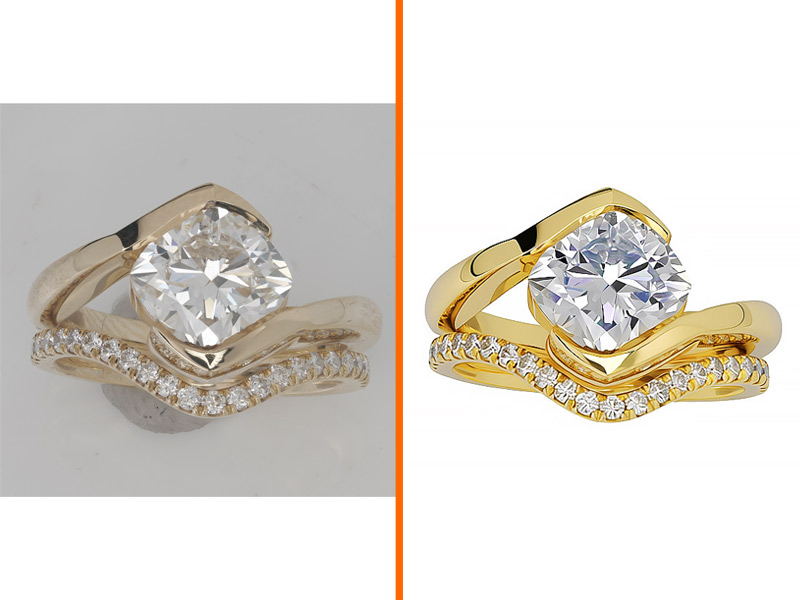
Jewelry photo retouching is the finishing work that turns a raw shot into a photo you can publish: evening out the metal, removing reflections and dust, cleaning or replacing the background, correcting color, and cropping to a consistent frame. Traditionally a retoucher does this by hand in Photoshop, or a jewellery brand sends the batch to an outsourcing studio and waits for it to come back. NeuroViz does the same list automatically: Precision holds prong geometry, pavé and facet patterns as photographed, Vivid gives the photo a bolder color-and-lighting look for marketing, while Rescue rebuilds the detail a difficult source photo lost.
What is AI jewelry retouching and how does it work?
AI jewelry retouching uses machine learning trained on professional jewelry images to automatically clean, enhance, and finalize a jewelry photo without manual editing. NeuroViz's AI was trained on 50,000+ jewelry images covering rings, necklaces, earrings, bracelets, watches, brooches, and loose gemstones. It identifies your piece's metal type, gemstone characteristics, and lighting conditions, then applies professional-grade retouching in under 30 seconds.
How much does AI jewelry retouching cost?
With NeuroViz, AI jewelry retouching uses 20 to 25 credits per photo at standard settings, depending on your retoucher (Precision, Rescue, or Vivid); Rescue goes as low as 5 at Low quality. At the Studio monthly rate of $0.02 per credit, that is $0.40 to $0.50; pay-as-you-go and other subscriptions have different credit rates. That's about 90% less than traditional studio retouching, which typically costs $15–$25 per image. Every new account gets 80 free credits — enough to retouch 4 photos with no credit card required.
How is the AI Jewelry Retoucher different from Photoshop or general AI photo editors?
Photoshop and general AI photo editors are built for any product. NeuroViz is built only for jewelry — so it understands how light interacts with gemstone facets, how to render accurate gold and silver tones without color cast, how to clean prong-and-reflection artifacts, and how to balance jewelry-specific lighting. General tools either flatten the piece or fake the sparkle. Our AI gets it right automatically because that's the only thing it was trained to do.
What types of jewelry does the AI Retoucher work with?
All major categories: rings, engagement rings, wedding bands, necklaces, pendants, earrings, hoops, bracelets, tennis bracelets, watches, brooches, cufflinks, and loose gemstones. The AI handles diamonds, sapphires, rubies, emeralds, pearls, opals, and all common gemstones, plus all major metals: yellow gold, white gold, rose gold, platinum, silver, and titanium.
What image formats and resolutions does the AI Retoucher accept?
Upload JPEG, PNG, or WebP at minimum 500×500 pixels — 2000px or larger is recommended for best results. Output is available in JPEG, PNG, or lossless WebP, up to 16 MP with Precision (about 8 MP with Rescue, 1536 px with Vivid), with DPI from 72 to 300 and aspect ratio options. Backgrounds can be solid white, transparent (PNG), or any custom hex color. Up to 4 variations per run, each billed as its own image.
Will my retouched jewelry photos look fake or over-processed?
Not unless you want them to. The Precision retoucher is specifically tuned to keep photos looking natural and authentic — improved lighting, cleaner detail, accurate color, but still recognizably your piece. If you want a more dramatic, editorial look, switch to the Vivid retoucher. You control the level of enhancement.
Are my photos and customers' data safe with NeuroViz?
Yes. Your photos are used only to create your result. We never sell them and never use them to train our AI. Every retouched image made with paid credits includes a full commercial license, so you can use it on Etsy, Amazon, Shopify, Instagram, your website, printed catalogs, and any commercial application without restriction. Images made with free trial credits are for evaluation only.
Can I retouch my whole jewelry catalog at once?
Yes.
Batch processing lets you upload hundreds of jewelry photos, process them automatically, review quality, resubmit any that need another pass, and download everything as one ZIP with original filenames preserved. For programmatic catalogs, the
NeuroViz API integrates retouching directly into your Shopify, PIM, or e-commerce workflow.
Will the AI distort or fake my gemstones?
No — and you stay in control. Every retoucher has a Retouch Gemstones toggle: leave it on to clean dust and fine scratches off the stones while their natural inclusions stay, or switch it off to keep the stones exactly as photographed. Prong count, facet geometry, and stone shape are preserved — the AI cleans the photo, it doesn't redesign your jewelry.
Does NeuroViz offer an API for jewelry retouching?
Yes. The
NeuroViz API lets developers integrate AI jewelry retouching into any app or store, with code examples in cURL, Python, and JavaScript. See the API documentation to get started.
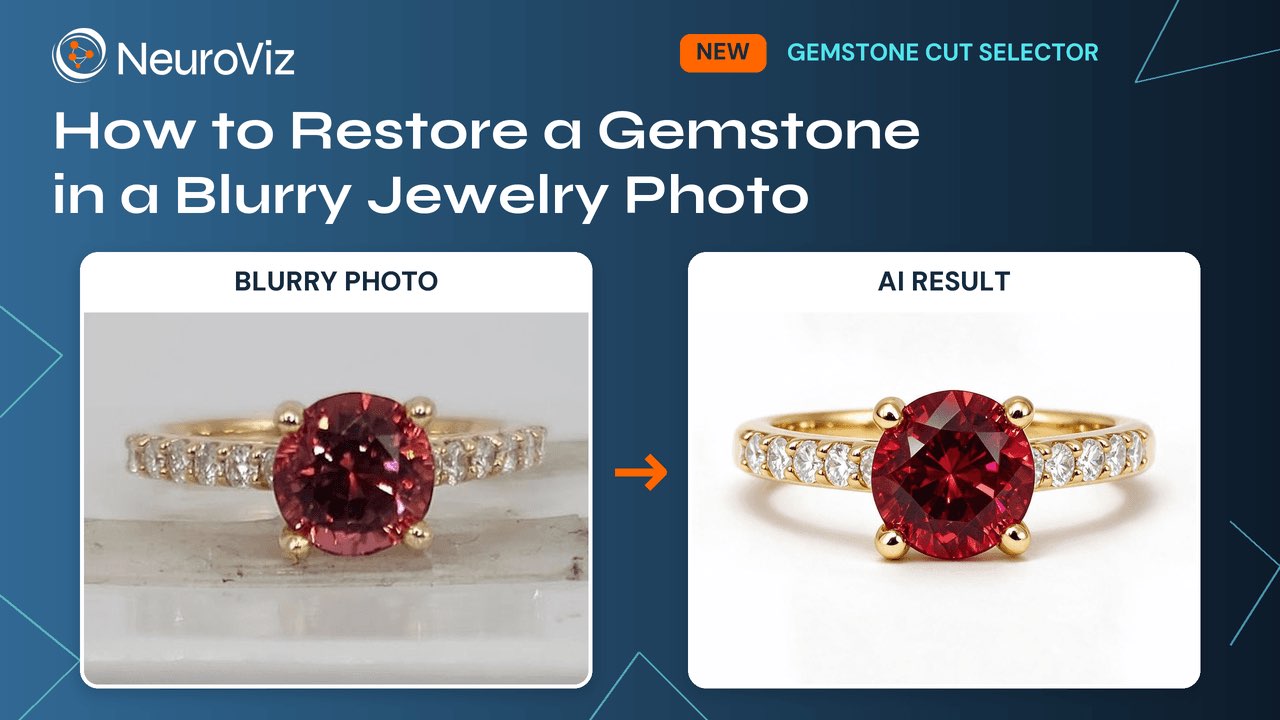
Can NeuroViz fix a blurry or dark gemstone in a jewelry photo?
Yes. When the facets were not captured, set the stone type and cut in the Metal & Gemstone Colors panel (Gemstone #1, #2 and #3) and the retoucher renders that cut's facet pattern on your piece, in the original lighting. The Gemstone Cut Selector works in Precision, Rescue and Vivid, adds no credits, and applies only when you select a cut. Leave it unselected and the stone stays as photographed.
Which stones and cuts does the Gemstone Cut Selector support?
16 stone types: diamond, emerald, ruby, sapphire, amethyst, aquamarine, topaz, citrine, peridot, garnet, opal, pearl, tanzanite, morganite, tourmaline and onyx. 19 cuts: round, oval, cushion, princess, emerald, pear, marquise, radiant, asscher, heart, trillion, baguette, cabochon, rose, old mine, drop, button, baroque and freeform. A cut appears in the list only when it has a reference image in Settings, under Gemstone Cut Images; Pro members can upload their own reference for any stone and cut.