Originally published June 11, 2026 · Updated September 1, 2026 with NeuroViz’s new 3D CAD apps, monthly plans, and re-checked pricing.
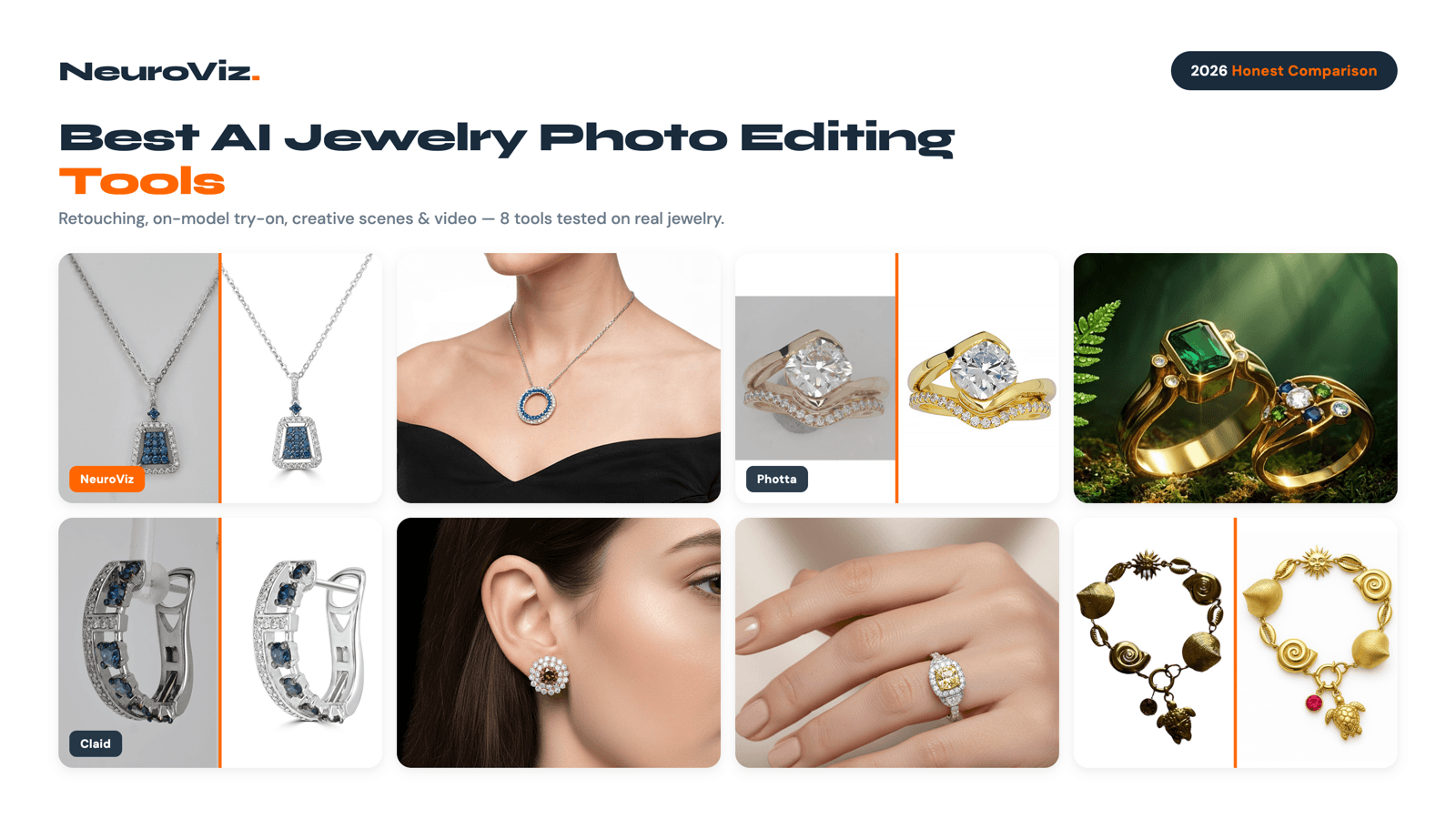
There are dozens of “best AI photography tools” lists out there, and almost none of them are written by people who actually process jewelry images at scale. We do — 1M+ jewelry images for 500+ businesses — so this is an honest comparison of the best AI jewelry photo editing tools in 2026, including our own platform alongside real competitors, several of them brand new since our last update.
We’ll tell you where each tool genuinely wins, where it falls short, and where NeuroViz fits. Yes, we make one of these tools. No, we’re not going to pretend the others don’t have strengths — because for some use cases, they do.
This is a buyer’s guide, not a sales page. If you’re researching an AI jewelry photo editor to replace or supplement a studio, by the end you’ll know exactly which tool matches your catalog, budget, and category.
TL;DR — Quick Verdict
- Best for jewelry specifically (retouch + try-on + creative + video, plus a direct ChatGPT/Claude integration): NeuroViz — 15+ jewelry-trained apps, from $0.10/image, 4.9/5 rating.
- Best for AI on-model jewelry shots alone: Photta — strong virtual-model engine, jewelry-focused.
- Best cheap dual-workflow (retouch + on-model in one subscription): Snappyit — new in 2026, narrower than NeuroViz but a genuinely low entry price.
- Best for combining photo editing with new-design CAD generation: FormaNova — has grown into photography + design in one platform.
- Best for pay-once credits with no expiry: Jewels Retouch — one-time packs, watermarked previews before you spend, but the highest per-image price in this list.
- Best for high-end retouching fidelity (layered PSD, original DPI): OIS.GOLD — retouching only, built for studio photographers.
- Best for AI jewelry design (CAD renders, not editing real photos): Tashvi AI — different category, but excellent at it.
- Best for high-volume general e-commerce catalogs: Claid.ai — batch automation across all product types.
- Best free/beginner background editing: PhotoRoom and Pebblely — simple, cheap, generic.
- Bottom line: if your business is jewelry, a jewelry-specialized tool will beat a generic one on metal tones, gemstone facets, and prong detail every time.
What “AI Jewelry Photo Editing” Actually Means in 2026
Before comparing tools, it helps to separate the jobs people lump together. The best AI jewelry photo editing tools usually specialize in one or two of these:
- Retouching — cleaning a real photo: removing dust, fixing reflections, perfecting metal and stones, swapping the background to clean white.
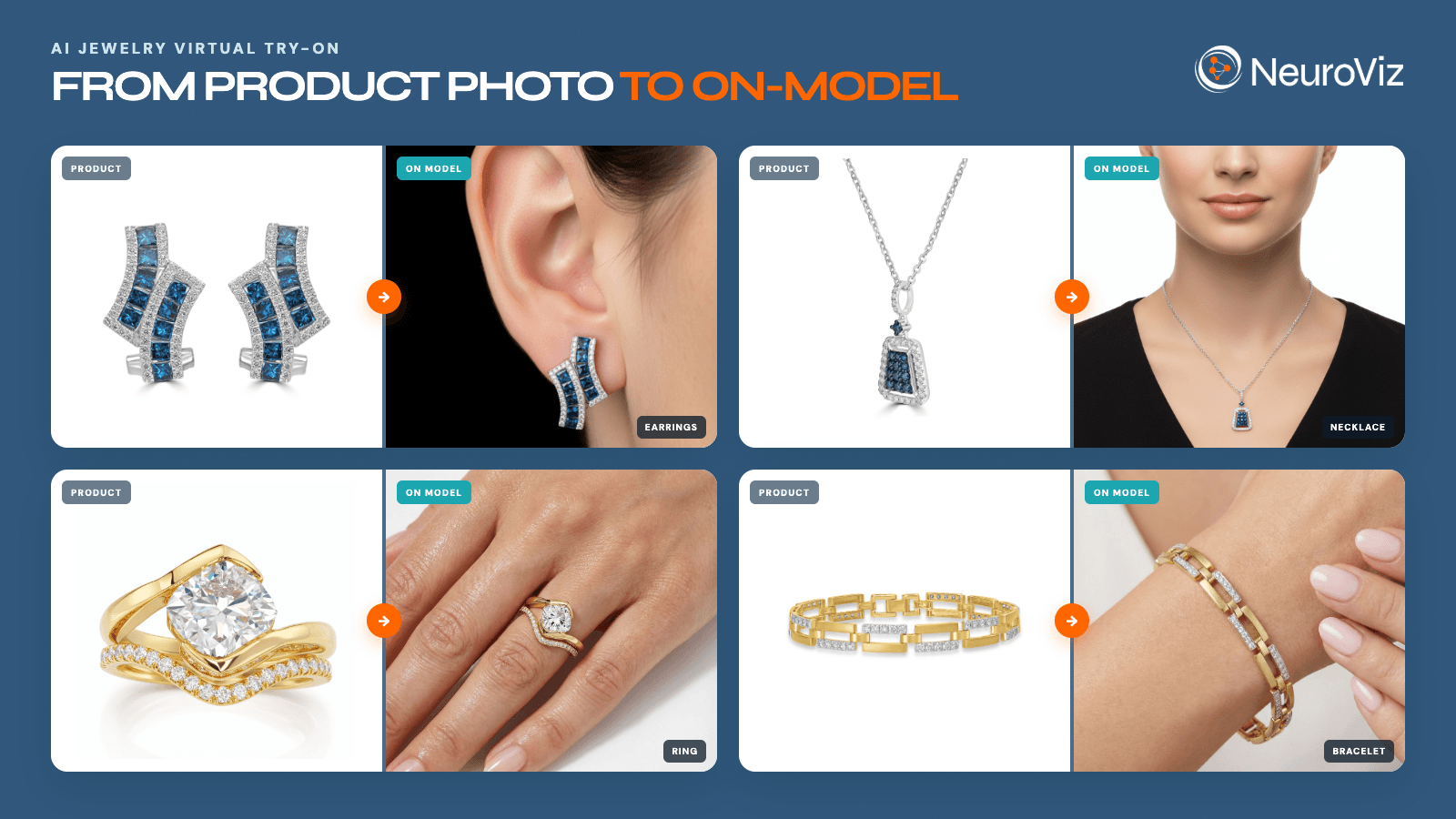
- On-model / virtual try-on — placing a real piece on a generated model’s neck, ear, wrist, or hand.
- Creative / lifestyle generation — putting the piece into a styled scene (marble, velvet, sand, studio gradient).
- Design rendering — generating a new piece from a prompt, sketch, or reference photo (CAD-adjacent). This is design, not photo editing.
- Video — turning a still into a rotating or cinematic product clip.
A tool that’s great at #4 (like Tashvi or FormaNova) may not touch #1 at all. A tool great at generic #1 and #3 (like PhotoRoom or Claid) may butcher gemstone facets because it was never trained on jewelry. Match the tool to the job — that’s the whole game.
How We Evaluated These Tools
Every tool below was judged on the axes that matter for jewelry specifically:
- Jewelry specialization — was the model trained on jewelry, or on generic products?
- Breadth — does it cover retouch, try-on, creative, and video, or just one slice?
- Output quality on metals and stones — the make-or-break for our category.
- Pricing transparency and cost per image.
- Ease of use — raw-photo-in, catalog-out, or steep learning curve?
We did not fabricate competitor pricing. Where a plan changes often, we say “see their site” rather than guess.
A note on bias, since you’ll find a lot of it in this exact search right now: this is a listicle written by one of the tools in it. So are several others ranking for “best AI jewelry photo editing tools” in mid-2026 — Snappyit’s own comparison guide, for instance, openly states it “ranks #1 in our own roundup.” We can’t erase our own bias, so we control for it with named, checkable criteria and by naming real competitor strengths, not just weaknesses, below. Whatever list you’re reading — including this one — test the finalists on your own pieces before you commit. That’s the only fully unbiased comparison that exists.
The 10 Best AI Jewelry Photo Editing Tools in 2026
1. NeuroViz — Best All-in-One for Jewelry
Source: neuroviz.ai
Best for: jewelry brands, Etsy/Amazon/Shopify sellers, and studios that want retouch, on-model, creative, and video in one jewelry-trained platform — including teams who work from Claude, ChatGPT, or Cursor rather than a browser tab.
Teams and agencies working at catalog volume: see what NeuroViz offers for business.
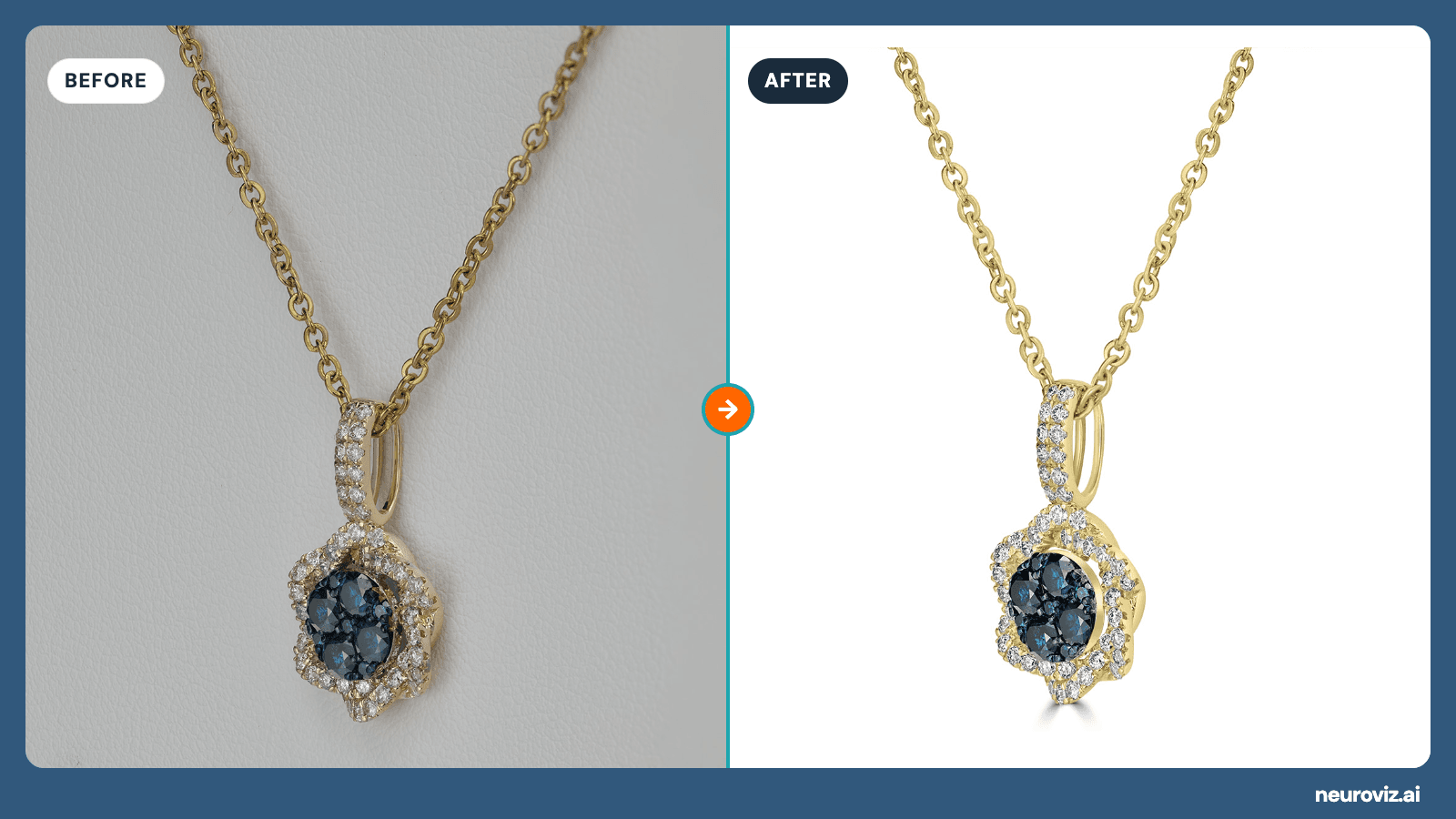
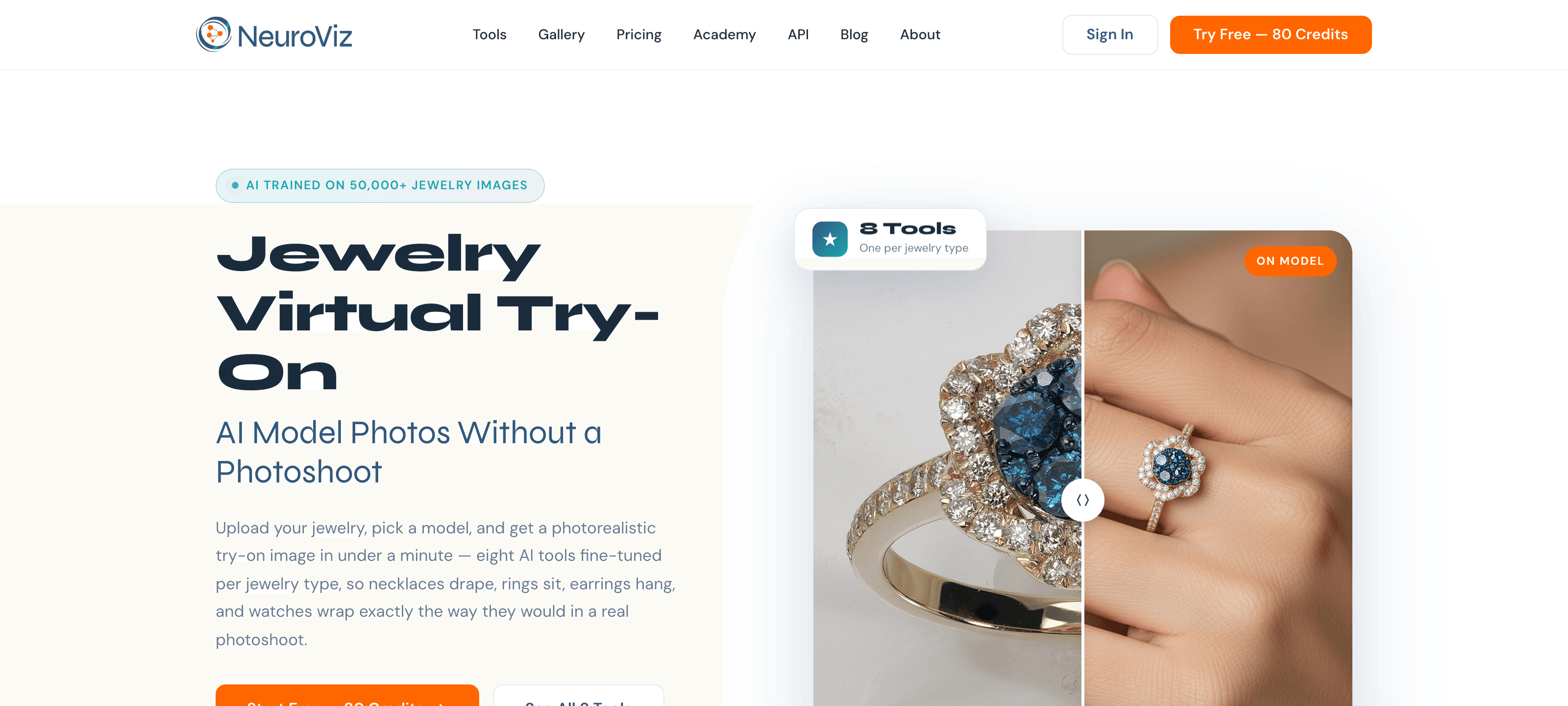
NeuroViz is built only for jewelry and product imagery, not adapted from a generic editor. That focus is why it renders gold warmth, silver coolness, gemstone facets, and prong geometry correctly where general tools flatten or hallucinate them. A 2026 stress test that ran NeuroViz against the five hardest jewelry cases — pavé, prongs, transparent stones, white gold, and fine chains — is broken down with real before-and-after crops in our detail-preservation test.
The breadth is the differentiator: 15+ specialized apps across 6 product families, so a single platform covers the whole catalog pipeline.
- AI jewelry retoucher — Precision, Rescue, and Vivid apps for clean marketplace-grade shots.
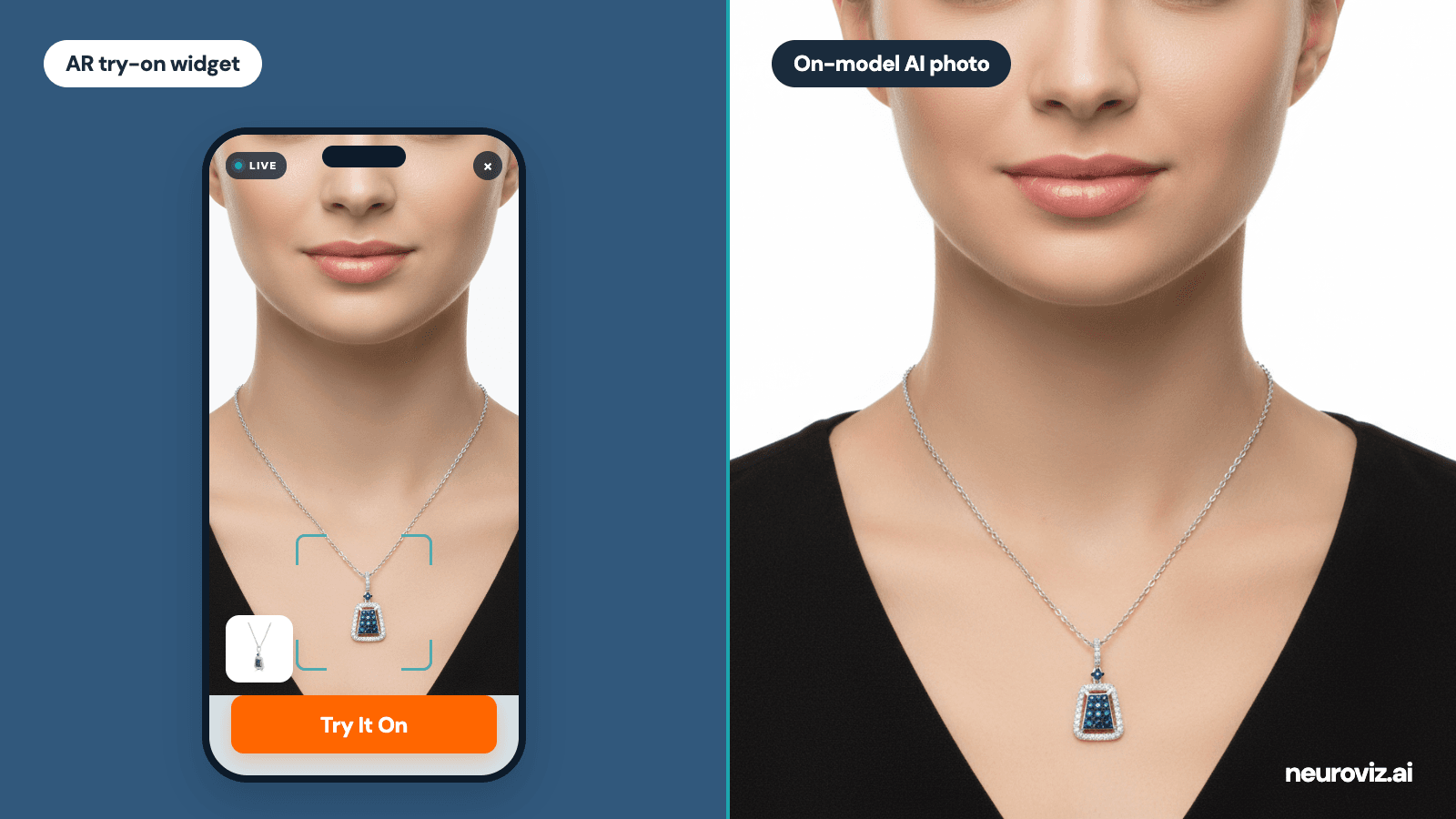
- Jewelry virtual try-on — necklace, earrings, ring, watch, and bracelet try-on, each trained on the anatomy of its own placement (neck, ear, wrist, or hand) rather than one generic model. Full walkthrough in our AI jewelry virtual try-on guide.
- Creative jewelry photography — styled lifestyle and editorial scenes.
- AI product photography — broader e-commerce apps including marketplace retouching and product-plus-model studio.
- AI jewelry video creator — product and scene video from a single image.
- 3D CAD visualizer — product photos rendered straight from a CAD file (JewelCAD, Rhino, STL, OBJ) before the piece is manufactured, plus a mode that turns a finished photo into a 3D model. Full walkthrough in our jewelry CAD rendering guide.
What’s new since our last update: in August NeuroViz added a 3D CAD Visualizer family — product photos rendered straight from a CAD file, before the piece is even manufactured — and exact background color control on the Precision and Rescue retouchers: you set a HEX value and the background comes back that color, with a repeatable shadow, so a full catalog stays uniform. Monthly plans arrived too, at $200–$1,000 a month for 20–25% more credits than the same spend pay-as-you-go, with Pro Membership included. The native MCP server shipped in July still stands — a direct integration into Claude, ChatGPT, and Cursor, so you can retouch a jewelry photo from inside the chat instead of switching to a browser tab.
Pricing: credit-based, pay-as-you-go — no subscription required. Credits run $10–$1,000 ($0.018–$0.04 per credit depending on volume), a typical 20-credit image lands around ~$0.50 at the $200 volume tier, and the optional $29/mo Pro Membership adds batch processing, API access, and credits that never expire while it’s active. There’s a free trial with 80 credits, no credit card.
Pros:
- Only jewelry-trained option that also spans retouch + try-on + creative + video, now with a native MCP integration for AI-assistant workflows.
- Honest per-image cost — from $0.10 an image on the Rescue retoucher, ~$0.50 typical.
- 1M+ images processed, 500+ businesses, 4.9/5 rating.
- No subscription required — buy credits as you go.
Cons:
- The app catalog has a small learning curve on day one (Workflows automation helps).
- For designing a brand-new piece from a text prompt, you’d still pair it with a design tool like Tashvi AI or FormaNova — the new CAD apps render and convert pieces that already exist as a file or a photo, they don’t invent designs.
- Like all AI, it can simplify micro-detail on extreme pavé — see our AI vs traditional jewelry photography breakdown for where a studio still wins.
2. Photta — Best for AI On-Model Jewelry Shots
Source: photta.app
Best for: sellers whose main need is putting jewelry on diverse AI models for category pages and ads.
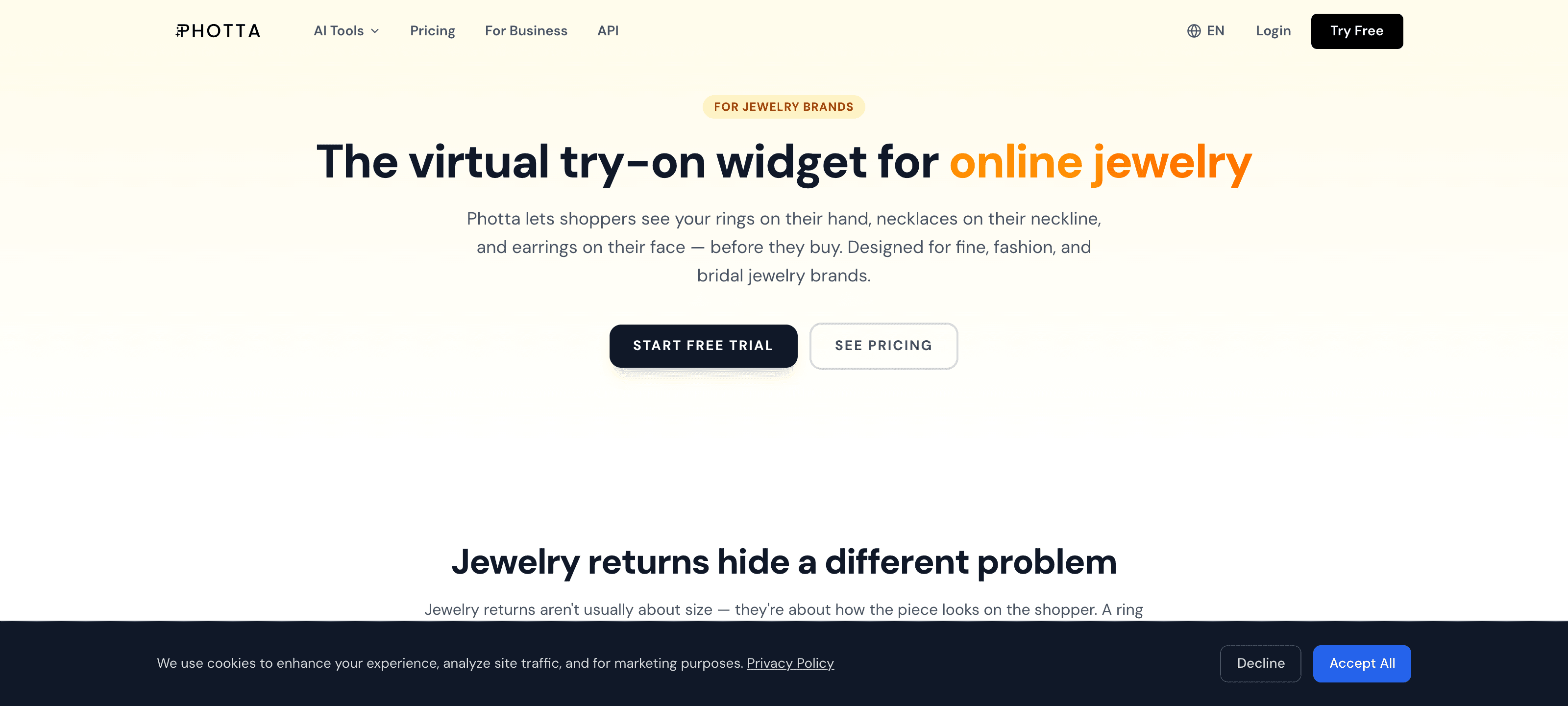
Photta is the competitor we respect most. It’s jewelry-aware, with models trained on the anatomy of the neck, ear, wrist, and hand, plus a custom model maker (age, ethnicity, body type, skin tone) and an upscaler. For pure on-model generation, it’s genuinely strong.
Pricing: credit-based, advertised around 4 credits per generation; see their site for current pricing.
Pros:
- Jewelry-specialized virtual-model engine with diverse model library.
- Clean, e-commerce-ready on-model output.
- Good macro-detail handling for its category.
Cons:
- Narrower scope — primarily on-model/try-on imagery; less of an all-in-one retouch + creative + video platform.
- Fewer specialized retouching apps than NeuroViz’s 15+-app spread.
- Comparison content tends to exclude rivals, so cross-shop on your own pieces.
NeuroViz vs Photta in one line: Photta is excellent at on-model shots; NeuroViz covers on-model and retouch, creative scenes, and video in one jewelry-trained platform, plus a native MCP integration Photta doesn’t have.
3. Snappyit — Best Cheap Dual-Workflow (Retouch + On-Model)
Best for: solo Etsy sellers and small jewelry shops who want both a clean catalog shot and an on-model lifestyle shot from one cheap subscription.
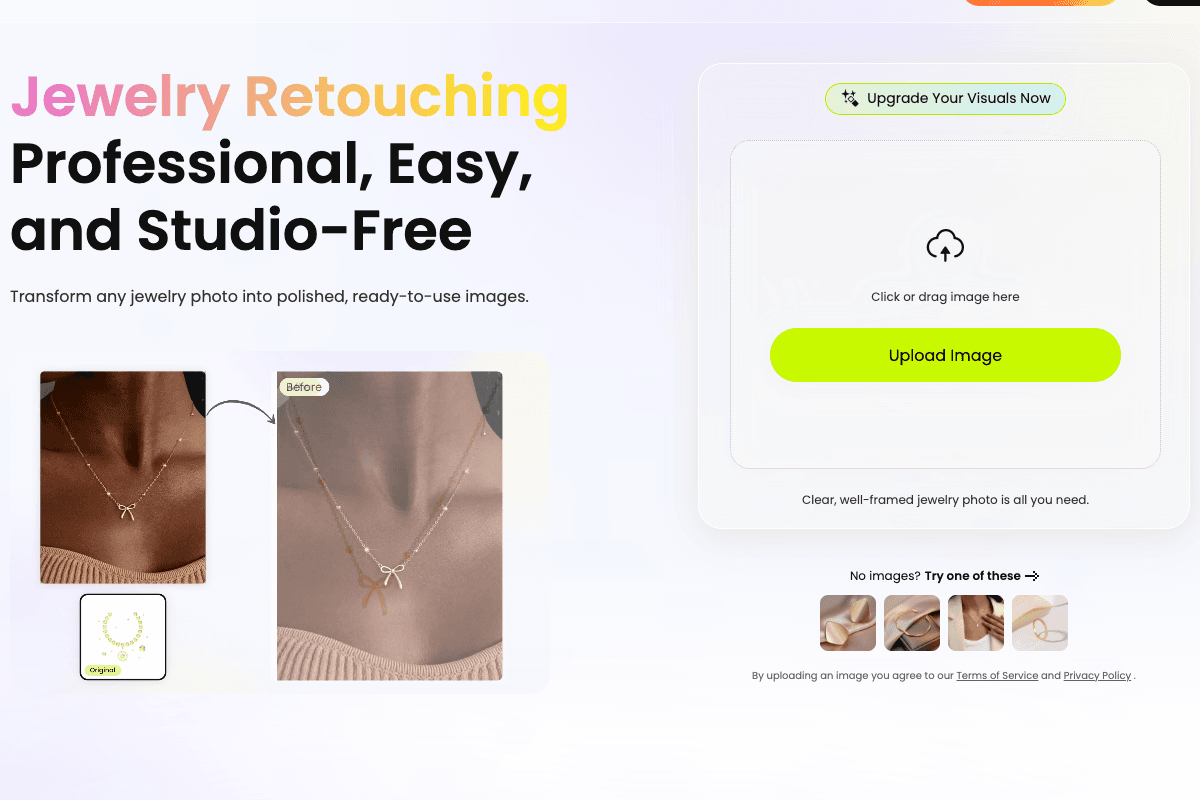
Snappyit is a new 2026 entrant built around two dedicated jewelry workflows — AI Jewelry Retouch (white-background catalog images) and AI Jewelry Model (placing your piece on a template hand, ear, neck, or wrist) — sharing one subscription and one credit pool. That combination at a low price point is a real reason it’s showing up in more “best of” lists this year.
Pricing: annual billing from $6.9/month (100 credits, roughly $0.07/image), Standard $11.1/month (200 credits), Pro $34.9/month (800 credits); free tier of 10 credits, no credit card required.
Pros:
- Cheapest jewelry-specific entry price in this comparison.
- Genuinely dual-workflow — retouch and on-model in the same subscription, which most budget tools don’t offer.
- Real free tier, no card required.
Cons:
- No creative/lifestyle scene generation beyond the model templates, and no dedicated video app — narrower than NeuroViz’s 15+ apps across retouch, try-on, creative, and video.
- On-model output runs on a fixed template library rather than the per-modality anatomy training (separate neck/ear/wrist/finger apps) NeuroViz and Photta use.
- No public API by their own admission — not a fit if you want to wire generation into your own backend.
4. FormaNova — Best for Photography + Jewelry Design (CAD) Together
Best for: jewelry brands and designers who want AI photography and new-design CAD generation from the same account, not just photo editing.
FormaNova has grown since our last update into the broadest jewelry-specialized platform outside NeuroViz. It combines AI photography for existing pieces, “worn jewelry preservation” (upload a photo of jewelry being worn and the AI keeps the piece pixel-accurate while replacing the model, background, and context), and CAD generation for brand-new designs from a reference image. NeuroViz’s August update narrowed this gap — it now renders product photos from existing CAD files and converts a photo into a 3D model — but generating a genuinely new design from a reference remains FormaNova’s territory, and Photta doesn’t touch it.
Pricing: credit-based, starting from $2 one-time per their own published pricing; confirm current tiers on their site.
Pros:
- The only tool here that combines real photo editing with CAD design generation in one account.
- Worn-jewelry preservation is a genuinely hard problem — isolating a piece from a live model while keeping pixel-level fidelity — and a real differentiator.
- Low one-time entry price.
Cons:
- No dedicated video app, and no broader e-commerce family (marketplace retouching, fashion model studio) the way NeuroViz’s 15+ apps span.
- Try-on-style coverage is one preservation workflow, not 8 separate anatomy-trained apps for neck/ear/wrist/finger.
- A newer platform with far less published track record than NeuroViz’s 1M+ images and 500+ businesses.
5. Jewels Retouch — Best for Pay-Once Credits That Never Expire
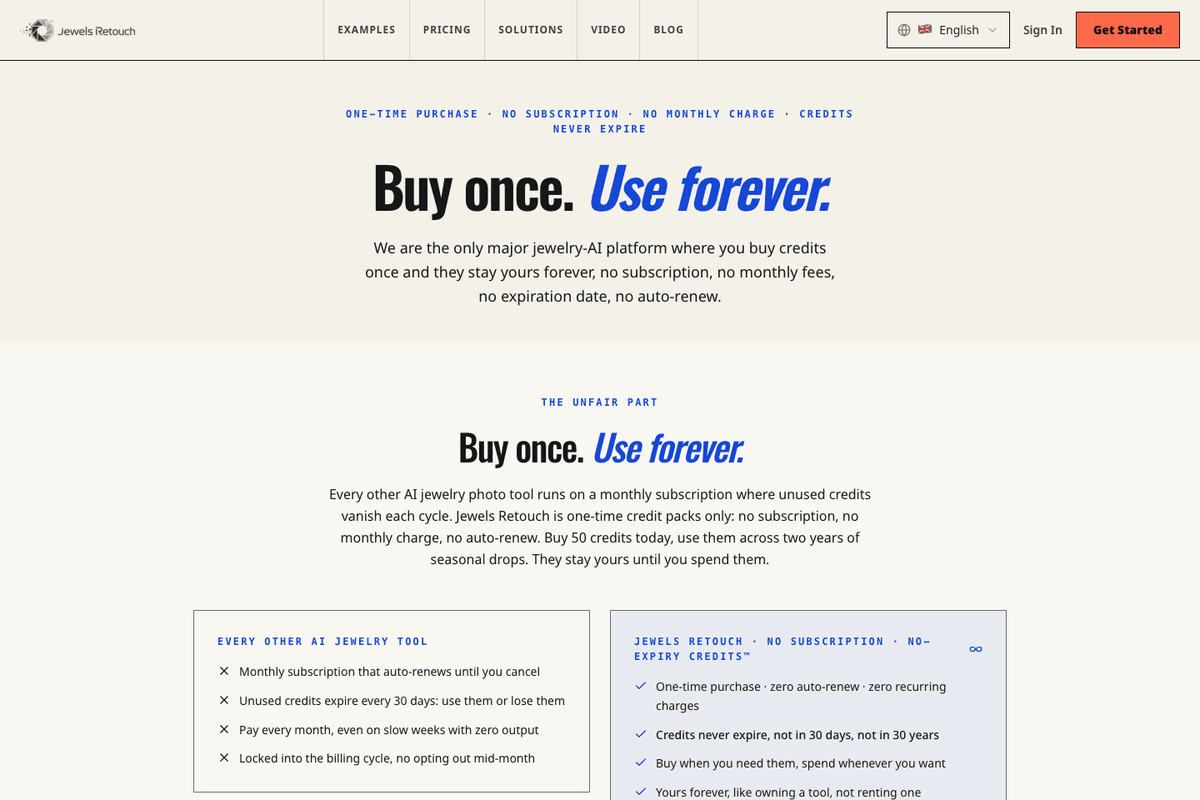
Best for: occasional sellers and seasonal brands who don’t want a subscription and want to see the result before spending anything.
Jewels Retouch is a jewelry-only tool built around one-time credit packs. Upload a photo and you get back a catalog shot on white, an Instagram-style scene, a model-worn version of the piece, or a short cinematic video of 5 to 30 seconds. Two things set it apart commercially: the credits carry no expiry date at all, and every purchase includes watermarked previews, so you look at the result before you spend the credit.
Pricing: one-time packs, no subscription — $1.99 for a single credit, $14.99 for 10 ($1.50 each), $59.99 for 50 ($1.20 each), $179.99 for 200 ($0.90 each). A photo retouch is 1 credit; video runs 3 credits for 5 seconds up to 18 for 30 seconds; upscaling adds 1. Free trial: 3 watermarked previews plus 1 HD download, no card required.
Pros:
- Credits never expire, with no subscription and no auto-renew.
- Preview before you pay — watermarked results come with every credit.
- Covers retouch, scene, on-model and short video in one place, which is unusual at this size.
- Turnaround around 60 to 90 seconds, with a refund or retry on results rated under 4 stars.
Cons:
- The highest per-image price in this comparison: $0.90 to $1.99 against $0.10 to $0.50 on NeuroViz. A 200-piece catalog runs roughly $180 to $400 here.
- No API, so there’s nothing to wire into a store, a PIM, or your own pipeline.
- One general retouch workflow rather than separate models per job — NeuroViz runs three retouchers and eight anatomy-trained try-on apps.
6. OIS.GOLD — Best for High-End Retouching Fidelity
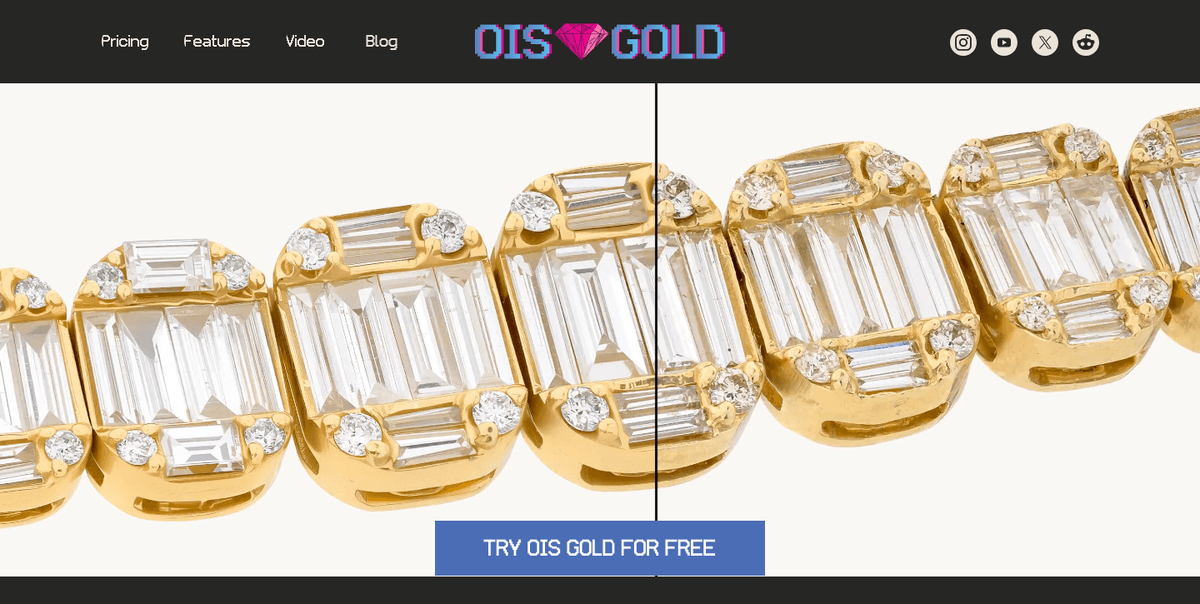
Best for: studio photographers and luxury brands who finish in Photoshop and want the AI to handle the tedious part without touching resolution, DPI or colour profile.
OIS.GOLD is jewelry-only and does one job: retouching. There are no prompts and no settings — you upload, and the AI removes dirt, scratches, noise and blown reflections while keeping texture, prong shape and proportions intact. What makes it interesting for high-end work is the output: a full-resolution layered .PSD with the original file kept as a separate layer, and the original resolution, DPI and colour profile preserved. There’s no file size limit; they cite images of 15,000 × 10,000 pixels and larger. Batch upload and upscaling are built in.
Pricing: monthly plans — Creator $25 (up to 50 images), $49 (up to 110 images), Studio $99 (up to 250 images), which works out to roughly $0.40 to $0.50 per image. Free tier: 2 images, then 1 a month. Enterprise pricing for 1,000+ images a month.
Pros:
- Layered .PSD output with the original as a separate layer — the cleanest handoff into a Photoshop finishing workflow.
- Original resolution, DPI and colour profile preserved, with no file size limit.
- Nothing to learn: no prompts or settings, plus batch upload and built-in upscaling.
Cons:
- Retouching only. No on-model try-on, no lifestyle scenes, no video — you’d pair it with a second tool for anything past the catalog shot.
- Subscription with a monthly image cap, so unused capacity doesn’t carry over the way pay-as-you-go credits do.
- At $0.40 to $0.50 an image it sits at the top of NeuroViz’s range, while NeuroViz’s cheapest retoucher starts at $0.10.
7. Tashvi AI — Best for AI Jewelry Design (Not Photo Editing)
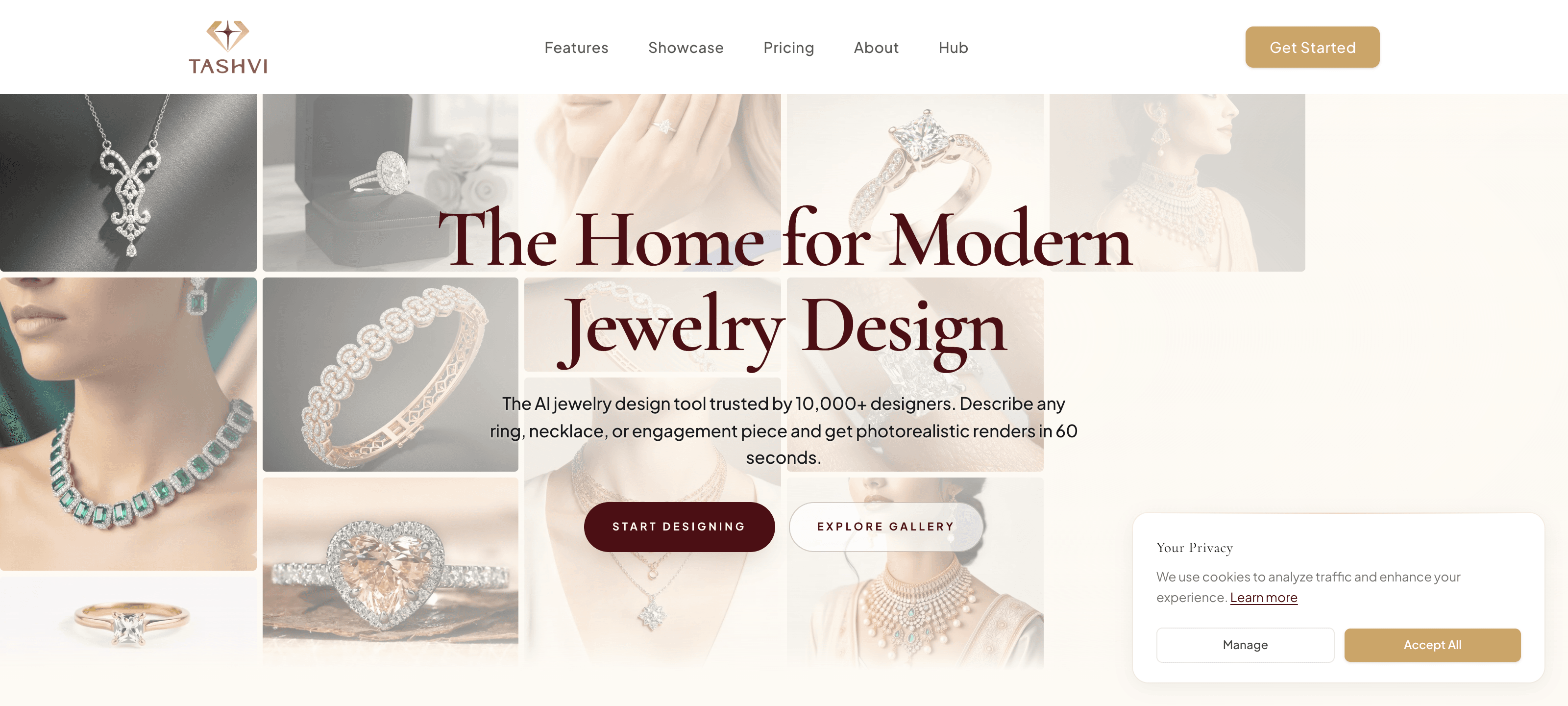
Source: tashvi.ai
Best for: designers and custom jewelers who want to generate new piece designs, not edit photos of existing ones.
Worth including because it shows up in “best AI jewelry tools” lists — but it’s a different category. Tashvi generates photorealistic renders of new rings, necklaces, and earrings from prompts, with manufacturing-ready outputs and even 3D CAD export. It has a genuine free tier and understands setting styles and proportions.
Pricing: free tier available; paid plans on their site.
Pros:
- Real jewelry-design specialization (settings, proportions, manufacturing constraints).
- Free, no-sign-up entry point; fast photorealistic variations.
- 3D CAD export and material estimates.
Cons:
- It designs pieces; it does not retouch or composite photos of your real inventory.
- Not a fit if your job is turning a real product photo of an item you already make into a catalog image.
8. Claid.ai — Best for High-Volume General Catalogs
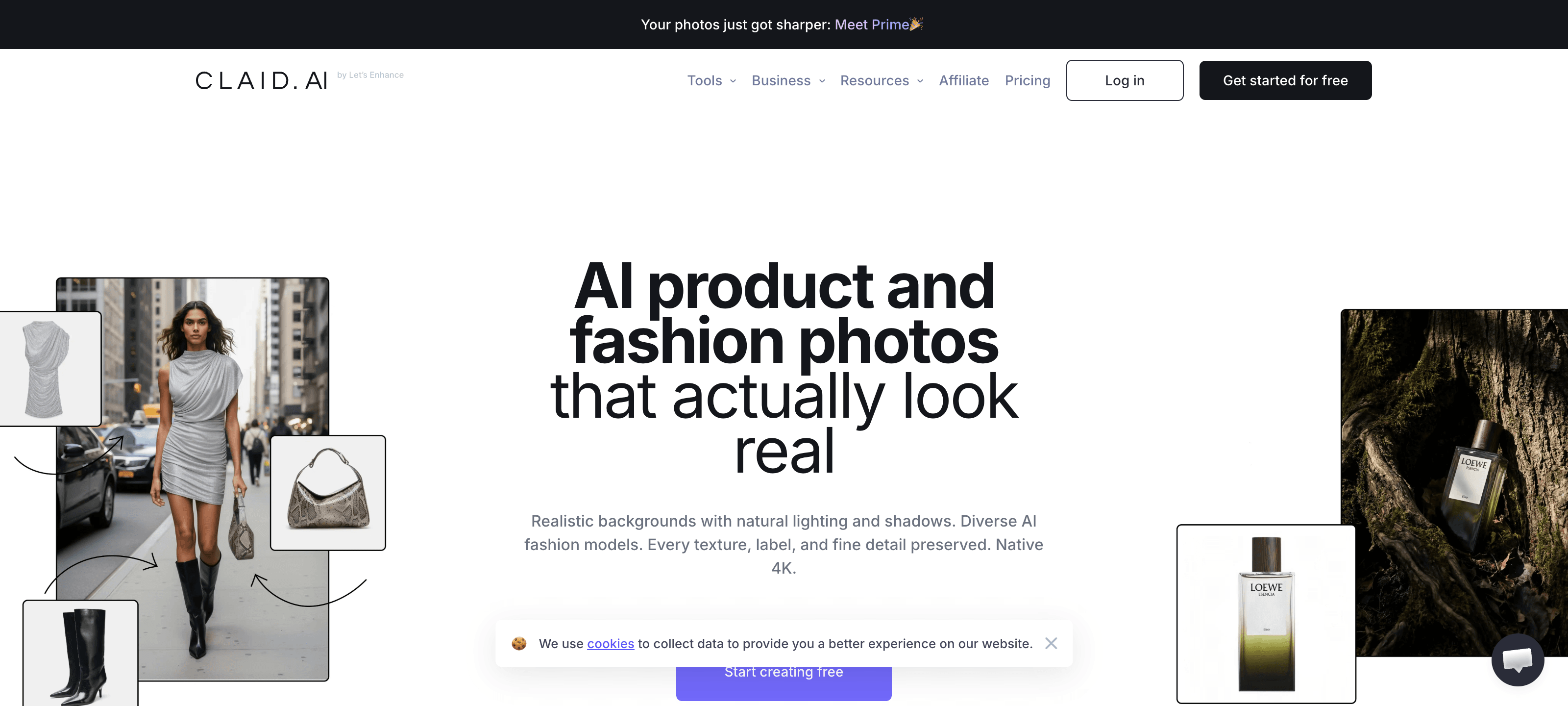
Source: claid.ai
Best for: stores with mixed product types (not just jewelry) needing batch background removal and scene generation at scale.
Claid is a strong general e-commerce photography tool with solid batch automation and API. It’s a workhorse for big mixed catalogs.
Pricing: plans roughly $9–$49/month with a free trial tier; see their site for current credits.
Pros:
- Batch automation and API for large catalogs.
- Good background removal and scene generation across product types.
- Transparent monthly pricing.
Cons:
- Not jewelry-trained — metal tones and gemstone facets are hit-or-miss versus a specialist.
- No dedicated jewelry try-on built for neck/ear/wrist anatomy.
9. Pebblely — Best Simple Tool for Beginners
Source: pebblely.com
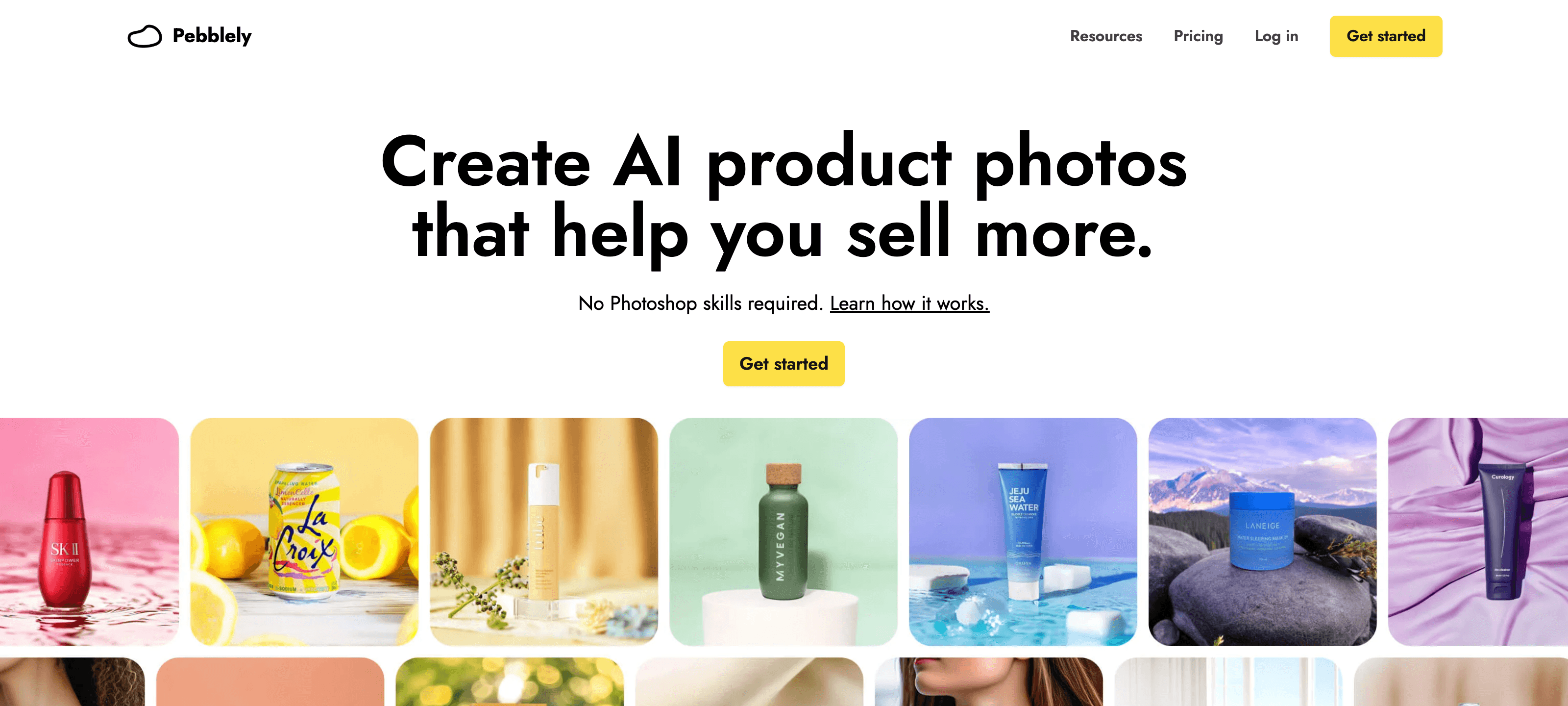
Best for: solo sellers who want fast, no-skill product backgrounds and aren’t precious about jewelry-grade detail.
Pricing: free plan (40 images/month), then around $19–$39/month; see their site.
Pros:
- Genuinely easy; 40 free images/month, no credit card.
- Fast lifestyle backgrounds for simple products.
Cons:
- Generic model — struggles with reflective metals and faceted stones.
- No jewelry try-on or jewelry-specific retouch apps.
10. PhotoRoom — Best Free Background Editor
Source: photoroom.com
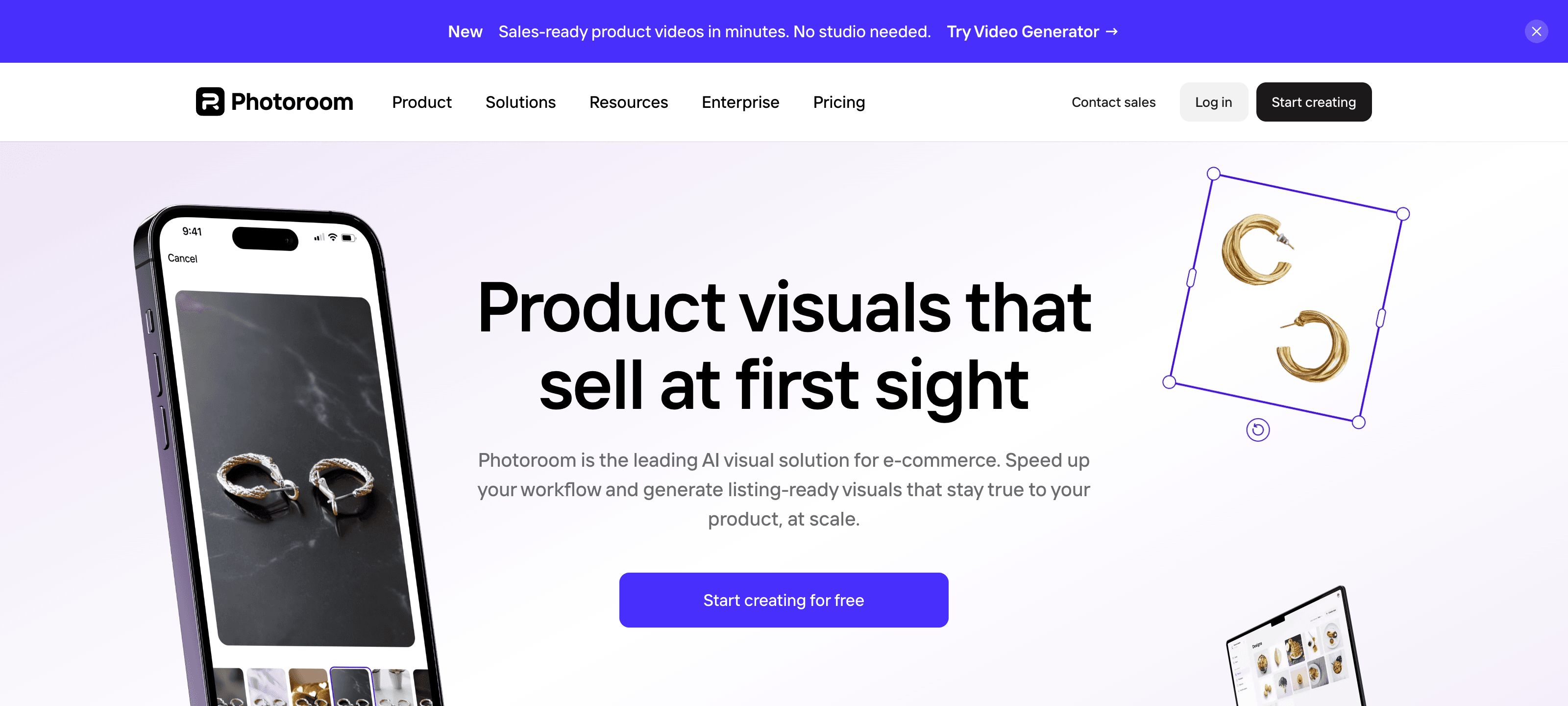
Best for: quick background removal and clean-up on a budget, across any product type.
Pricing: free tier, then Pro ~$9.99/mo and Business ~$29.99/mo; see their site.
Pros:
- Beginner-friendly, web and mobile, generous free tier.
- Reliable background removal for straightforward products.
Cons:
- Built for generic products — not tuned for jewelry’s reflections and micro-detail.
- Editing-only; no on-model jewelry generation or video.
Honorable mentions: Perfect Corp remains the standard for interactive, webcam-based AR try-on (a different use case than static catalog imagery). SellerPic is a new AI-model-only tool (from ~$14.5/month on annual billing) with no dedicated retouch workflow, so you’d pair it with something else for the catalog shot. Broader fashion-photography platforms like WearView have also started publishing their own jewelry roundups, but jewelry is one category among many for them, not a specialization. Useful in specific workflows, but none span the full jewelry pipeline the way NeuroViz does.
Comparison Table: Best AI Jewelry Photo Editing Tools 2026
Here’s the at-a-glance summary if you only have 30 seconds. This is the jewelry photo editing tools 2026 shortlist side by side:
| Tool | Jewelry-specialized? | What it does best | Try-on? | Video? | Pricing | Best for |
|---|---|---|---|---|---|---|
| NeuroViz | Yes (only jewelry) | All-in-one: retouch + try-on + creative + video + CAD rendering (15+ apps) + native MCP for ChatGPT/Claude | Yes | Yes | Pay-as-you-go credits $10–$1,000; from $0.10/img; optional monthly plans from $200/mo; 80 free credits | Jewelry brands & sellers wanting one platform |
| Photta | Yes | AI on-model jewelry shots | Yes | Limited | ~4 credits/gen; see site | On-model imagery focus |
| Snappyit | Yes | Budget retouch + on-model in one subscription | Yes | No | From $6.9/mo annual; 10 free credits | Cheapest dual-workflow entry |
| FormaNova | Yes | Photography + worn-jewelry preservation + CAD design | Partial (preservation) | No | From $2 one-time; see site | Photography + new-design in one tool |
| Jewels Retouch | Yes | Pay-once retouch, scenes, on-model and short video | Yes | Yes (5–30s) | One-time packs, $1.99 down to $0.90/image; credits never expire; free previews | Occasional sellers who don’t want a subscription |
| OIS.GOLD | Yes | High-end retouching with layered PSD output | No | No | $25–$99/mo for 50–250 images; free tier | Studio photographers finishing in Photoshop |
| Tashvi AI | Yes (design) | Generating new jewelry designs (CAD renders) | No | Yes (design) | Free tier; see site | Designing new pieces, not editing photos |
| Claid.ai | No (general) | Batch catalog automation | No | No | ~$9–$49/mo | High-volume mixed catalogs |
| Pebblely | No (general) | Simple backgrounds | No | No | Free 40/mo; ~$19–$39/mo | Beginners, simple products |
| PhotoRoom | No (general) | Background removal & clean-up | No | No | Free; ~$9.99–$29.99/mo |
Specialized vs Generic: Why It Matters for Jewelry
Here’s the honest credibility point. For a mug, a candle, or a t-shirt, a generic tool like Claid, Pebblely, or PhotoRoom is often all you need — and sometimes a better value than a specialist. We’d genuinely point a mixed-catalog store toward Claid for batch work.
But jewelry is the hardest product category in photography. Three things break generic AI:
- Metal tone — gold warmth and silver coolness must be exact; generic models drift toward grey or brass.
- Gemstone facets — diamonds and faceted stones have to sparkle correctly, not blur into a glassy blob.
- Prong and setting geometry — the AI must preserve stone count and setting, not invent or drop prongs.
A jewelry-trained model treats these as hard constraints. That’s the entire reason NeuroViz, Photta, Snappyit, and FormaNova exist as separate products from the generalists — and why, for a jewelry business, the best AI jewelry photo editor is almost always a specialized one.
Which AI Jewelry Photo Editor Should You Choose?
Match the tool to your situation:
- You sell jewelry and want one platform for catalog, on-model, lifestyle, and video → NeuroViz. Start with the AI jewelry retoucher and jewelry virtual try-on.
- You want the cheapest possible retouch + on-model combo and don’t need creative scenes or video → Snappyit; test it against NeuroViz’s free trial on your own pieces first.
- You need photo editing and brand-new design/CAD generation in the same account → FormaNova, or Tashvi AI if you only need design.
- You only need AI on-model shots and nothing else → Photta or NeuroViz; test both on your pieces.
- You run a big mixed catalog (jewelry + other products) → Claid for batch, plus a jewelry specialist for the jewelry SKUs.
- You’re a beginner on a tight budget with simple products → PhotoRoom or Pebblely’s free tier.
If you’re still weighing AI against a studio at all, our companion guide — AI vs traditional jewelry photography — breaks down the real cost, speed, and quality tradeoffs.
Frequently Asked Questions
What is the best AI jewelry photo editing tool in 2026?
For jewelry specifically, NeuroViz is the strongest all-in-one because it’s jewelry-trained and spans retouching, virtual try-on, creative scenes, and video across 15+ apps, plus a native MCP integration for Claude and ChatGPT. Photta is the closest specialized competitor for on-model shots, Snappyit and FormaNova are newer, narrower jewelry-specific entrants, and generic tools like Claid, Pebblely, and PhotoRoom are better suited to mixed or non-jewelry catalogs.
Are generic AI photo editors good enough for jewelry?
For simple products, yes. For jewelry, usually not — generic models often get metal tone, gemstone facets, and prong geometry wrong because they were never trained on jewelry. A jewelry-specialized tool treats those details as constraints to preserve, which is why specialists consistently win on our category.
How much do AI jewelry photo editing tools cost?
It varies more than you’d expect — the spread across this list is more than twenty times. NeuroViz is pay-as-you-go, from $0.10 an image on the Rescue retoucher up to about $0.50, with credits from $10–$1,000 and an optional $29/mo membership (no subscription required). For steady volume there are also optional monthly plans at $200–$1,000 a month, which carry 20–25% more credits than the same spend pay-as-you-go and include the membership. Snappyit starts around $6.9/month on annual billing and FormaNova from $2 one-time. OIS.GOLD runs $25–$99 a month for 50 to 250 images, roughly $0.40–$0.50 each. Jewels Retouch is the most expensive per image at $0.90–$1.99, but its credits never expire. Generic tools range from free tiers (PhotoRoom, Pebblely) to roughly $9–$49/month (Claid). Always confirm current pricing on each tool’s site.
Can these tools place jewelry on a model without a photoshoot?
Yes — NeuroViz, Photta, and Snappyit all generate on-model shots by placing your real piece on a generated model’s neck, ear, wrist, or hand, with no model day rate or scheduling. FormaNova offers a related “worn jewelry preservation” workflow. Generic editors like PhotoRoom and Pebblely don’t offer jewelry-specific try-on.
Does any AI jewelry photo editor work directly inside ChatGPT or Claude?
Yes — as of July 2026, NeuroViz is the only jewelry photography platform with a native MCP server, so you can retouch or generate jewelry photos directly inside a Claude, ChatGPT, or Cursor chat without switching to a browser tab. None of the other tools in this comparison offer that integration yet.
How is NeuroViz different from Photta, Snappyit, and the other new jewelry AI tools?
All are jewelry-specialized, but they cover different slices. Photta focuses on AI on-model imagery. Snappyit covers retouch and on-model in one cheap subscription but skips creative scenes and video. FormaNova adds CAD design on top of photography. OIS.GOLD goes deep on retouching fidelity — layered PSD, original DPI — and stops there. Jewels Retouch spans retouch, scenes, on-model and short video on pay-once credits that never expire, at the highest per-image price here. NeuroViz is the broadest and the cheapest per image: retouching, try-on, creative scenes, video, and CAD-to-photo rendering across 15+ apps, from $0.10 an image, with a free 80-credit trial, batch processing, an API, and a direct MCP integration for AI-assistant workflows.
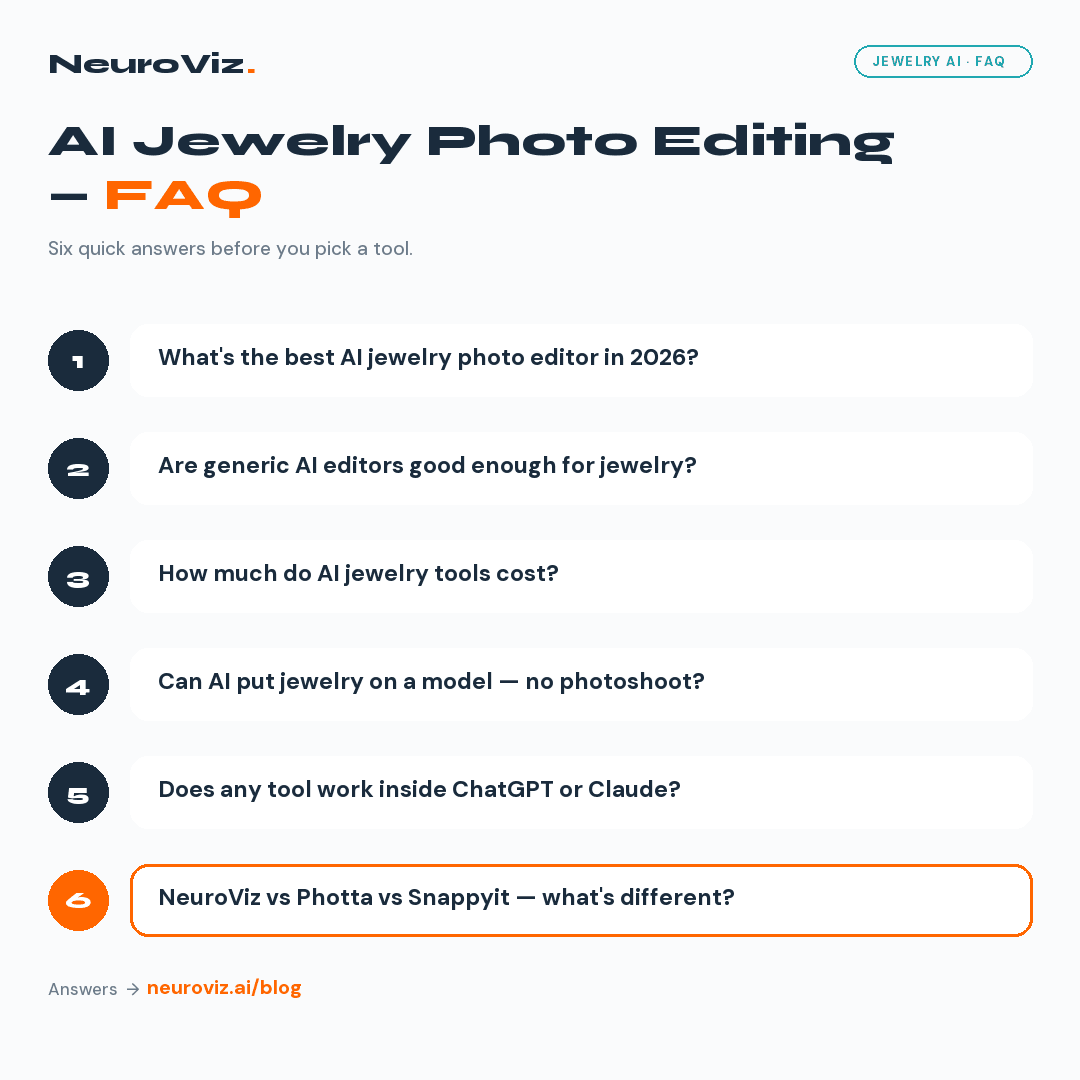
Pinterest-friendly FAQ card with five chat-bubble questions about the best AI jewelry photo editing tools, NeuroViz vs Photta, and pricing, in NeuroViz brand colors
Try the Jewelry Specialist Free — 80 Credits
The only way to settle which AI jewelry photo editor is right for your line is to run a few of your own pieces through it. So do exactly that.
- Free trial: 80 credits, no credit card — enough to test retouch, try-on, and a creative scene on your own jewelry.
- Pay-as-you-go credits ($10–$1,000, no subscription required) when you’re ready to scale, with a typical image around ~$0.50.
- Pro Membership $29/mo — batch processing, API, and credits that never expire while it’s active.
- Monthly plans from $200/mo — for steady catalog volume: 20–25% more credits than the same spend pay-as-you-go, Pro Membership included.
First order? Use code NEURO10 for 10% off — no expiration.
Ready to transform your jewelry photos? Try NeuroViz at app.neuroviz.ai with 80 free credits — no credit card. Questions? Email support@neuroviz.ai.