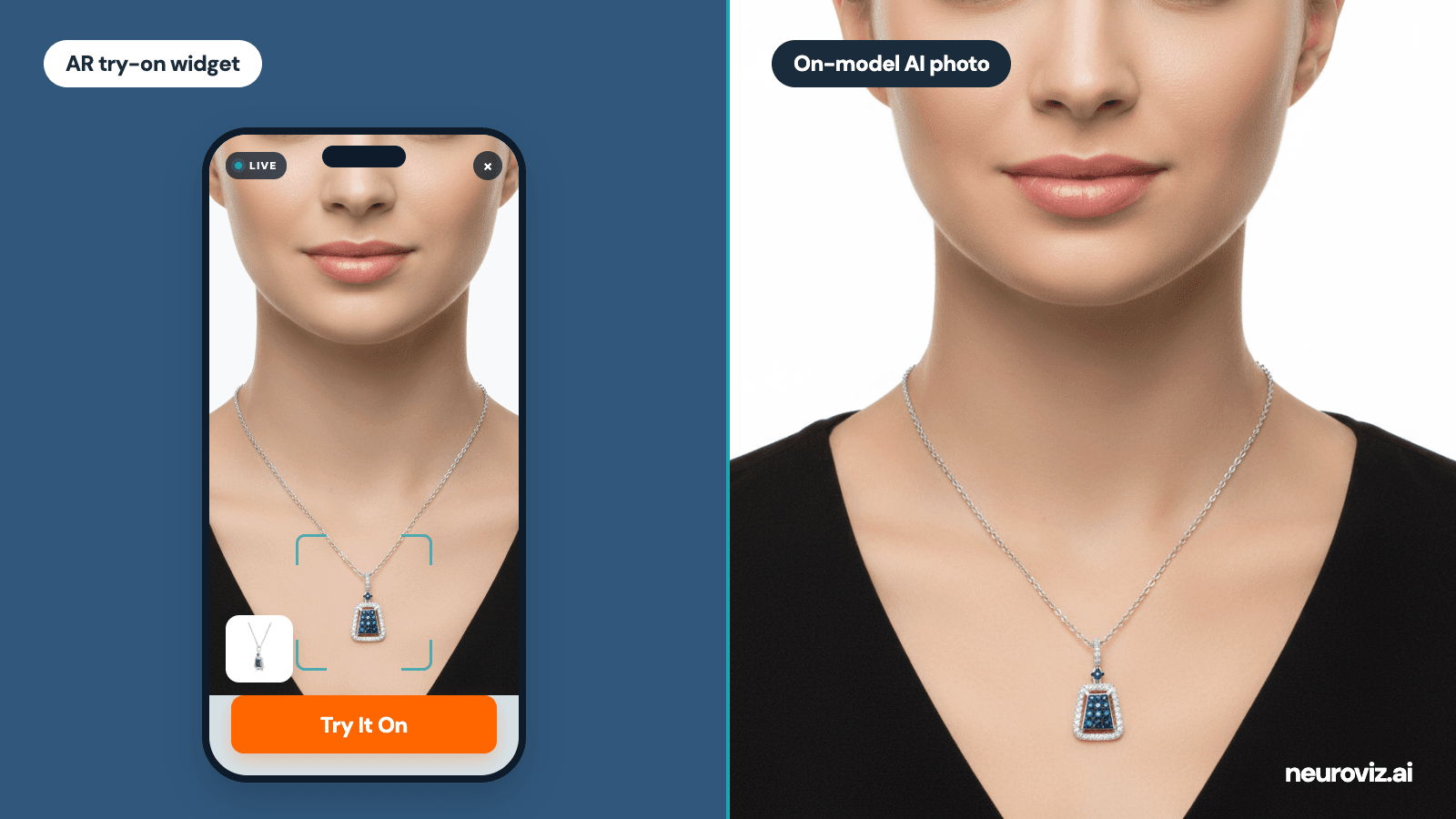
Search for “jewelry virtual try-on” and you get two completely different products mixed into one list. Some tools let a shopper see a ring on their own hand through a phone camera. Others generate the professional model photos you publish on Etsy, Shopify, Amazon, and ads. They solve different problems, they’re priced differently, and almost no comparison covers both.
This one does. We compared 8 platforms across both categories, with each vendor’s own published pricing, so you can pick the right tool for the job instead of the loudest name.
TL;DR: Quick Verdict
- Best on-model photos for listings and ads: NeuroViz — 8 jewelry-specific try-on tools, 20 credits ($0.40 at the Studio monthly rate) per generation, 80 free credits to start.
- Best if you want photos and a storefront widget from one vendor: Photta.
- Best free way to test the idea: Fotor.
- Best enterprise AR widget without 3D files: Tangiblee ($5,999/year).
- Best mid-market camera AR widget: Camweara (from $990/year).
- Best for in-store and omnichannel retail: MirrAR.
- Best earring and piercing AR at enterprise scale: Perfect Corp (YouCam).
- Best quick WebAR embed with published prices: GlamAR (from $250/month).
The decision rule is simple. Need marketing photos? Pick an on-model generator. Need a product-page feature that shows the piece on the shopper? Pick an AR widget. One doesn’t replace the other.
What “Jewelry Virtual Try-On” Actually Means in 2026
“Jewelry virtual try-on” is two different products sold under one name. An AR try-on widget lives on your product page and shows a piece on the shopper, live, through their camera. An on-model generator takes one photo of your piece and produces the professional model images you publish. The first is a storefront conversion feature. The second replaces a model photoshoot.
The confusion is expensive. A small Etsy seller who buys a $5,999-a-year widget gets a feature their traffic can’t feed. A brand that only adds a widget still has no model photos for its listings and ads. Round-ups usually cover one category and ignore the other, so buyers end up comparing tools that don’t even compete.
We wrote a full explainer on how the on-model side works in our jewelry virtual try-on guide. This article is about choosing between actual platforms.
Takeaway: decide which product you need before comparing prices. Widgets are storefront software billed monthly or yearly. On-model generators are photo production billed per image.
How We Evaluated (and Our Bias)
We scored each platform on four things: jewelry-specific accuracy (does it respect anatomy and scale, or treat a necklace like a sticker), piece-type coverage, published pricing (points off for “talk to sales” only), and how much work it takes to get value on day one.
Full disclosure: NeuroViz is our product, and it’s an AI jewelry photography platform, not an AR widget. So we’ll say it plainly: if what you need is a shopper-facing widget on your product pages, NeuroViz is the wrong tool, and five of the platforms below do it well. We quote every vendor’s own published pricing and name what each does better than us.
Best On-Model Try-On Tools for Jewelry Sellers
These generate the model photos you publish. You upload a product shot; you get a person wearing your piece.
1. NeuroViz — Best On-Model Photos for Jewelry
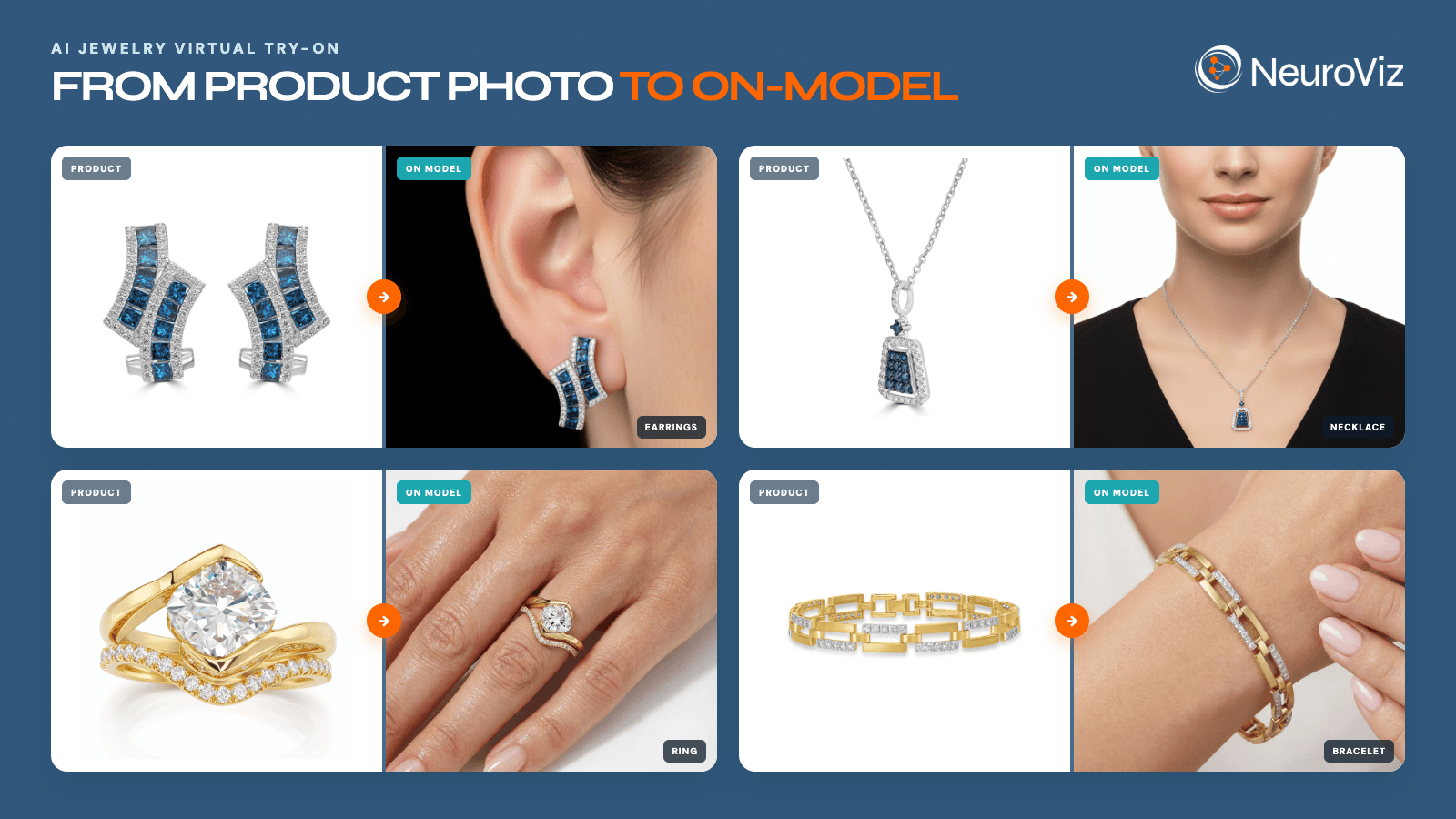
Grid of four jewelry pieces, earrings, a necklace, a ring, and a bracelet, each shown as a product photo next to the same piece generated on a model by NeuroViz AI, worn on the ear, neck, hand, and wrist
NeuroViz, an AI jewelry photography platform, splits try-on into eight tools, each trained exclusively on one piece type: necklaces (plus a Studio version with chain-length control), earrings (plus a Studio version with placement control), rings with finger and hand selection, bracelets, watches, and a Combo tool that puts up to three coordinated pieces on one model. That specialization is the point. A necklace has to drape, a ring has to sit at the right proportion, and generic generators get exactly that wrong.
You can describe the model you want in any language or upload your own model, and output goes up to 4K at 300 DPI, ready for marketplaces. For whole catalogs there’s batch processing, an API, and an MCP server, so it also runs from inside ChatGPT or Claude. Used by 500+ jewelry businesses, 1M+ images processed, rated 4.9/5.
Published pricing: a try-on generation costs 20 credits, or $0.40 at the Studio monthly rate of $0.02 per credit, and returns up to four variations. Purchased credits are valid for 12 months and do not expire while Pro or a subscription is active. Subscription allowances follow their billing period, and new accounts get 80 free credits (four generations) with no card. Monthly Plans start at $200 and include Pro Membership, with up to 25% more credits than the same spend pay-as-you-go. Annual subscriptions cost 10 months and grant the year’s credits upfront; the allowance expires at annual renewal.
Where it falls short: no shopper-facing AR widget. If you need one on your product pages, pair NeuroViz with a widget from the next section.
2. Photta — Best One-Vendor Combo of Photos and Widget
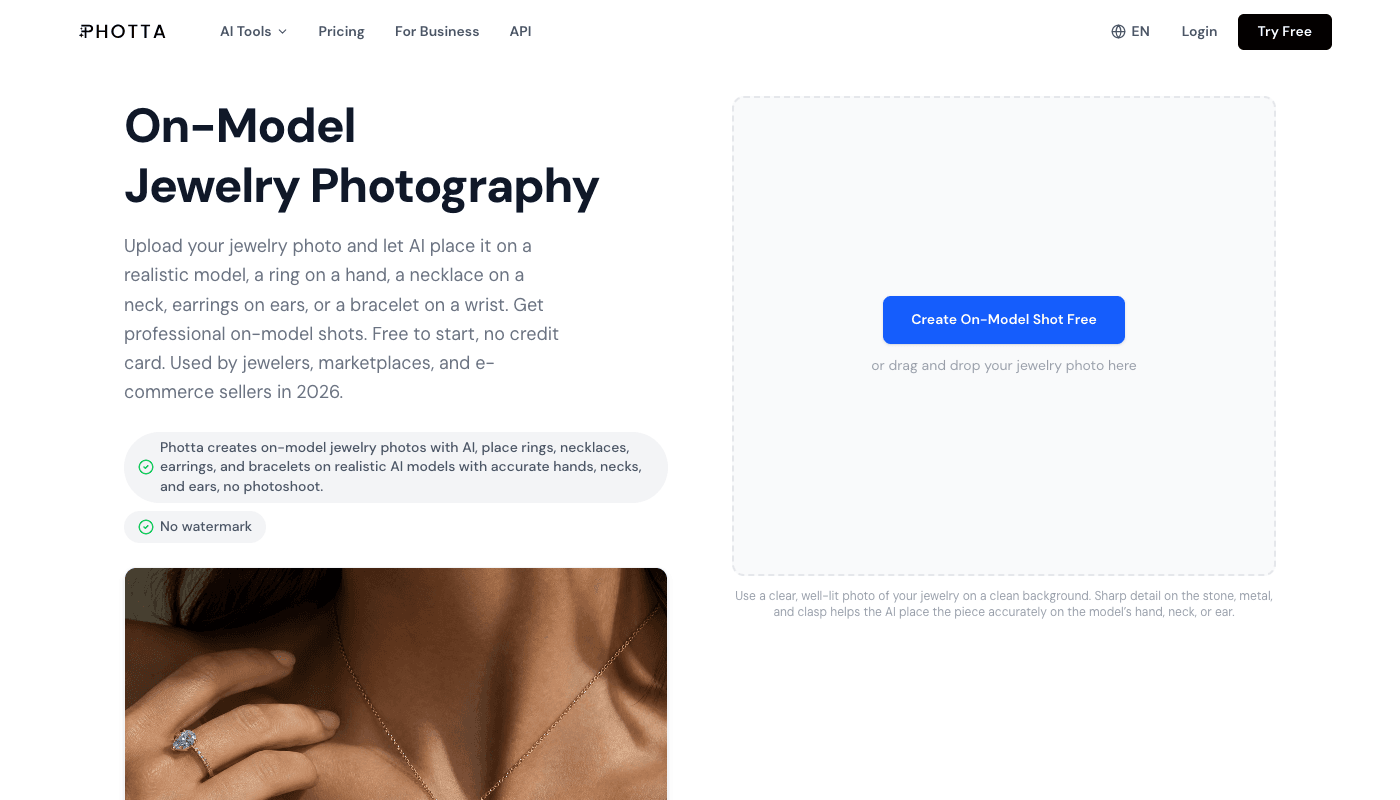
Photta’s on-model jewelry photography page, with an upload area for a jewelry photo and an example of a generated ring and necklace shot on a model
Photta is the only vendor on this list selling both sides: an on-model photo studio for rings, necklaces, earrings, and bracelets, and a separate AR try-on widget for storefronts. If you want one invoice for both jobs, that’s a real argument.
The trade-off is the billing model. Photta is subscription-only: plans start at $14 a month for 150 credits, and a try-on run costs 5 credits. Monthly credits don’t roll over, and on annual plans each month’s credits expire after 60 days. The widget is priced separately, in three tiers from $49 a month with a 14-day trial.
Published pricing: studio plans $14–$249/month; widget from $49/month.
Where it falls short: unused credits expire, so irregular shooting rhythms (a collection this month, nothing next month) pay for capacity they don’t use. Compare that with pay-as-you-go credits that keep for a year.
3. Fotor — Best Free Way to Test the Idea
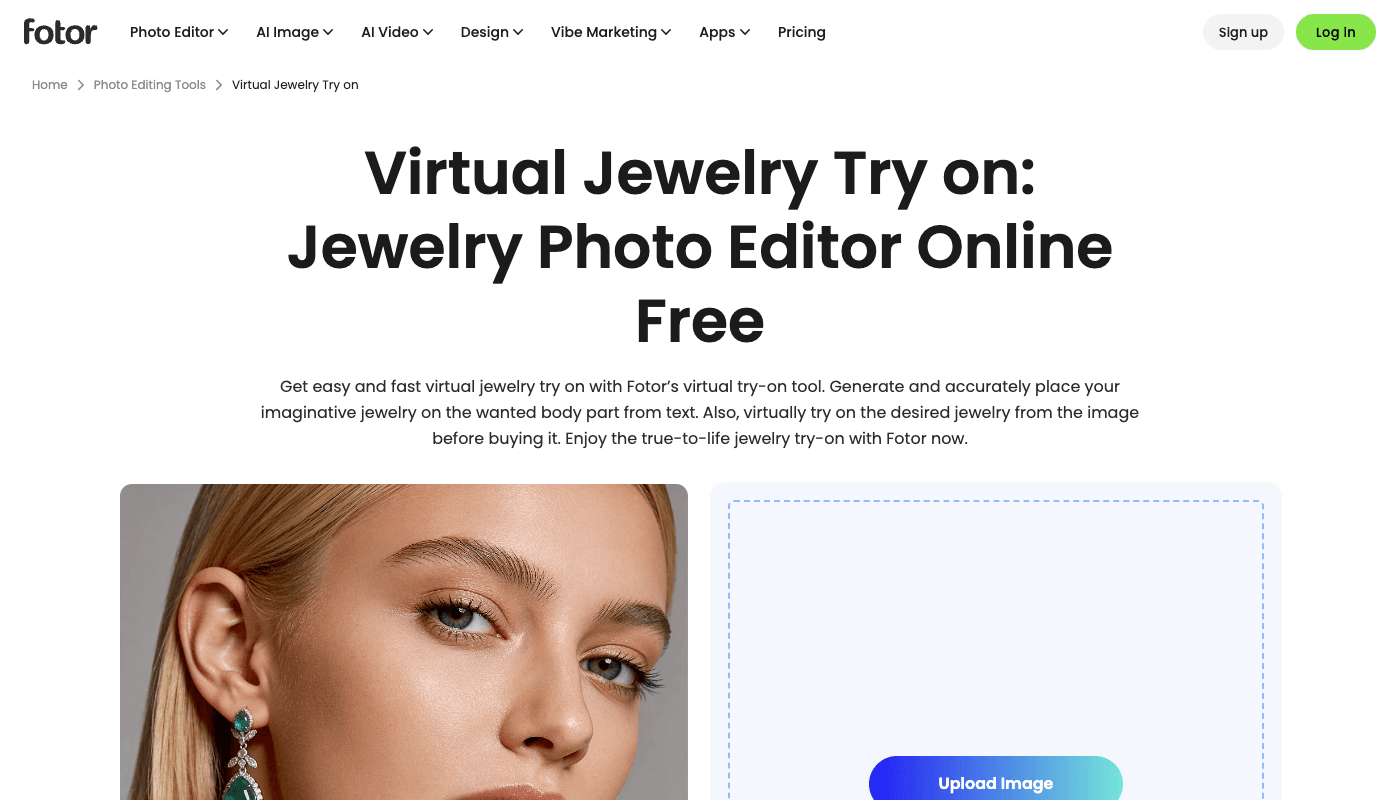
Fotor’s virtual jewelry try-on page: a photo editor with an upload area and an example portrait wearing generated emerald earrings
Fotor is a general photo editor with a jewelry try-on feature: upload a portrait, then either upload a jewelry photo or describe a piece in text, and it places the piece on the person. It’s free to start and takes about a minute to try, which makes it the cheapest possible way to see whether on-model imagery moves your listings at all.
It is not a production tool. There’s no jewelry-specific anatomy training, no piece-type tools, no batch workflow, and results on fine detail (thin chains, prong settings) are hit-or-miss.
Published pricing: free to start; paid features via Fotor’s general subscription.
Where it falls short: one image at a time, generic placement, no catalog workflow.
Best AR Try-On Widgets for Jewelry Stores
These live on your product pages and show pieces on the shopper. Billed as software, priced by SKUs or traffic.
4. Tangiblee — Best Enterprise Widget Without 3D Files
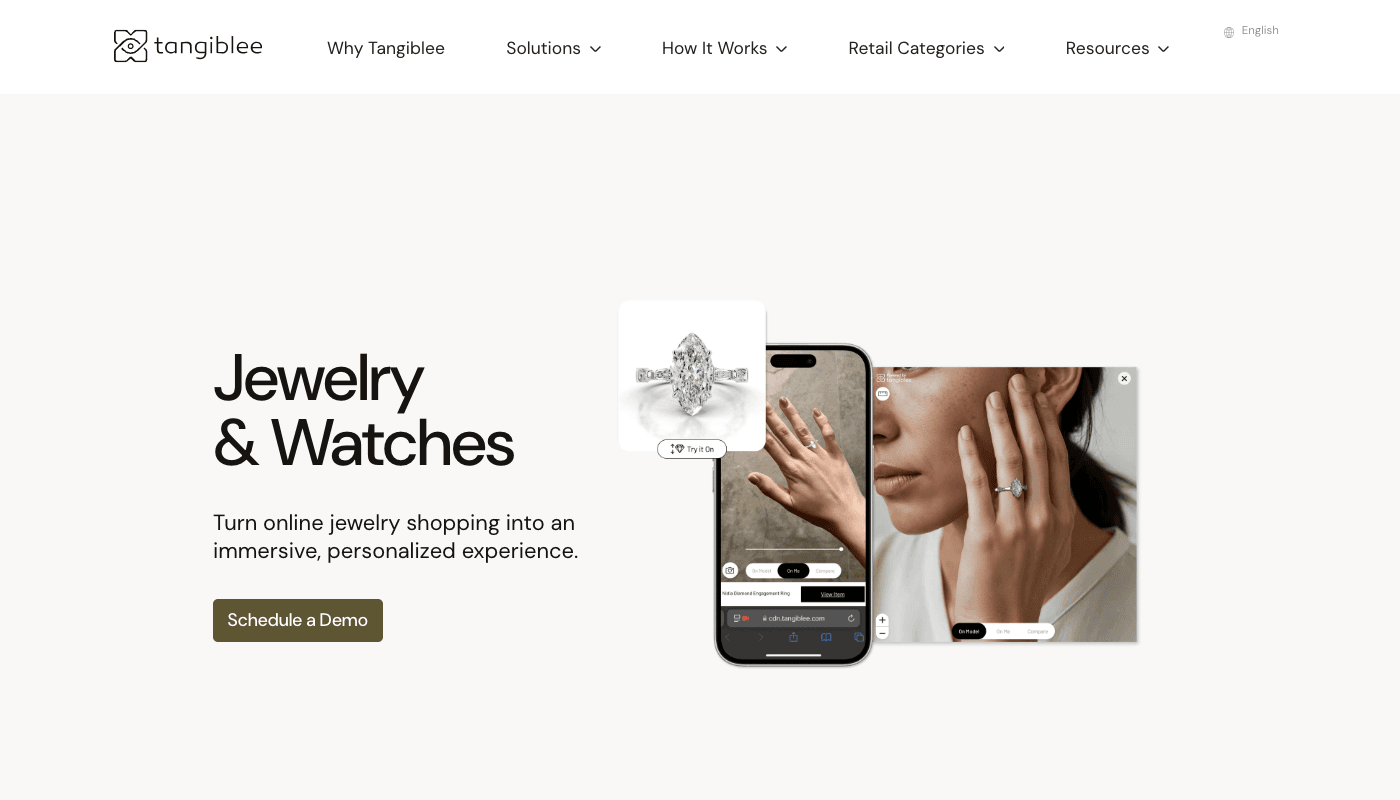
Tangiblee’s jewelry and watches page, showing a diamond ring product photo and the same ring displayed on a shopper’s hand through the try-on interface on a phone
Tangiblee’s pitch is that you don’t need 3D models: it builds the try-on experience from the 2D catalog images you already have, with human-in-the-loop rendering. Shoppers try pieces on from the browser, stack and layer them, and compare sizes against everyday objects. Client list includes MCM, Lux Bond & Green, and PDPAOLA.
On Shopify it’s one plan: $5,999 a year for 500 SKUs, with a 14-day trial. One detail worth knowing for jewelry: the listing covers earrings, rings, bangles, and watches, while necklace support is “on request.”
Published pricing: $5,999/year, 500 SKUs.
Where it falls short: the price only makes sense with real product-page traffic, and necklaces need a conversation with sales first.
5. Camweara — Best Mid-Market Camera AR
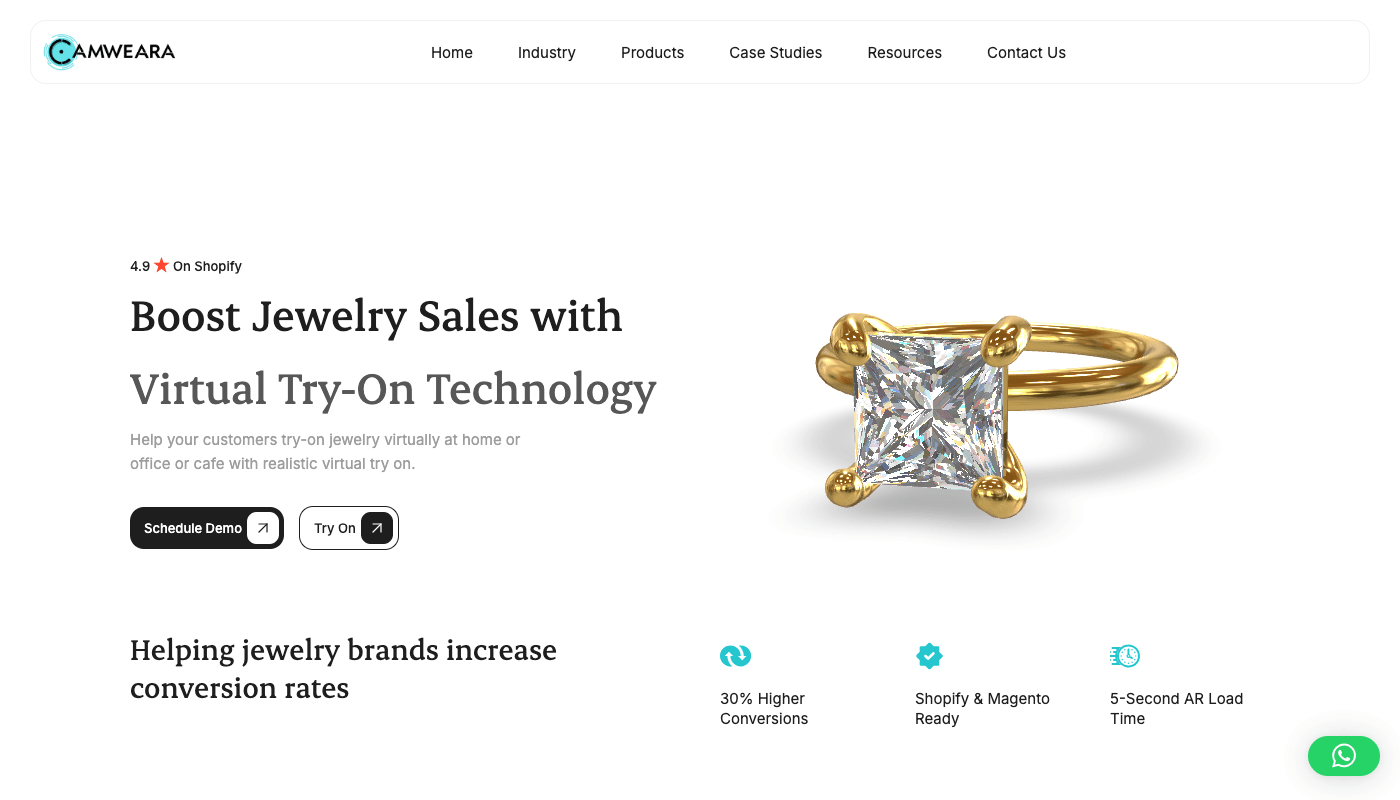
Camweara’s jewelry page: a gold princess-cut ring render next to the headline about boosting jewelry sales with virtual try-on, with a 4.9-star Shopify rating badge
Camweara does live camera try-on (video and photo modes) for rings, earrings, necklaces, bracelets, and watches, plus a digital ring sizer that measures the shopper’s finger. It installs as a ready plugin on Shopify and WooCommerce, holds a 4.9 rating on the Shopify App Store, and claims 30% higher conversions for stores using it.
Pricing starts at $990 a year for 300 products, with a $2,400-a-year growth tier at 3,000 products. One line item to watch: jewelry image editing beyond the included credits costs $0.70 per image.
Published pricing: from $990/year (300 products).
Where it falls short: per-image editing fees add up on large or fast-changing catalogs.
6. MirrAR — Best for In-Store and Omnichannel Retail
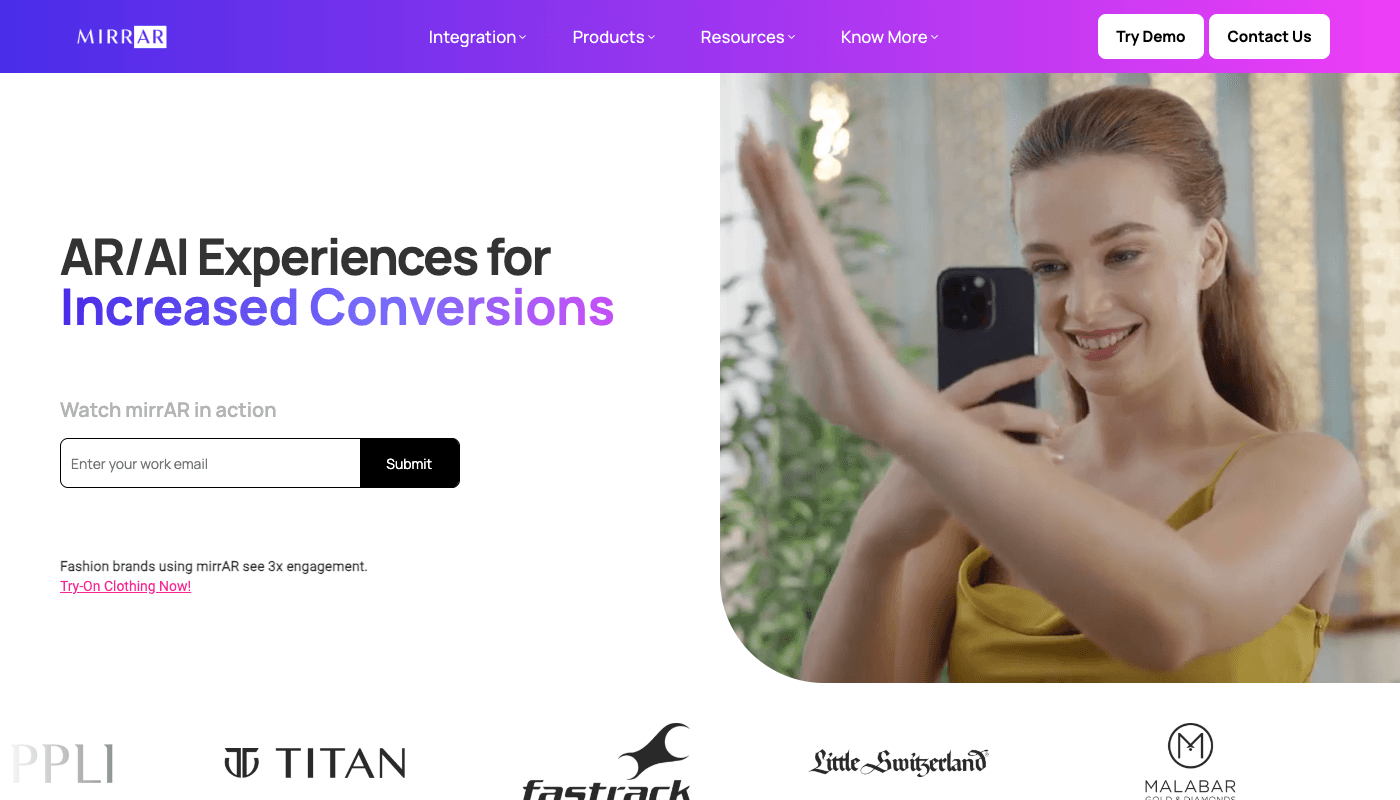
MirrAR homepage: a shopper trying jewelry through a phone camera, with client logos of Titan, Fastrack, Little Switzerland, and Malabar below
MirrAR is the widget the big jewelry retail chains use. Tanishq, Kalyan Jewellers, Senco, Titan, Malabar, and Little Switzerland run it across web, mobile SDK, social AR filters, and in-store displays. If your business includes physical counters and you want one try-on system across all of them, this is the specialist.
The numbers it advertises are vendor-reported but concrete: returns down 37% with AR in e-commerce, and Tanishq citing a 20% return reduction in a year.
Published pricing: on request (demo-first sales).
Where it falls short: no public pricing, and the product is built for retail scale rather than a small store’s budget.
7. Perfect Corp (YouCam) — Best Earring and Piercing AR at Enterprise Scale
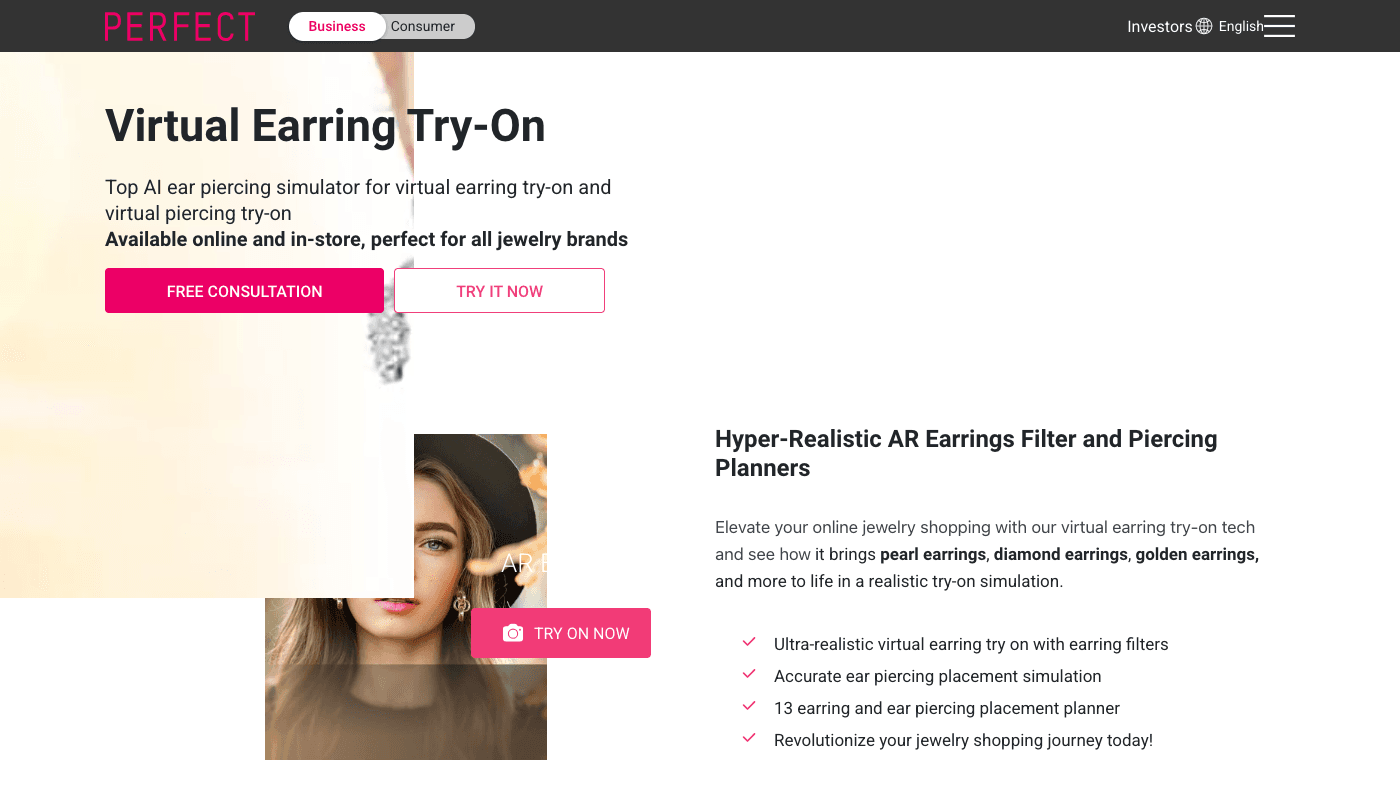
Perfect Corp’s Virtual Earring Try-On product page, offering an AR earrings filter and ear piercing placement planner with a model wearing generated earrings
Perfect Corp is the beauty-tech company behind YouCam, and its jewelry AR rides on that face-tracking stack. The earring product is the standout: live try-on plus an ear piercing placement planner with 13 positions, available online and in-store. Rings and bracelets are covered too, with automatic wrist-size detection, and a 2D-to-3D pipeline converts flat product photos into try-on assets.
It sells the way enterprise beauty tech sells: through a consultation, not a checkout page.
Published pricing: not published; free consultation to start.
Where it falls short: jewelry is one product line inside a beauty-first platform, and small brands aren’t the target customer.
8. GlamAR — Best Quick WebAR Embed With Published Prices
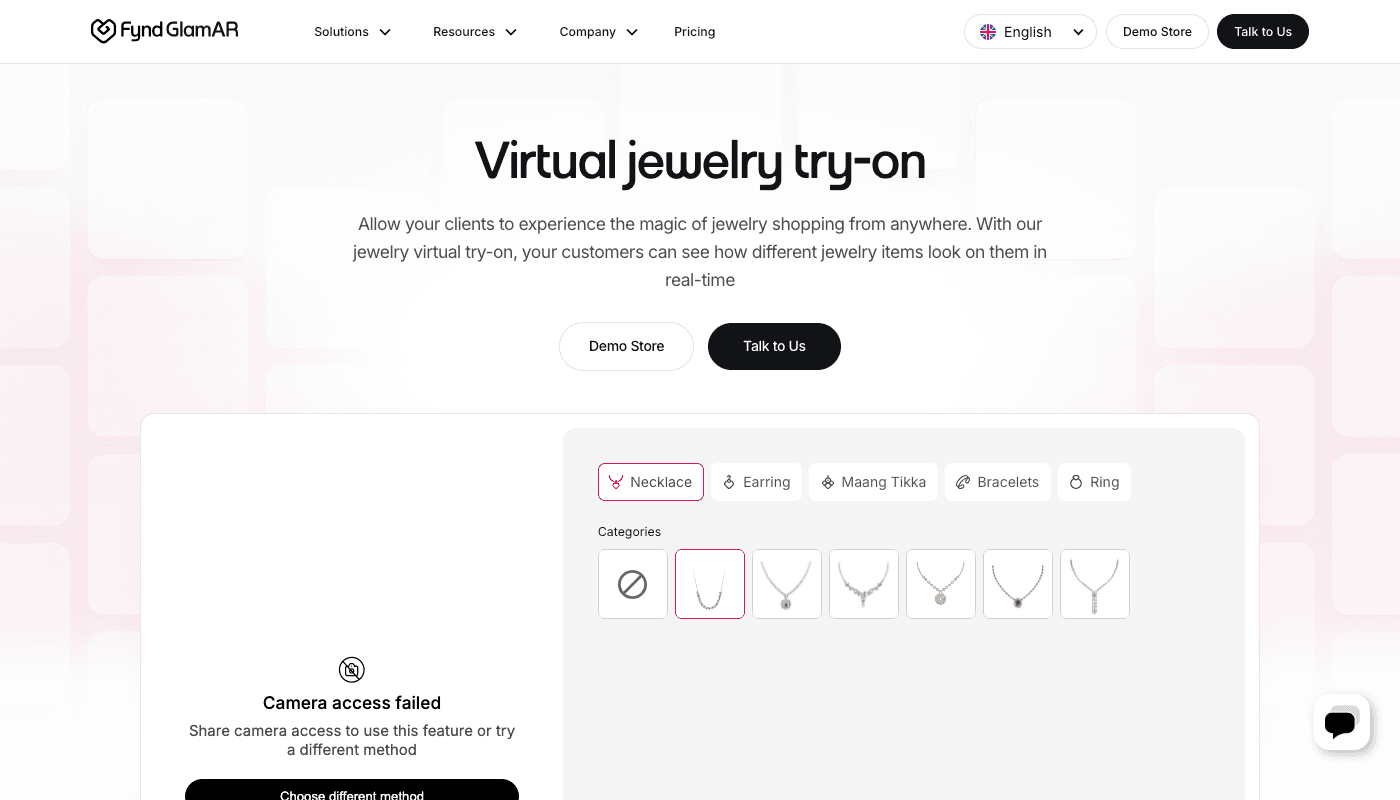
GlamAR’s virtual jewelry try-on page with category chips for necklace, earring, maang tikka, bracelets, and ring, and a live camera try-on demo panel
GlamAR (by Fynd) covers necklaces, earrings, rings, bracelets, and maang tikka, which tells you its home market: Indian and bridal jewelry are first-class citizens. Try-on runs in the browser through a link or QR code with no app install, and integration is plugin/SDK based.
Unlike most widget vendors, it publishes prices: $250 a month for 50 SKUs and 10,000 monthly views, up to $450 a month for 500 SKUs. Creating the 3D models of your pieces is a separate, quoted cost, and that’s the number to pin down before you commit.
Published pricing: $250–$450/month by SKUs and traffic; 3D model creation quoted separately.
Where it falls short: the subscription is only half the cost picture until you price 3D model creation for your catalog.
Comparison Table: Jewelry Virtual Try-On Platforms 2026
| Platform | Type | Jewelry coverage | Published pricing | Best for |
|---|---|---|---|---|
| NeuroViz | On-model generation | Necklaces, earrings, rings, bracelets, watches, sets (8 tools) | 20 credits ≈ $0.40/generation; 80 free credits | Model photos for listings and ads |
| Photta | On-model + widget | Rings, necklaces, earrings, bracelets | Studio from $14/mo; widget from $49/mo | Photos and widget from one vendor |
| Fotor | Editor with try-on | Any piece via upload or text | Free to start | One-off experiments |
| Tangiblee | AR widget (image-based) | Earrings, rings, bangles, watches; necklaces on request | $5,999/yr (500 SKUs) | Enterprise stores without 3D files |
| Camweara | AR widget (live camera) | Rings, earrings, necklaces, bracelets, watches | From $990/yr (300 products) | Mid-market Shopify / WooCommerce |
| MirrAR | AR widget + in-store | Earrings, necklaces, rings, bracelets | On request | Omnichannel retail chains |
| Perfect Corp | AR widget (enterprise) | Earrings + piercing, rings, bracelets | Consultation | Earring-first enterprise brands |
| GlamAR | AR widget (WebAR) | Necklaces, earrings, rings, bracelets, maang tikka | From $250/mo (50 SKUs) | Fast WebAR embed |
Which Jewelry Try-On Platform Should You Choose?
Start from the job.
- You sell on Etsy, Amazon, or a young Shopify store and need model photos: on-model generation, and jewelry-trained beats generic. That’s NeuroViz; the 80 free credits cover four generations, enough to judge quality on your own pieces before paying anything.
- You run an established store with strong product-page traffic: an AR widget starts earning its fee. Camweara at $990 a year is the sane mid-market entry; Tangiblee is the enterprise pick when your catalog photography is 2D-only.
- You have physical stores or sell in India: MirrAR, with GlamAR as the self-serve alternative.
- Earrings are your main category: Perfect Corp’s piercing planner is genuinely unique.
- You want both photos and a widget: either take Photta’s bundle, or combine a dedicated tool from each category. For fine jewelry specifically, anatomy accuracy is the thing to test hardest; a scale error that’s tolerable on a $30 fashion piece kills trust on a $3,000 ring.
Sequence matters too. Model photos are needed everywhere (listings, ads, email, social) from day one. A widget pays off only after shoppers are already on your product pages. Photos first, widget when the traffic justifies it.
Takeaway: under ~$1,000 a year of budget or under a few thousand product-page visits a month, on-model photos are the better spend. Widgets compound on traffic you already have.
Frequently Asked Questions
What is the best virtual try-on platform for jewelry in 2026?
It depends on which of the two try-on products you need. For generating on-model photos of your jewelry for listings and ads, NeuroViz is the strongest jewelry-specific option, at about $0.40 per generation with 80 free credits to start. For a shopper-facing AR widget on your product pages, Camweara is the best mid-market pick from $990 a year, and Tangiblee is the enterprise pick at $5,999 a year.
What’s the difference between an AR try-on widget and on-model photo generation?
An AR widget is storefront software: it shows a piece on the shopper through their camera, on your product page, to help them decide. On-model generation is photo production: it turns one product photo into professional images of a model wearing your piece, which you publish on marketplaces, ads, and social. Widgets are billed as subscriptions; on-model photos are billed per image.
How much does jewelry virtual try-on cost in 2026?
On-model photo generation runs about $0.40 per image on pay-as-you-go credits. AR widgets span a wide range: roughly $250 a month at the self-serve end, $990 to $2,400 a year mid-market, $5,999 a year for enterprise image-based try-on, and custom pricing for in-store platforms. Widget vendors also often charge separately for preparing your catalog (3D models or per-image editing), so ask for the all-in number.
Does virtual try-on actually increase jewelry sales?
Vendors report strong numbers: Camweara claims 30% higher conversions, and MirrAR cites returns dropping 37%, with Tanishq reporting 20% fewer returns in a year. These are vendor-reported figures rather than independent studies, but they point the same direction: letting shoppers see jewelry on a person, before buying, reduces hesitation and returns.
Can I get on-model jewelry photos without hiring a model?
Yes. On-model try-on tools generate a realistic model wearing your exact piece from a single product photo, in minutes. You choose or describe the model, pick a studio or lifestyle setting, and get high-resolution images suitable for Etsy, Shopify, and Amazon listings. A piece photographed in the morning can be on a model image the same day.
Do I need both an AR widget and on-model photos?
They do different jobs, so mature brands often end up with both. The practical order: on-model photos first, because every channel needs imagery from day one; add an AR widget once your product pages have enough traffic for a conversion feature to pay for its subscription.
Try the On-Model Side Free
Upload one product photo to NeuroViz and see your piece on a model in minutes. 80 free credits, no credit card: that’s four try-on generations to judge the quality on your own jewelry.
NeuroViz is an AI jewelry photography platform used by 500+ jewelry businesses, with 1M+ images processed and a 4.9/5 rating.