New NeuroViz AI Controls: Quality, Resolution and Credits
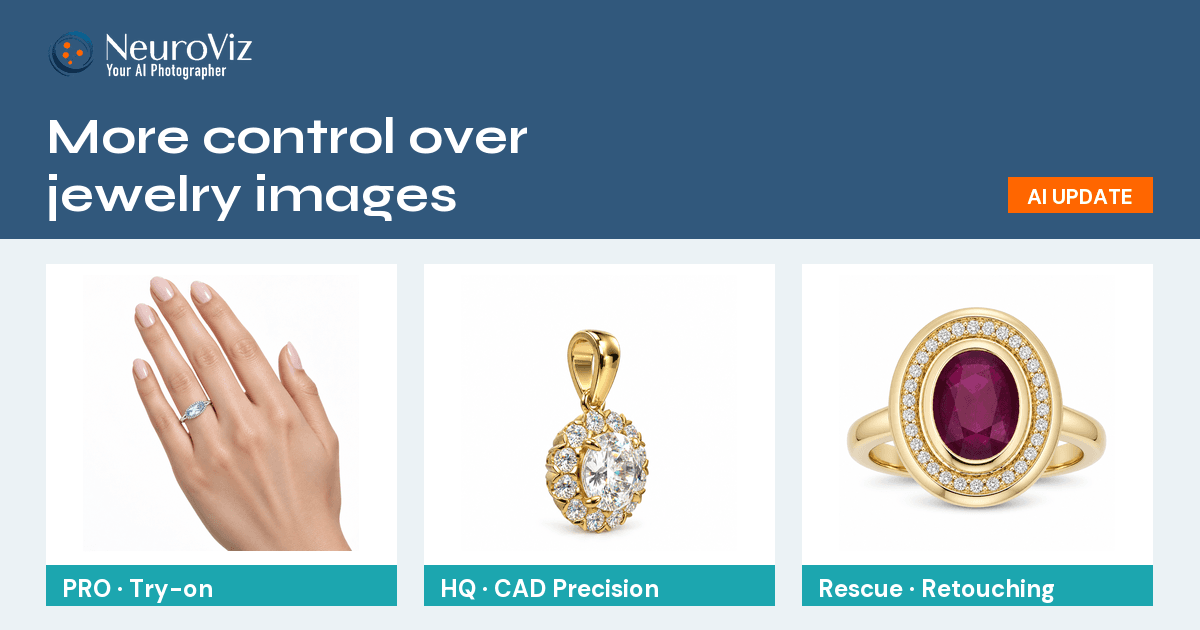
Find the upgraded PRO, HQ and Rescue options. Learn how resolution, aspect ratio and five quality levels work, with standard credit costs for every setting.
Read MoreBrowse all posts in the Feature Update category

Find the upgraded PRO, HQ and Rescue options. Learn how resolution, aspect ratio and five quality levels work, with standard credit costs for every setting.
Read MoreA blurry gemstone gives a retoucher nothing to recover. Set the stone type and cut in NeuroViz and the facets render correctly, in photos and CAD files.
Read More
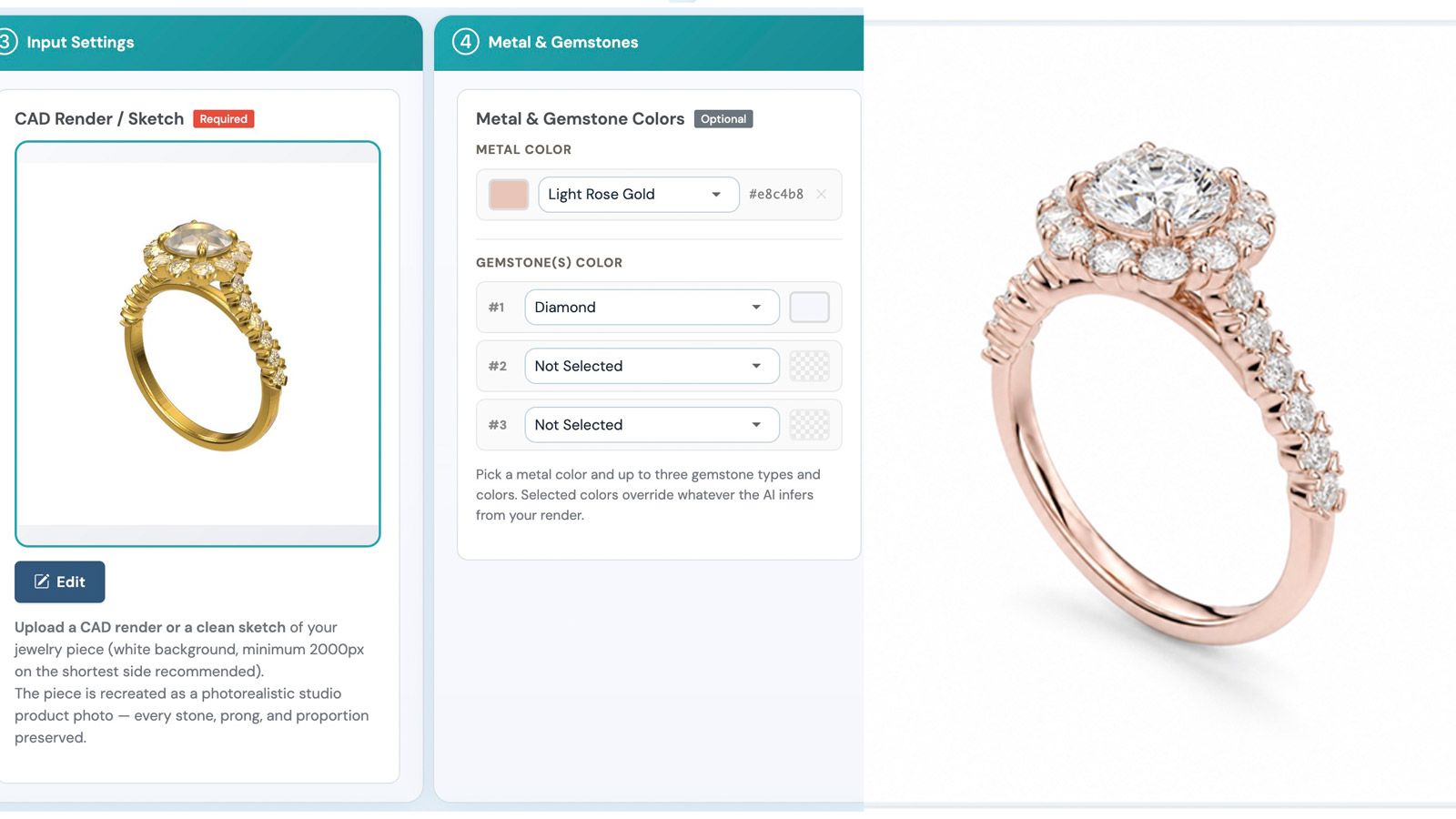
Open a JewelCAD, Rhino, STL or OBJ file in your browser, pick your angles, and get photorealistic jewelry product photos before the piece is manufactured.
Read More
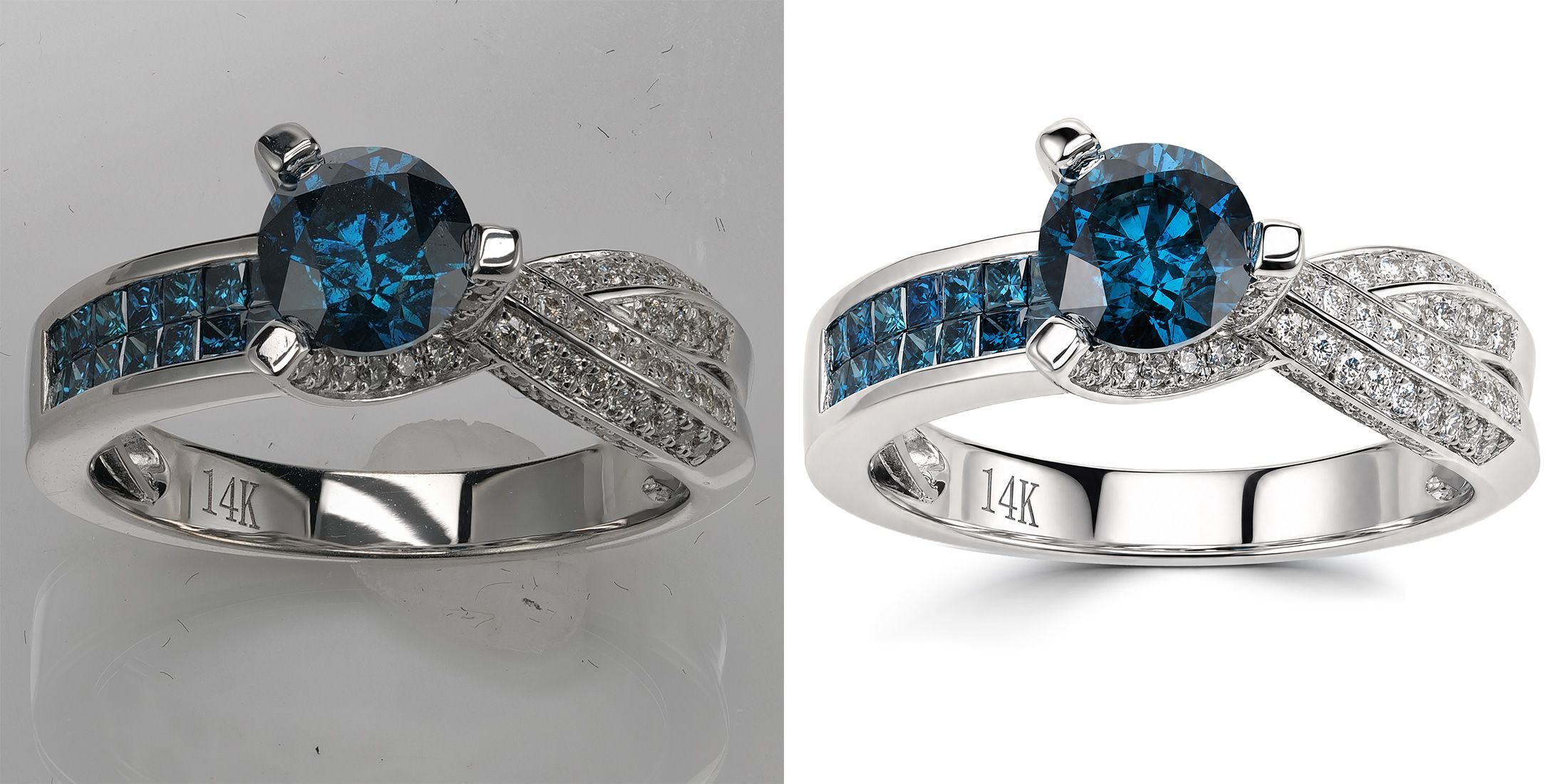
NeuroViz now guarantees an exact HEX background on AI-retouched jewelry photos — plus natural shadows, framing control, and free de-banding. See how it works.
Read More
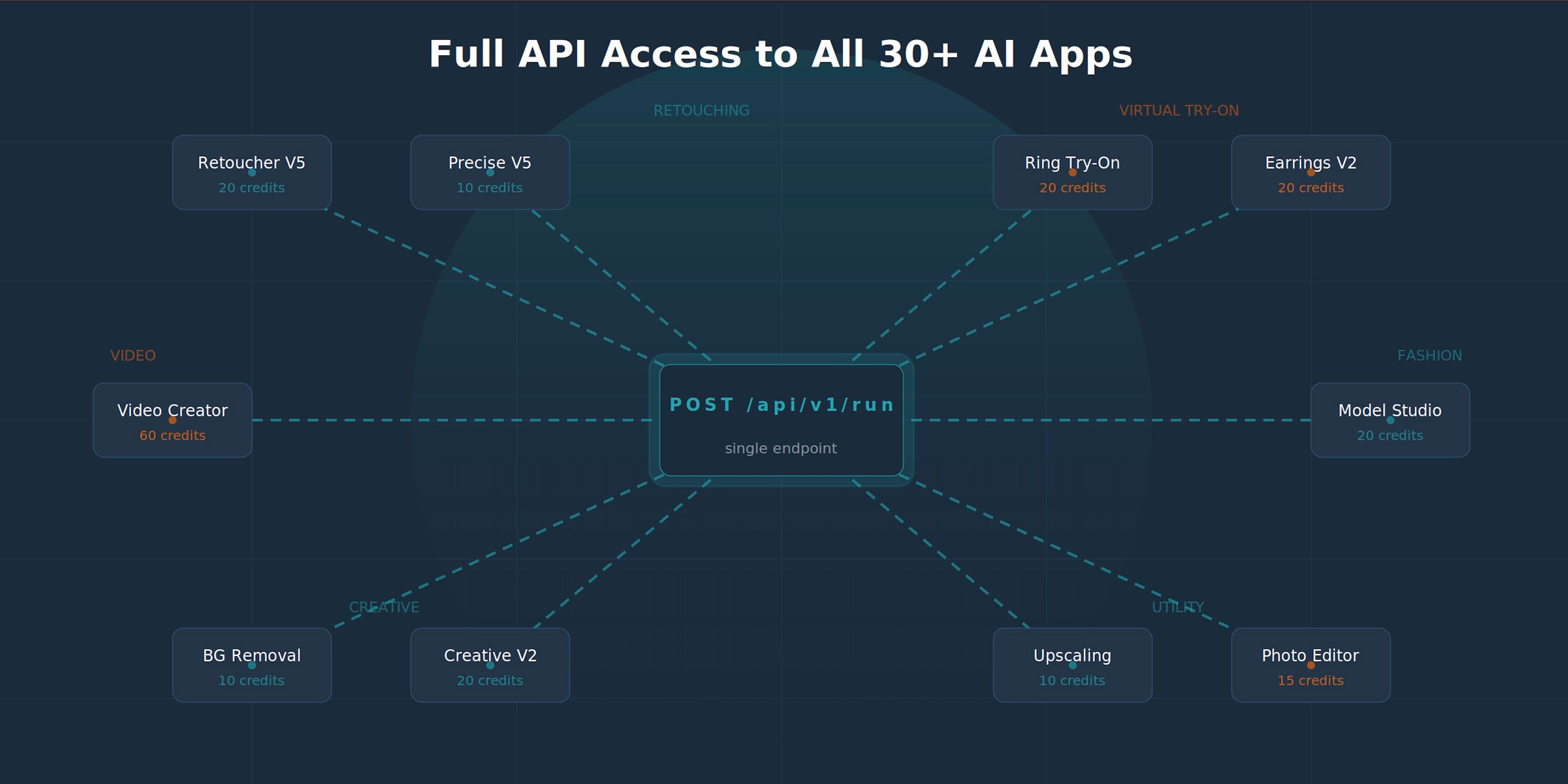
Integrate AI jewelry retouching and virtual try-on into your app or store with the NeuroViz API. REST endpoint, code examples, credit-based pricing.
Read More
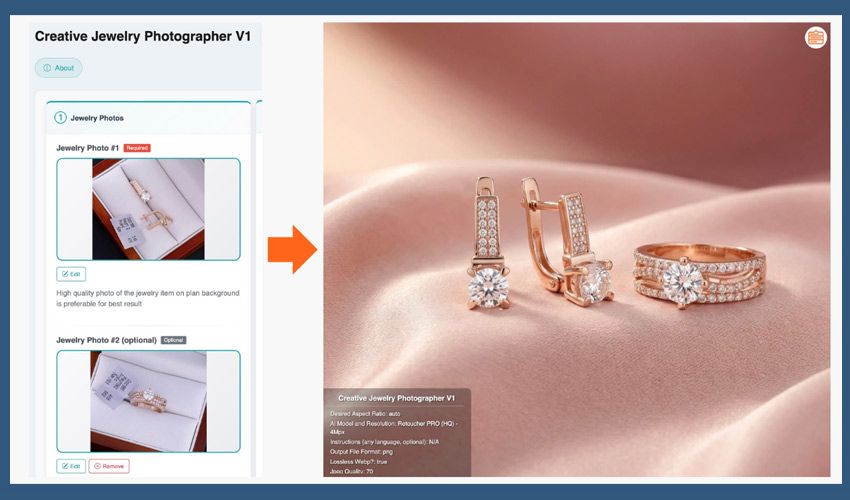
Creative Jewelry Photographer V1 Update
Read More
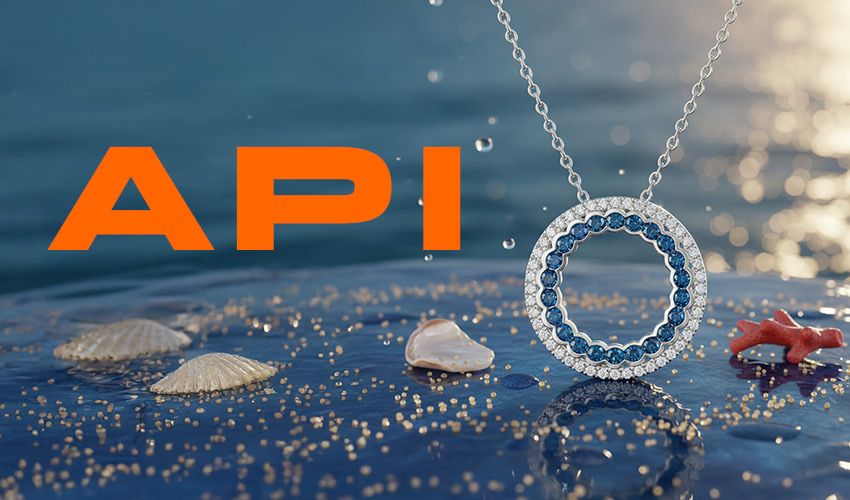
We built an API. Developers can now integrate NeuroViz directly into their applications.
Read MoreGet the latest updates, tutorials, and tips delivered to your inbox.