If you already run your store from inside an AI assistant — drafting listings in Claude, planning content in ChatGPT, building automations in Cursor — you’ve probably wished you could hand it a product photo too. Today you can. The NeuroViz MCP server connects Claude, ChatGPT, Cursor and any custom Claude-API agent directly to NeuroViz’s jewelry photography and retouching apps. No dashboard, no file uploads through a browser — just a conversation.
What Is the NeuroViz MCP Server?
The NeuroViz MCP server is a live connector at https://app.neuroviz.ai/mcp that lets any Model Context Protocol (MCP) compatible AI assistant call NeuroViz, an AI jewelry photography platform, as a tool. MCP is an open standard — originally built for Claude, now adopted across the AI assistant ecosystem — that lets a chat assistant browse and use external services instead of just talking about them.
In practice, that means Claude, ChatGPT (via its developer-mode connector), Cursor, and custom agents built on the Claude API can now list NeuroViz’s 15+ specialized apps, check pricing, and generate finished jewelry photos and videos — all without leaving the chat window.
How Do I Connect Claude Code to NeuroViz in One Command?
Setup for Claude Code takes one command and an API key. Paste the command below, swap in your key from app.neuroviz.ai/api-portal, and the assistant can immediately see every NeuroViz app.
claude mcp add --transport http neuroviz https://app.neuroviz.ai/mcp --header "Authorization: Bearer YOUR_API_KEY"Claude Desktop and Cursor use the same transport and the same header — you’re pointing them at the same server URL with your own API key. ChatGPT connects through its developer-mode connector settings, using the identical URL and bearer token. The key itself is the same nv_… API key used for the standard NeuroViz REST API, so if you’ve already generated one for another integration, it works here too.
MCP supports account sign-in (OAuth), including free NeuroViz accounts; no API key or paid membership is required for that connection. Generations use your regular credits, purchased pay-as-you-go or supplied by a subscription. If you connect with an API key instead, key access is included with Pro Membership: $29/month with pay-as-you-go, or included in every Studio, Business and Scale subscription. See the current MCP setup guide.
MCP is one of several ways teams plug NeuroViz into their own pipeline — the rest are on the For Business page.
What Can You Actually Do With It?
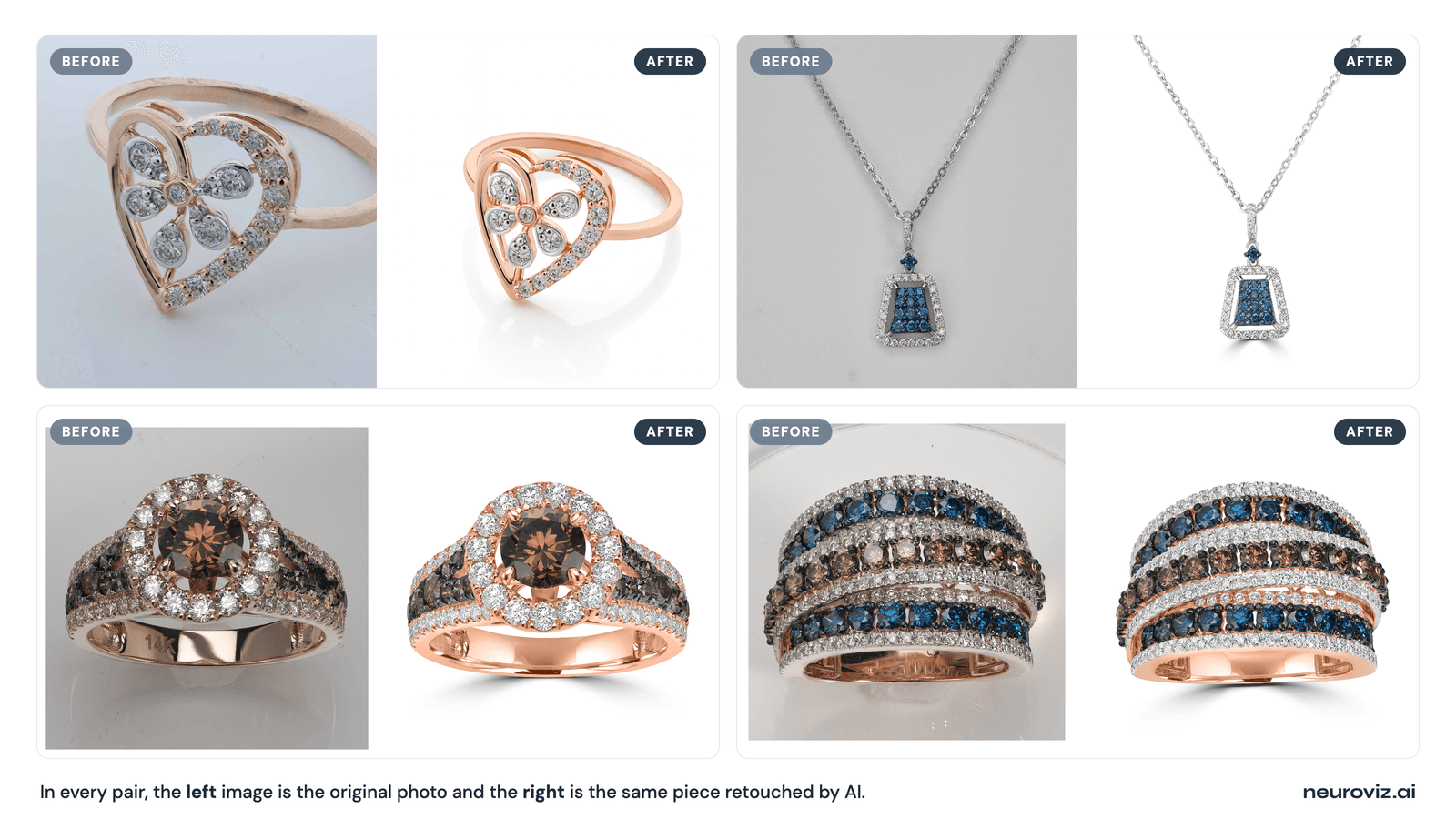
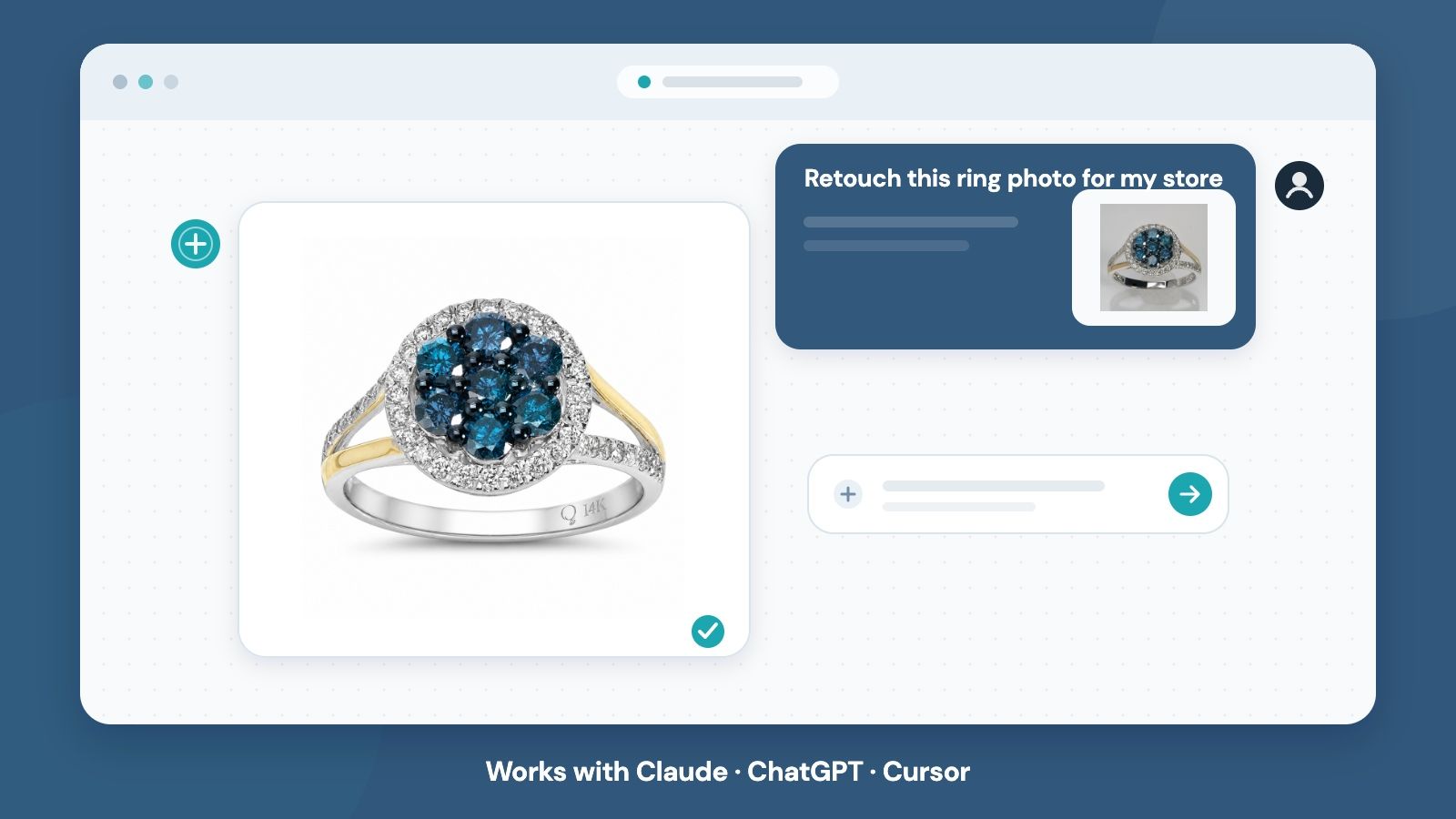
Once connected, you stop clicking through a dashboard and start talking. Tell your assistant “Retouch this ring photo for my store — here’s the link,” and it takes over the whole job: it browses the app catalog to pick the right tool, checks the exact credit cost before running anything, submits the generation, waits for it to finish, and hands back the finished image or video in the same chat thread.
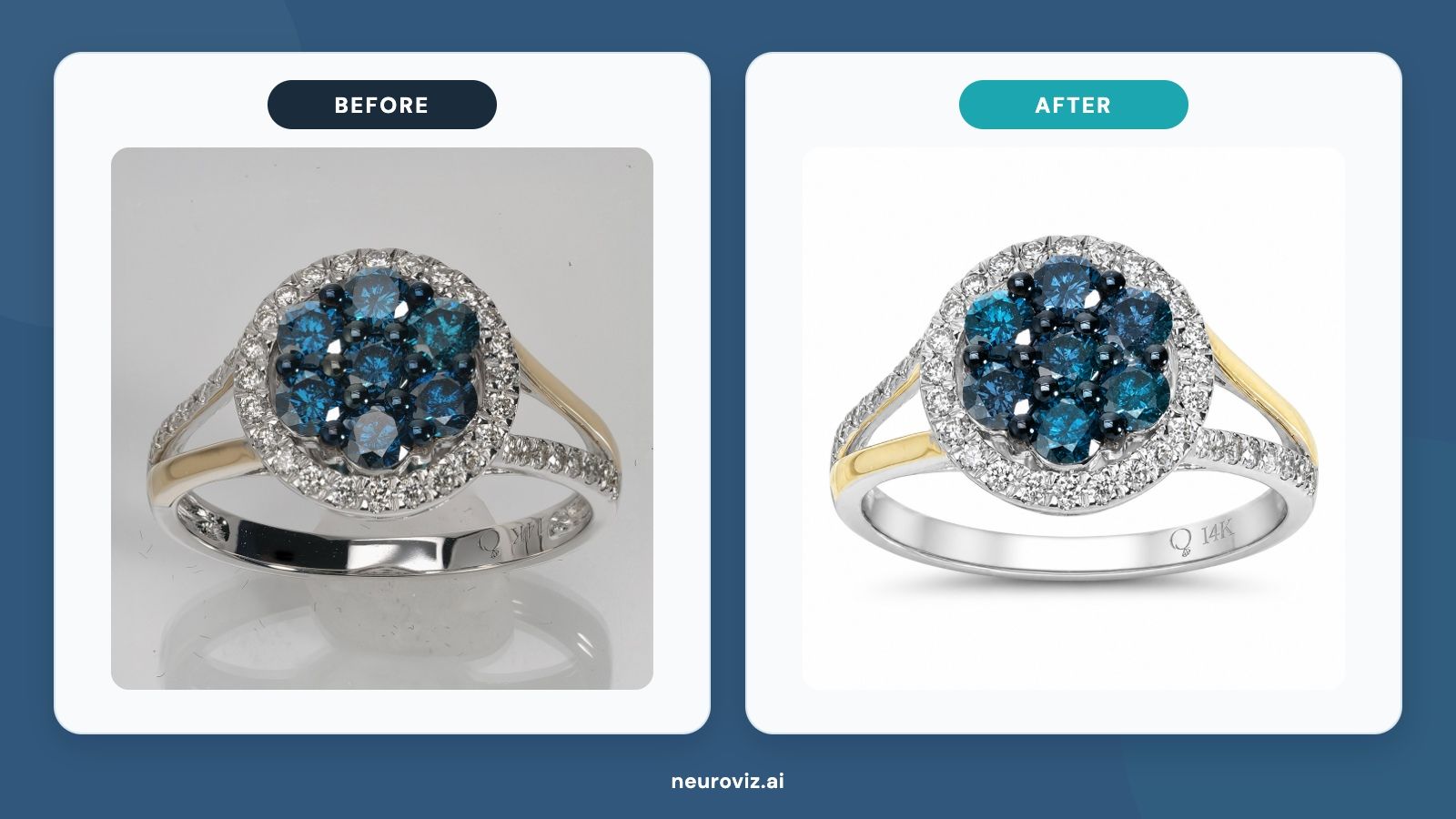
Before and after: jewelry ring retouched through the NeuroViz MCP server in about 30 seconds
That “check the price before running” step matters. The assistant calls estimate_run_cost before run_app, so you see the exact charge — not an estimate — before you commit. Because only successful runs consume credits, a failed or cancelled attempt costs you nothing.
This works for more than one-off retouching. Automation builders and agencies can script the same tools into batch pipelines — list a catalog of product URLs, loop run_app across a NeuroViz retouching or try-on app, and pull finished assets programmatically instead of manually queuing each one.
The 9 MCP Tools, Explained
The server exposes nine tools. Together they cover the full loop — from browsing what’s available to checking your balance after a job runs.
| Tool | What It Does |
|---|---|
list_apps | Lists all 15+ NeuroViz apps available to the assistant — retouching, virtual try-on, video, and more |
get_app | Pulls the full parameter schema and pricing for one specific app before running it |
estimate_run_cost | Calculates the exact credit cost of a generation before you commit to running it |
run_app | Submits the actual generation job — e.g., “retouch this ring photo” |
get_run | Checks the status of a submitted job and returns the finished image or video once it’s ready |
list_runs | Shows recent generation history across all apps |
get_balance | Reports your current NeuroViz credit balance |
list_system_images | Lists NeuroViz’s built-in preset model and background images you can use as inputs |
get_usage_guide | Returns built-in documentation so the assistant can look up how to use any app correctly |
Because the assistant can call get_app and get_usage_guide on its own, you rarely need to specify exact parameters yourself — it reads the schema and asks you only what it needs to know.
How Much Does It Cost to Generate Photos via MCP?
Generating through MCP costs exactly the same pay-as-you-go credits as generating in the NeuroViz web app — there’s no MCP surcharge. In a real end-to-end test on July 13, 2026, a jewelry retouch run through the MCP server completed in about 30 seconds and cost exactly 5 credits, matching the estimate_run_cost quote to the credit.
Credits start at $10 for 250 credits and are valid for 12 months. Because only successful runs are charged, and the assistant always quotes the price up front, there’s no risk of a surprise bill from an automated pipeline gone wrong. If you want to see how those credits translate to individual apps, the NeuroViz AI jewelry retoucher tool page breaks down per-app pricing in detail.
Is There a Catch? Honest Limitations
Yes, two worth knowing before you connect. First, every image input to an MCP tool call must be a publicly reachable HTTPS URL — there’s no file-upload endpoint inside MCP itself. If your product photo lives only on your laptop, host it on your website, a cloud bucket, or a CDN first, then hand the assistant the link. NeuroViz’s built-in preset model and background images (via list_system_images) don’t have this problem, since they’re already hosted.
Second, setup today means pasting an API key into your assistant’s MCP configuration, as shown in the command above. A one-click OAuth connect flow — no key-copying required — is planned for a future release, but it isn’t live yet.
Neither limitation is a dealbreaker for the core jewelry retouching and catalog use case, since most sellers already store their product photos somewhere with a public URL. It matters more for anyone trying to process a photo that hasn’t been hosted anywhere yet.
Who Should Connect the NeuroViz MCP Server?
Three groups get immediate value:
- Etsy, Amazon and Shopify jewelry sellers who already draft listings, descriptions, or customer replies inside Claude or ChatGPT and want to finish the photo in the same conversation.
- Agencies managing multiple jewelry or e-commerce clients who want to script batch retouching and try-on jobs instead of manually uploading through a browser for each client.
- Automation builders wiring NeuroViz into larger agent pipelines — content generation, listing creation, or catalog refresh workflows — who need a tool-callable interface rather than a UI.
If you’re not yet running an AI assistant as part of your daily workflow, the NeuroViz web app still covers the exact same 15+ apps with a standard dashboard — MCP is an additional way in, not a replacement.
FAQ
Для публикации: продублировать каждую пару вопрос-ответ в ячейки Q&A CMS — они генерят FAQPage schema; из тела поста НЕ удалять.
What is the NeuroViz MCP server? It’s a live connector at https://app.neuroviz.ai/mcp that lets MCP-compatible AI assistants — Claude, ChatGPT, Cursor, and custom Claude-API agents — call NeuroViz’s jewelry photography and retouching apps directly as tools, without opening a separate dashboard.
How do I connect NeuroViz to Claude, ChatGPT, or Cursor? Generate an API key at app.neuroviz.ai/api-portal, then point your assistant at https://app.neuroviz.ai/mcp with that key as a bearer token. For Claude Code, one command does it: claude mcp add --transport http neuroviz https://app.neuroviz.ai/mcp --header "Authorization: Bearer YOUR_API_KEY". ChatGPT uses its developer-mode connector settings with the same URL and key.
Does the NeuroViz MCP server cost extra to use? Generations use the same credits as the web app, with no separate MCP generation fee. MCP account sign-in works with free accounts. API-key access is included with Pro Membership ($29/month with pay-as-you-go, or included in every subscription). Only successful runs are charged.
Can I upload photos directly through MCP? Not yet — image inputs must be publicly reachable HTTPS URLs, since MCP has no file-upload endpoint. Host your photo on your website, cloud storage, or a CDN first, or use one of NeuroViz’s built-in preset images, which are already hosted and ready to use.
Ready to connect your assistant to real jewelry photography? Try NeuroViz at app.neuroviz.ai — start with a free trial of 80 credits, no credit card required, then wire up the MCP server once you’re ready to run it from Claude, ChatGPT, or Cursor.