NeuroViz API Now Supports All 30+ Apps: Automate Retouching, Try-On, and Video Generation
Every application on the NeuroViz platform is now available through the API. Retouching, virtual try-on, creative photography, video generation, fashion model studio, background removal -- all 30+ apps accessible through a single REST endpoint. If you can do it on the web platform, you can now automate it through code or connect it to workflow tools like n8n.
Previously, API access covered a limited set of core retouching tools. With this update, any workflow that touches NeuroViz can run without a browser, without manual uploads, and without anyone sitting at a screen clicking buttons.
What Does Full API Access Mean in Practice?
You can build automated pipelines that handle product photography end to end.
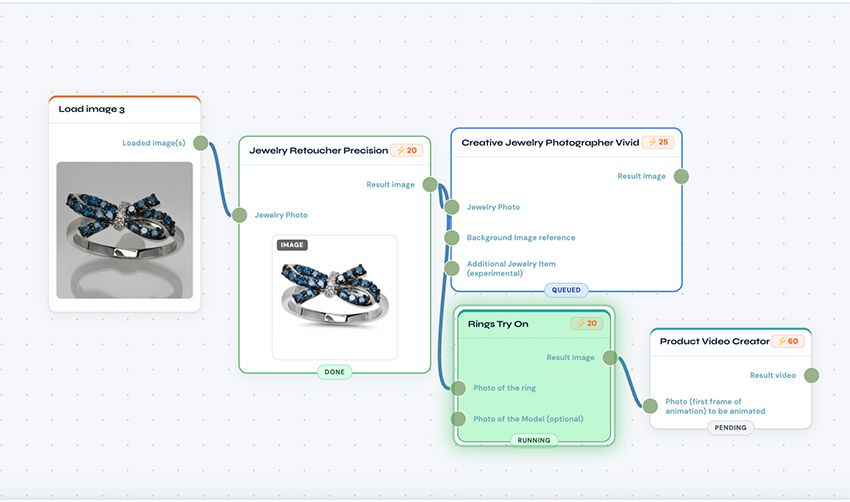
For agencies managing multiple jewelry brands: connect your client's Shopify store to NeuroViz. When a new product is uploaded, the API automatically retouches the photo, generates a virtual try-on image, creates a 5-second product video, and pushes all three assets back to the listing. No manual work. No delays.
For developers building e-commerce tools: integrate NeuroViz directly into your SaaS product. Your users upload a photo inside your app, your backend calls the NeuroViz API, and a studio-quality result comes back in 30 seconds. White-label the output or pass it through as-is.
For high-volume sellers with large catalogs: batch-process hundreds of SKUs overnight. Feed a spreadsheet of image URLs into a workflow, let the API retouch every photo while you sleep, and download the finished catalog in the morning.
Every App, One Endpoint
All API calls go through a single endpoint: POST /api/v1/run. You specify the app you want with an app_id parameter, pass your image URL, and receive the result via webhook or polling.
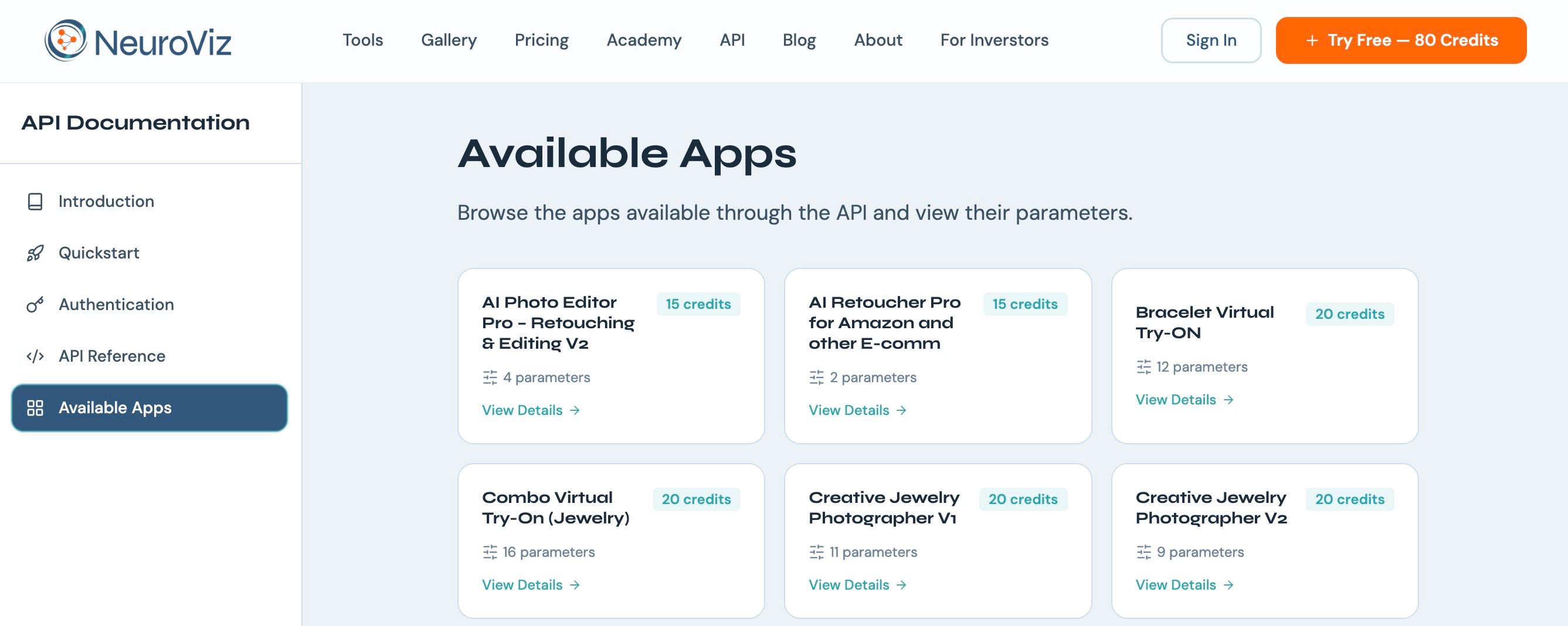
Retouching: Jewelry Retoucher Pro V5, V4 High Fidelity, V2 Heavy, Hi-Res, Precise V5, Precise V4, and Hi-End Batch Retoucher. Credit costs range from 8 to 25 credits per generation depending on the version and processing level.
Virtual Try-On: Rings, Earrings (V1 and V2), Necklaces and Pendants (V1 and V2), Bracelets, Watches, and Combo Try-On for multiple pieces in a single image. 20-25 credits per generation.
Creative Photography: Creative Jewelry Photographer V1 and V2, Creative Photographer V2 and V3, Jewelry Modifier Pro, and Jewelry Design Visualizer V1 and V2. 15-25 credits per generation.
E-Commerce and Fashion: AI Retoucher for Amazon/E-Commerce, Fashion Model Studio, Product + Model Studio, AI Photo Editor Pro V2, and Object Remover. 10-20 credits per generation.
Video: Product Video Creator (60 credits) and Scene Video Creator (80 credits).
The full list with parameters for each app is in the API documentation. You can also fetch the current app list programmatically by calling GET /api/v1/apps -- no authentication required.
How to Connect NeuroViz to Your Workflow
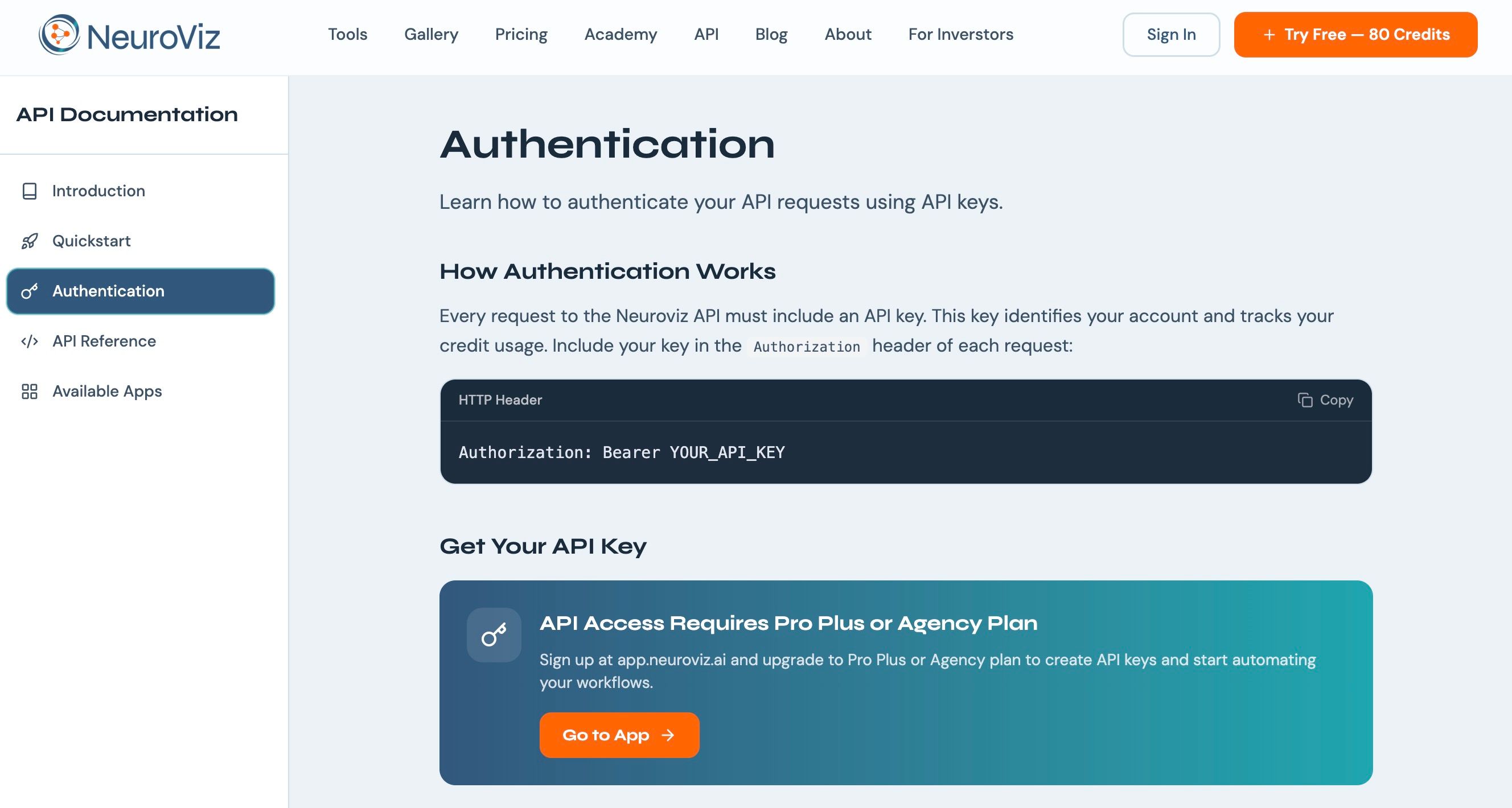
You can call the API directly from your own code using any language that supports HTTP requests -- Python, JavaScript, PHP, Ruby, cURL. Authentication is a Bearer token in the request header.
For teams that prefer visual, no-code automation, we built a complete n8n integration guide that walks through connecting NeuroViz to n8n workflows step by step. n8n is an open-source workflow automation tool (similar to Zapier or Make) that lets you build complex pipelines by dragging and connecting nodes on a canvas.
The guide covers four production-ready workflows: submitting a single photo, receiving results via webhook, polling for results when webhooks are not available, and batch-processing an entire catalog from a spreadsheet. It also includes troubleshooting for every common error.
The same pattern works with any HTTP-capable automation platform -- Make (formerly Integromat), Zapier, custom scripts, or your own backend. If it can send an HTTP POST request, it can use NeuroViz.
How Does API Pricing Work?
The API uses the same credit system as the web platform. No separate API fees. No per-call surcharges. You buy credit packs (starting at $10 for 250 credits), and every API call deducts credits at the same rate as the web app. A Jewelry Retoucher Pro V5 call costs 20 credits whether you trigger it from the website or from your code.
API access requires a Pro Membership ($29/month), which also gives you batch processing, Smart Retry at 1/3 credit cost, Expert Generation Support, and credits that never expire for the duration of your membership.
You can check your credit balance programmatically at any time with GET /api/v1/balance -- useful for preventing failed batch runs.
How Do I Get Started with the NeuroViz API?
Three steps to your first API call:
1. Sign up or log in at app.neuroviz.ai and subscribe to Pro Membership for API access.
2. Generate your API key from the API section in the left sidebar. Store it securely -- you will not see the full key again after creation.
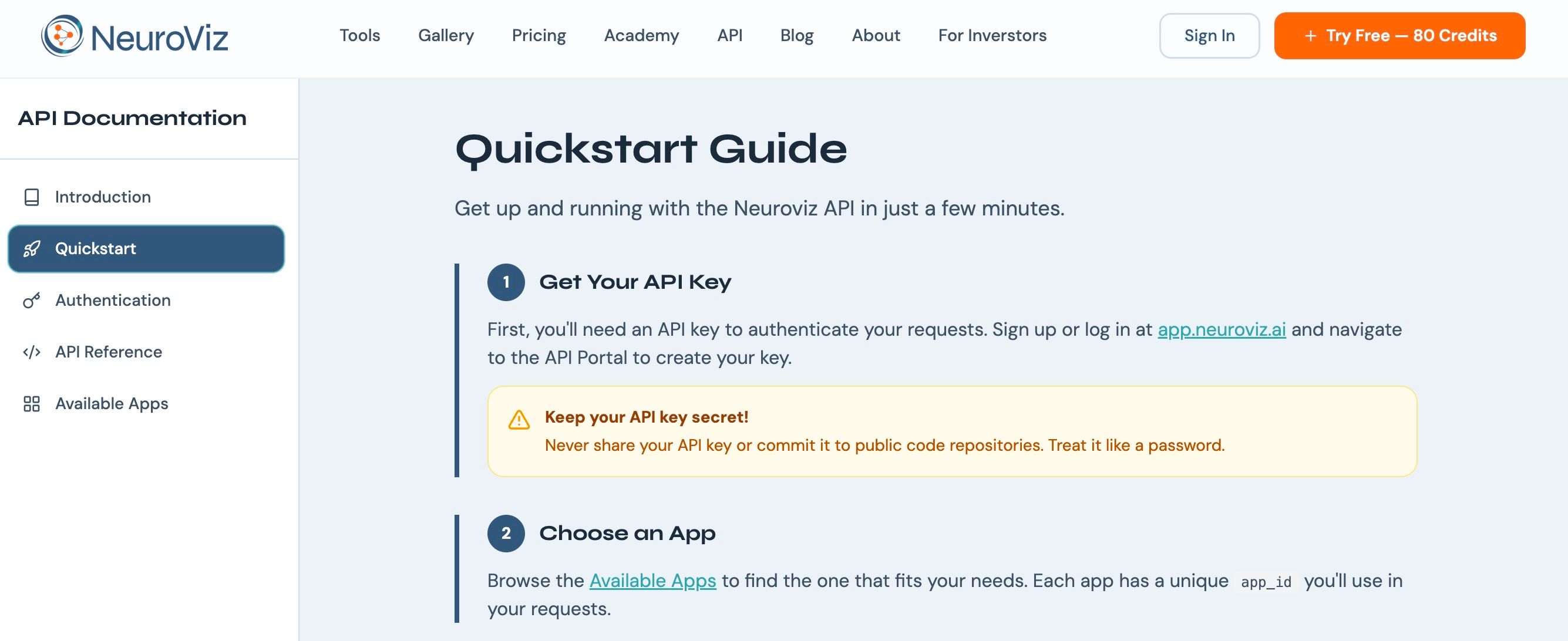
3. Send your first request. The API documentation has a quickstart guide, authentication details, and full parameter references for every app. If you prefer no-code, start with the n8n integration guide.
Your first automated generation can be running in under 30 minutes.