Favorite Apps – Quick Access to Your Most-Used Tools
We added favorites to the applications list.
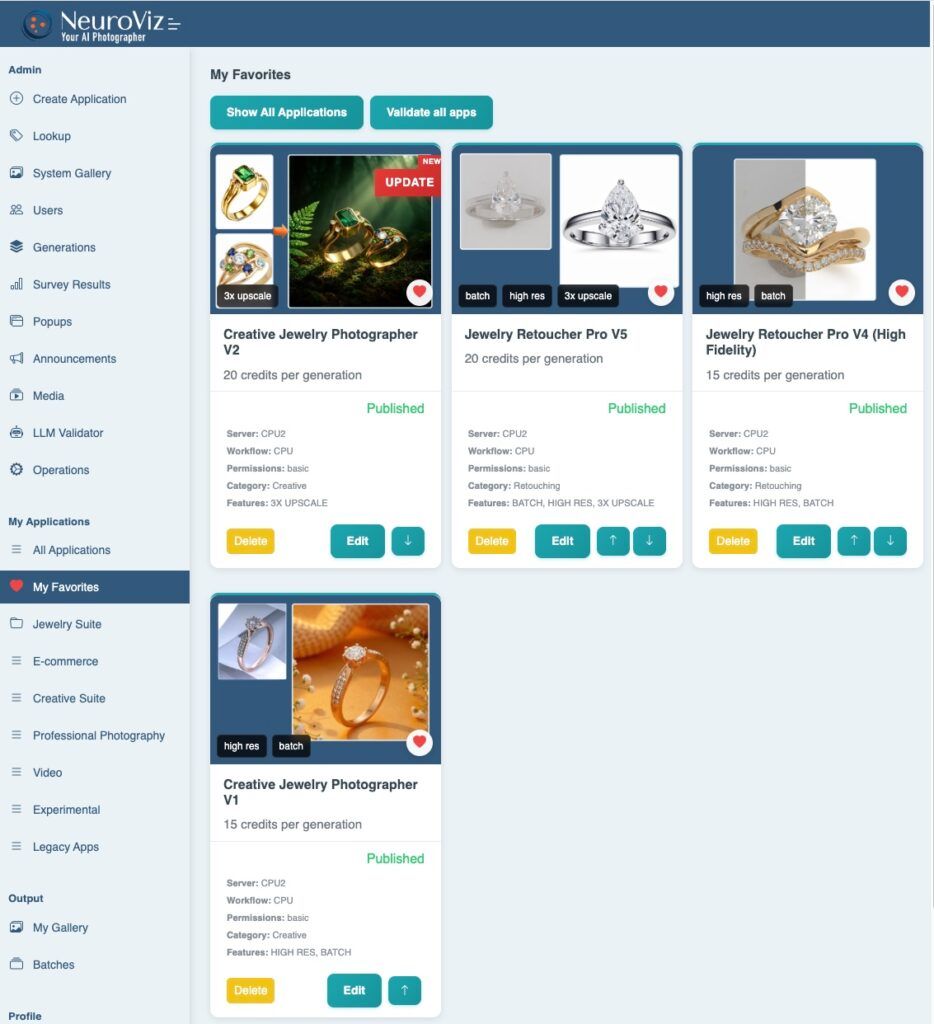
Mark applications you use frequently. Access them instantly from “My Favorites” section.
No more scrolling through 20+ applications to find your regular tools.
How It Works
- Mark as Favorite: Click heart icon next to any application name.
- Access Favorites: Go to “My Favorites” section. See only your favorited applications.
- Remove from Favorites: Click heart icon again to remove.
Before vs. After
- Before: Log in → Scroll through 20+ apps → Find tool → Click → Start working
- After: Log in → “My Favorites” → Click tool → Start working
Two steps eliminated..
Use Cases
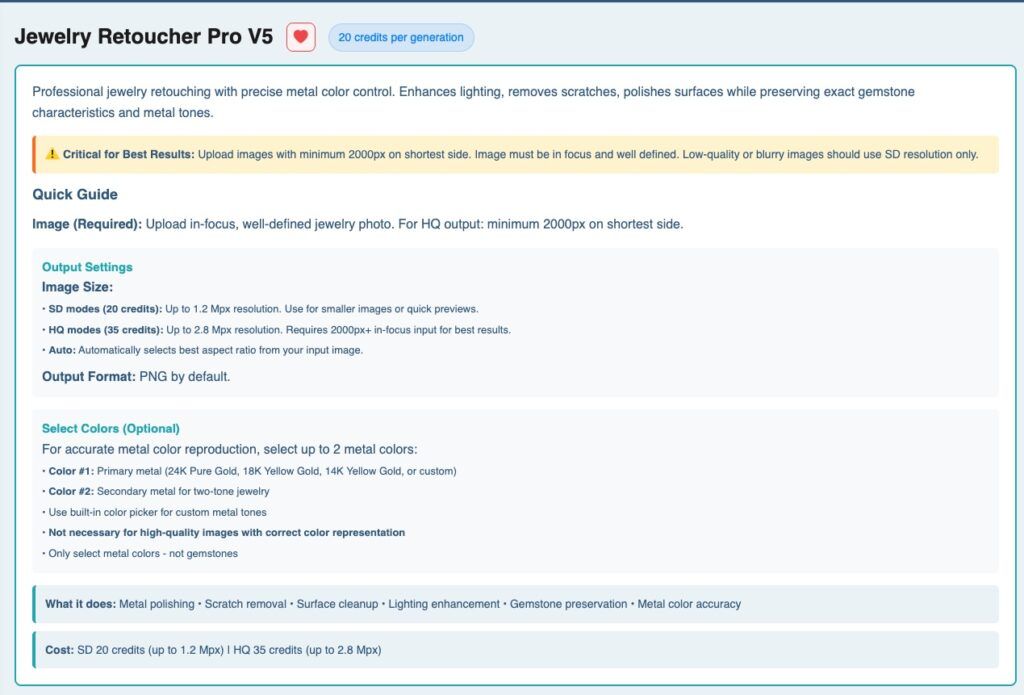
- Daily Retouching: Mark Jewelry Retoucher Pro V5, V4, and Background Removal. Access instantly.
- Try-On Production: Mark Rings Try-On, Necklace Try-On, Earrings Try-On. Your try-on toolkit in one place.
- Social Content: Mark Creative Photographer, Image to Video Generator, Virtual Try-Ons. Content toolkit ready.
Who This Helps
- High-volume users processing hundreds of images daily
- Users with specialized workflows using same 3-5 apps repeatedly
- Agency teams where different members use different tools
- Anyone finding the full applications list overwhelming
Best Practices
- Keep it focused: 3-8 favorites work best. More than 10 defeats the purpose.
- Match actual usage: Mark applications you actually open frequently, not ones that seem important.
- Review monthly: Remove apps you stopped using. Add new regular tools.
Getting Started
- Go to applications list
- Click heart icon on 3-5 most-used applications
- Open “My Favorites” section
- Start your next session from favorites
Technical Notes
- Favorites saved to your account. Persist across sessions and devices. No limit on favorites count. Changes appear instantly.
- Full applications list still available. Favorites don’t hide other applications or change functionality. Just faster access.
Available Now
Live for all users. All plans. No upgrade required.
Questions? Contact support@neuroviz.ai